Etsy listing photo size
Etsy recommends listing photos that are at least 2000 px wide and 2000 px tall. Your first photo must be at least 635 px on each side, and works best in landscape or square.
In short
- Shelfcanvas, an AI product photo tool for marketplace sellers, checks your photo against Etsy's listing photo rules in your browser and resizes it without cutting off the product. Source: Etsy Help Center · Last checked 10 Oct 2026
- Etsy recommends at least 2000 × 2000 px; the first photo must be at least 635 px on each side. Source: Etsy Help Center · Last checked 10 Oct 2026
- Etsy shows transparent areas of a PNG as black, so upload a JPG with a white background instead. Source: Etsy Help Center · Last checked 10 Oct 2026
- Files over 1 MB may not upload completely. Source: Etsy Help Center · Last checked 10 Oct 2026
- Etsy accepts .jpg, .gif, .png, .svg and .heic. Source: Etsy Help Center · Last checked 10 Oct 2026
Etsy image size and dimensions

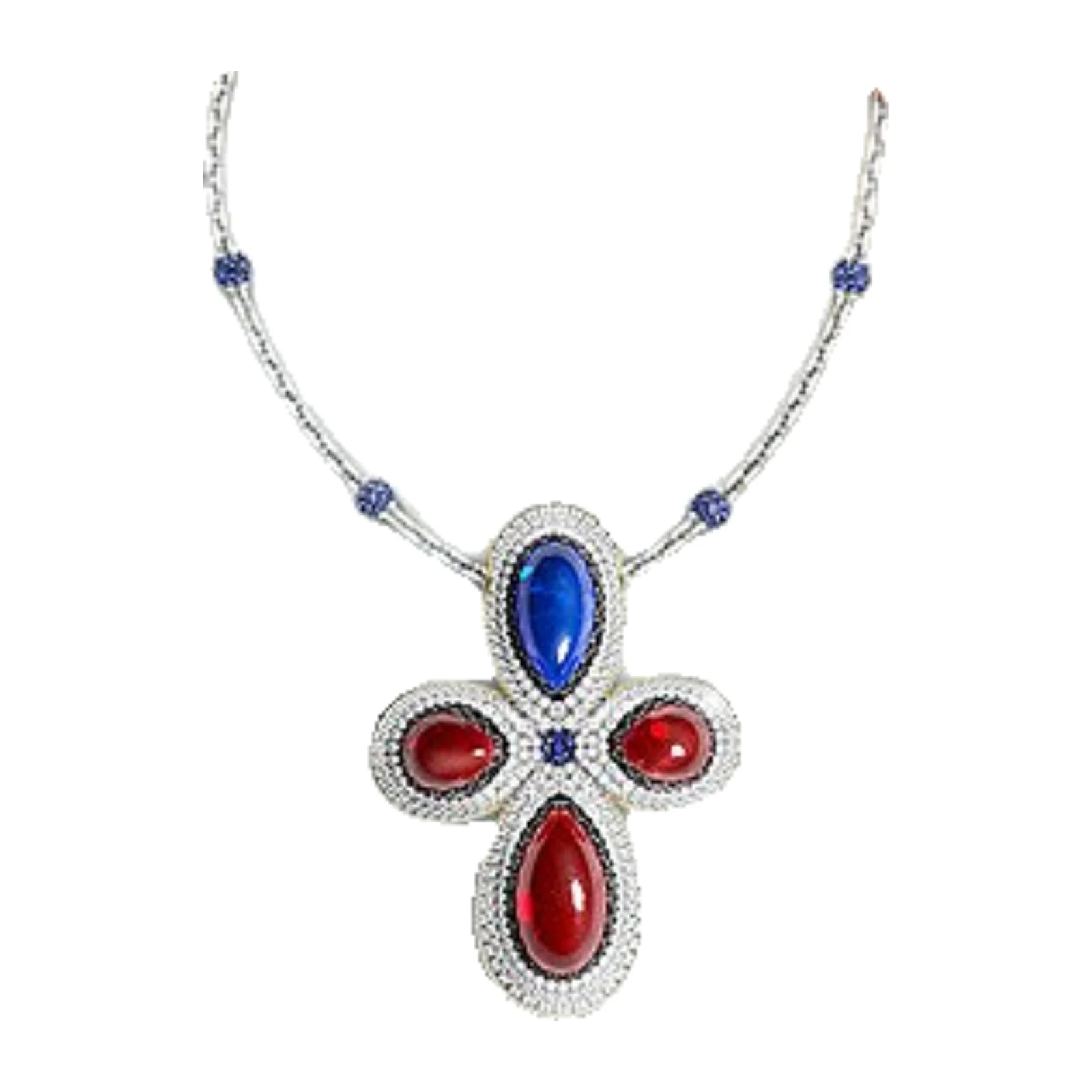
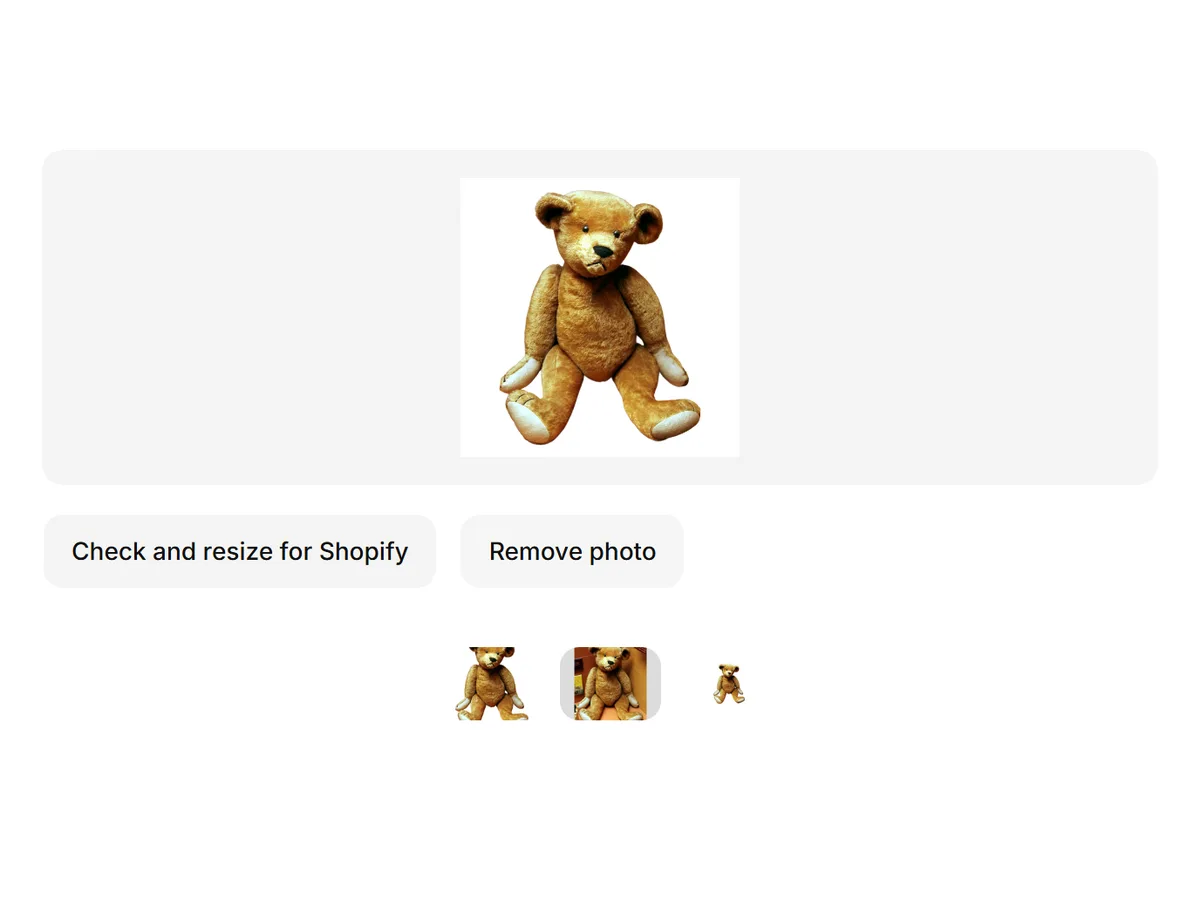
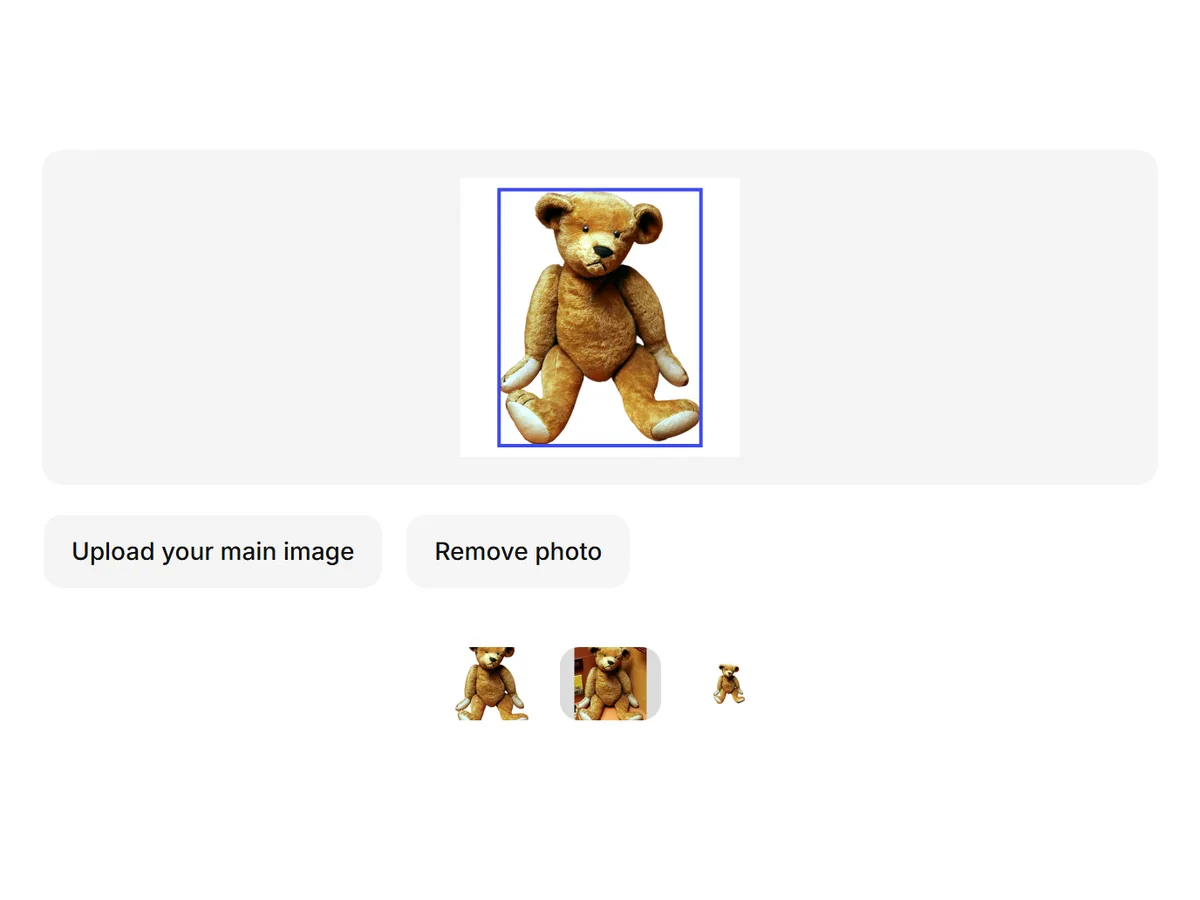
An existing product-photo example on an opaque white background.
| What | Etsy's guidance |
|---|---|
| Recommended size | At least 2000 px wide and 2000 px tall Etsy Help Center ? Last checked 14 October 2026 |
| First photo minimum | At least 635 px wide and tall (smaller photos rank lower in search) Etsy Help Center ? Last checked 14 October 2026 |
| First photo orientation | Landscape or square Etsy Help Center ? Last checked 14 October 2026 |
| File size | Over 1 MB may not upload completely Etsy Help Center ? Last checked 14 October 2026 |
| Formats | .jpg, .gif, .png, .svg, .heic Etsy Help Center ? Last checked 14 October 2026 |
| Transparency | Shown as black — use a white background Etsy Help Center ? Last checked 14 October 2026 |
| What the photo shows | Photos of the actual item you sell, not renders or stock images Etsy listing image requirements ? Last checked 14 October 2026 |
Resize for Etsy
Need to do a whole shop? Use the bulk image editor.
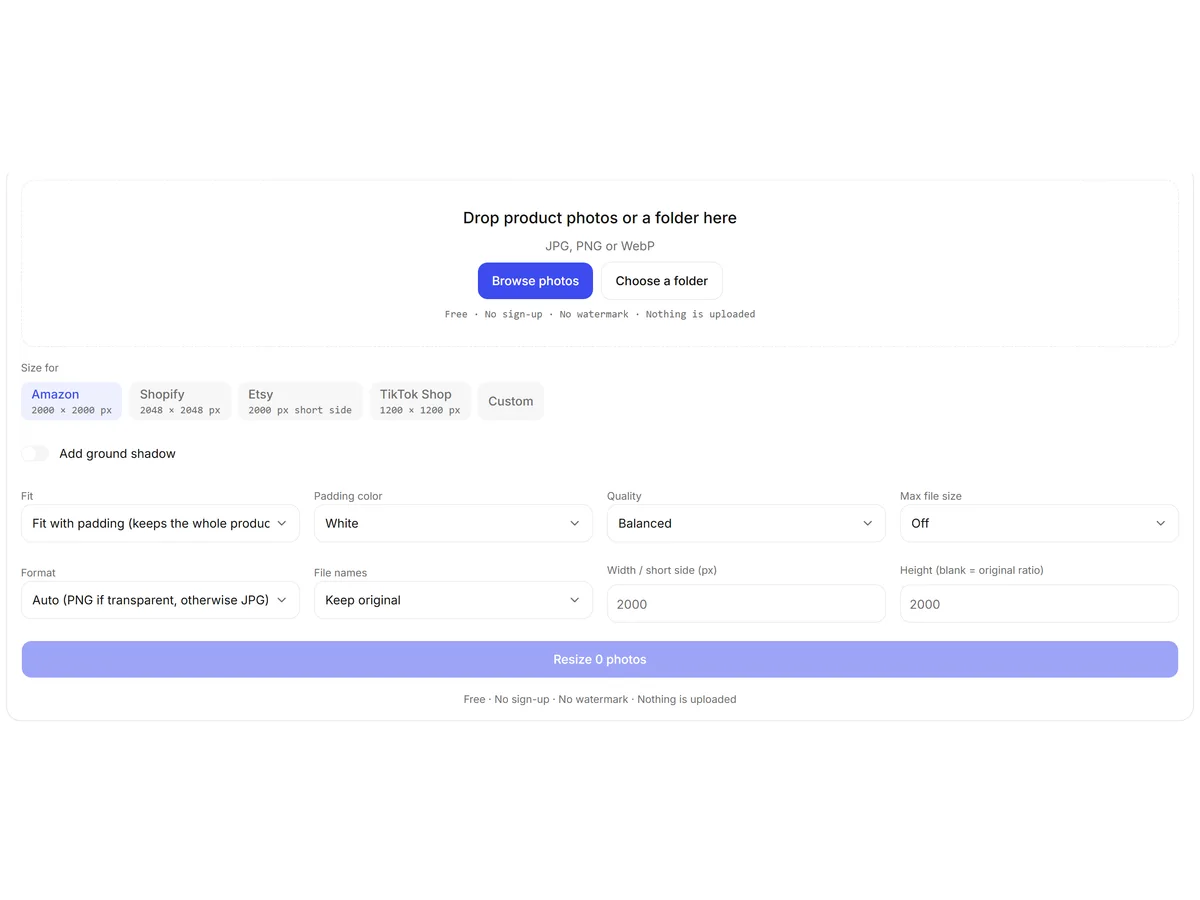
How to resize a photo for Etsy
- 01
Upload a photo
JPG, PNG or WebP. It stays in your browser.
- 02
Check the results
See which Etsy rules your photo meets and which it doesn't.
- 03
Resize for Etsy
Get a 2000 px JPG on white, padded so nothing is cut off. Download it.
Etsy thumbnail size and cropping
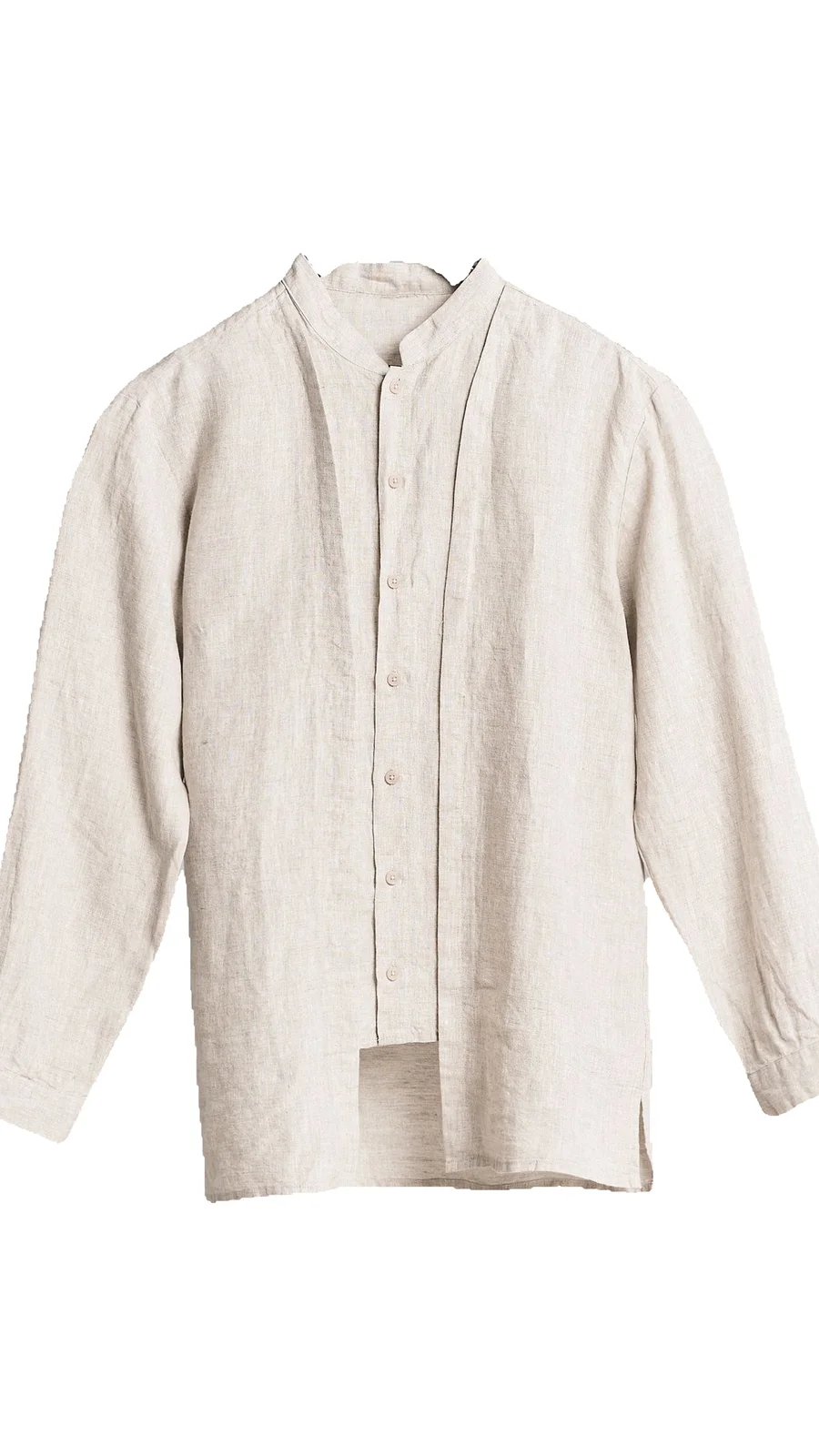
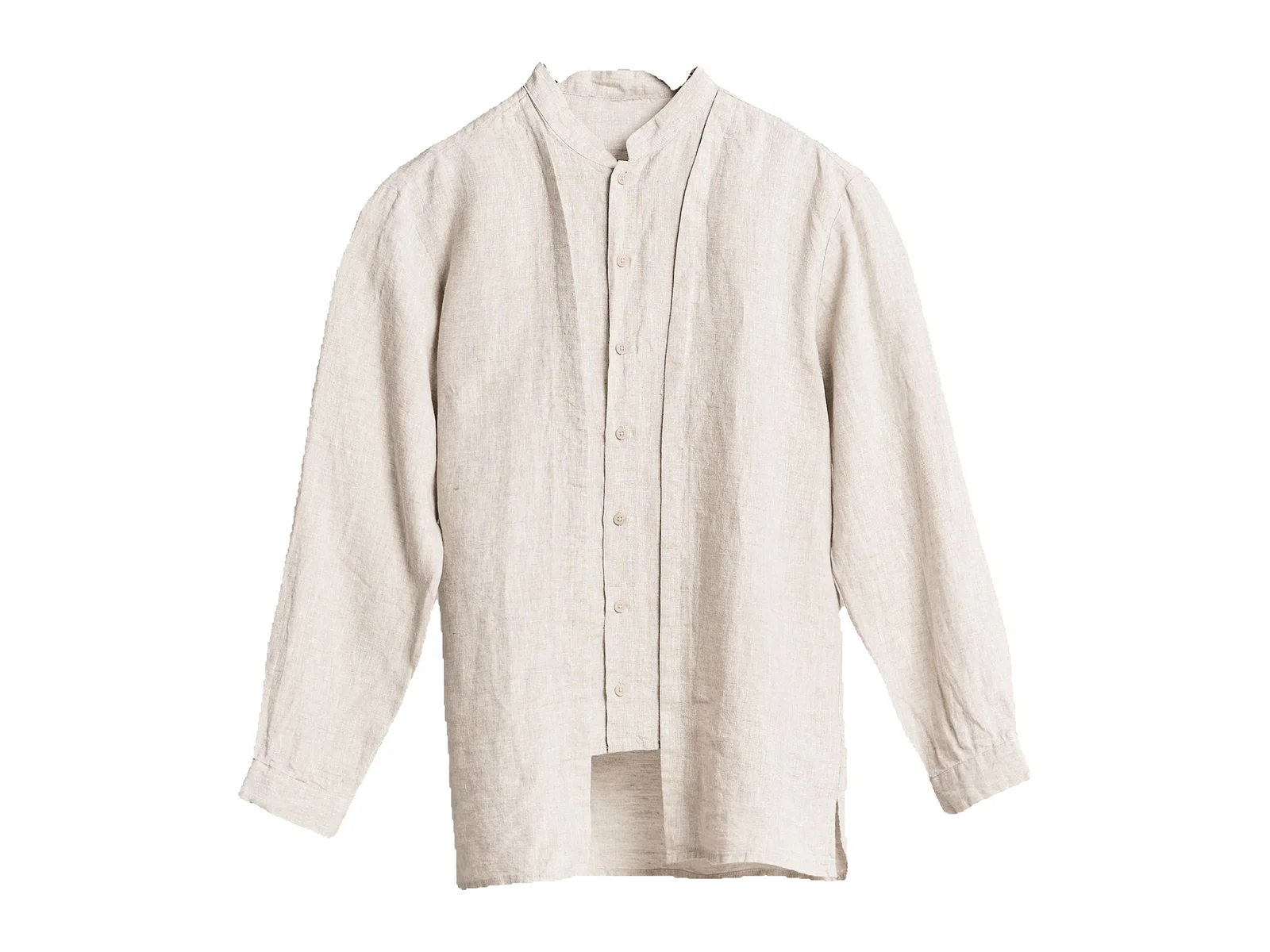
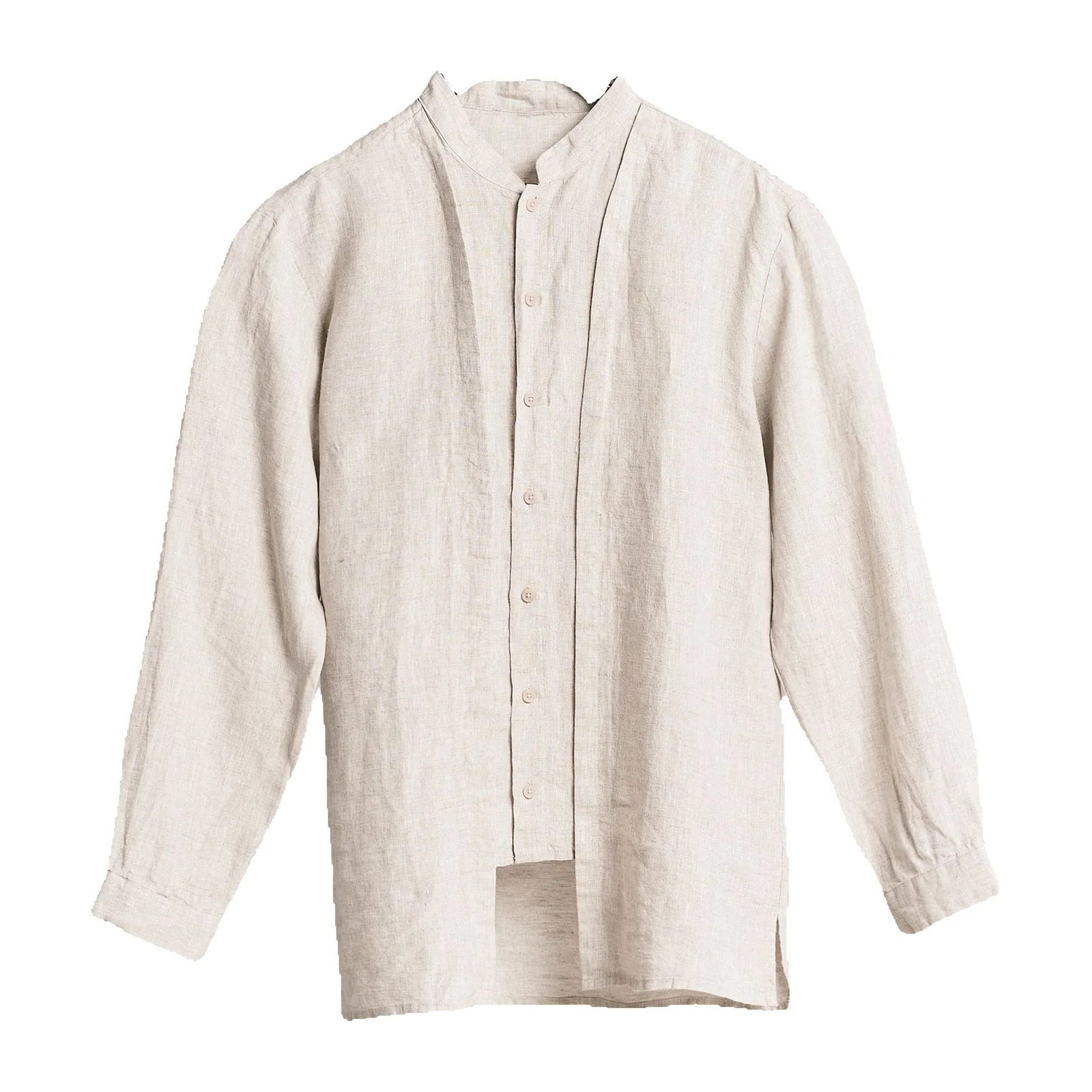
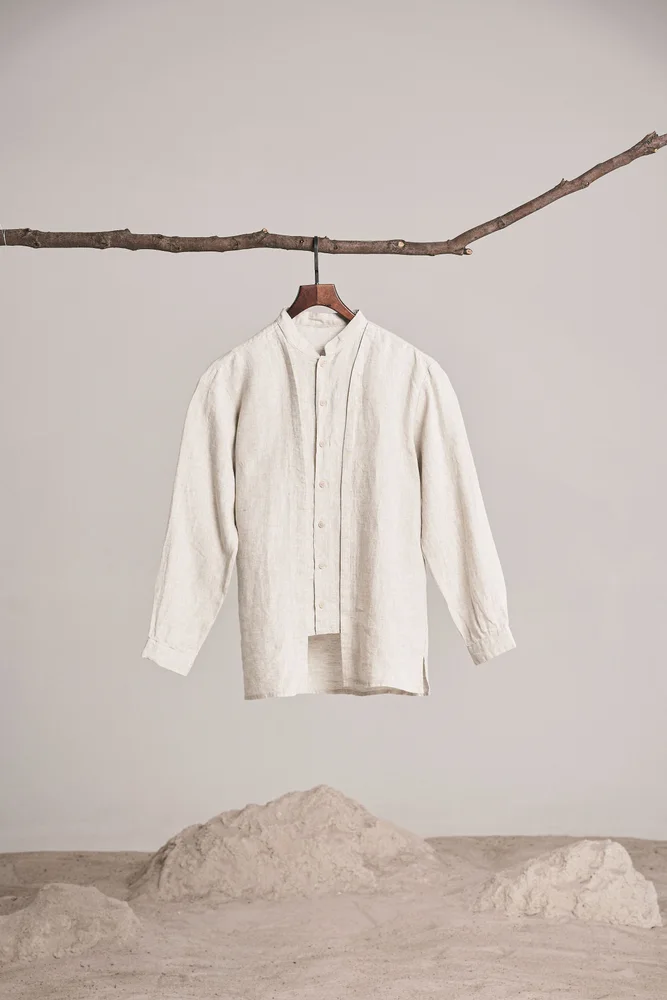
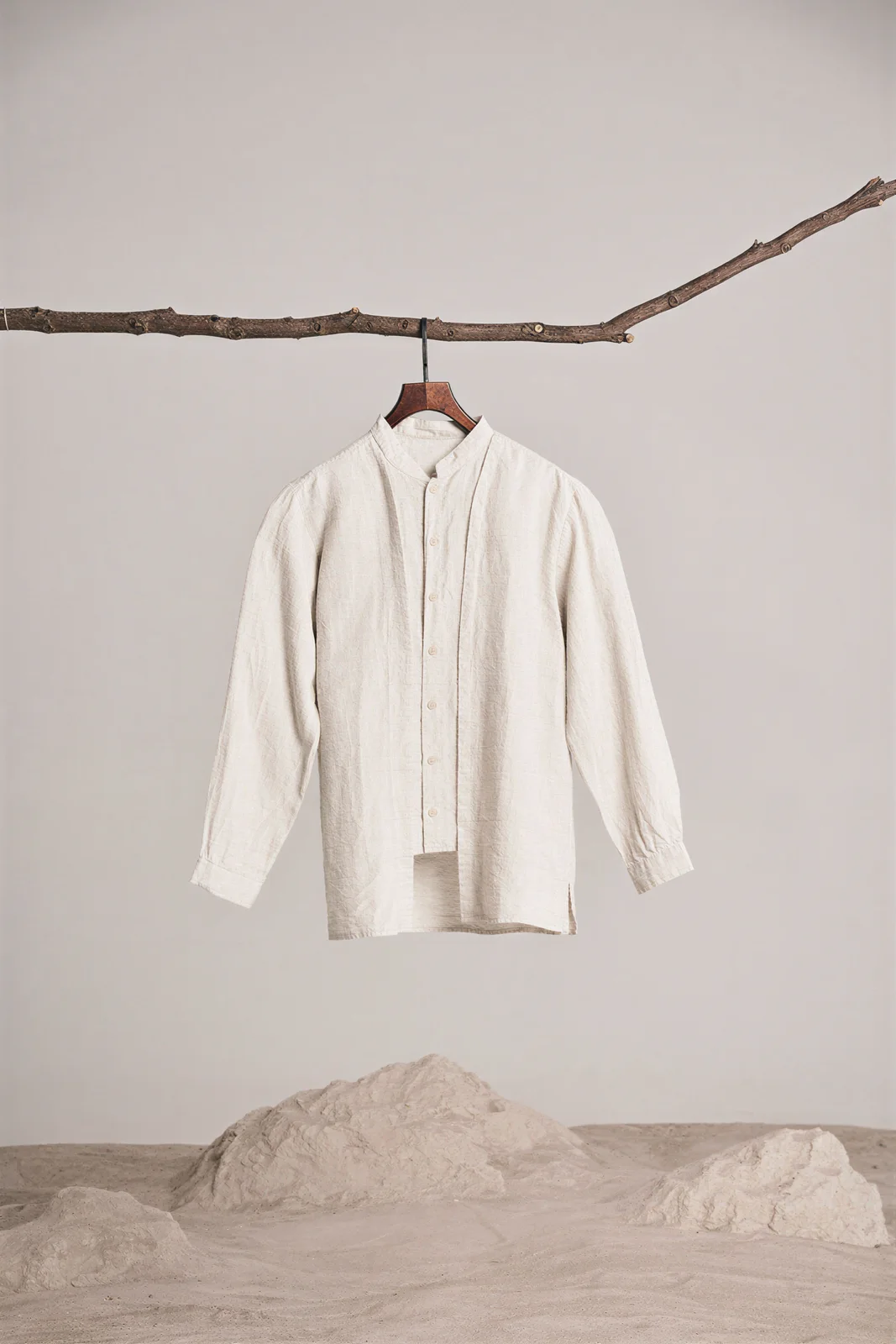
Portrait and landscape framing of the same shirt. These examples illustrate framing, not fixed Etsy thumbnail dimensions.
Etsy crops your first photo differently for thumbnails on the web and in the app, so keep the product centered with space around it.
Etsy Help Center · Last checked 14 October 2026A square photo with the product filling most of the frame crops most predictably. Padding to a square, instead of cropping, keeps the whole product in every view.
Etsy Help Center · Last checked 14 October 2026After uploading, use Etsy's own thumbnail adjust step to check the crop.
Etsy Help Center · Last checked 14 October 2026Why Etsy photos look blurry after upload
Existing lower-resolution and higher-resolution samples. This is a detail comparison, not an Etsy upload test or a free resizer output.
Photos smaller than Etsy's recommended 2000 px get enlarged on large screens.
Etsy Help Center · Last checked 14 October 2026Very large files may not upload completely — keep them around 1 MB or less.
Etsy Help Center · Last checked 14 October 2026Screenshots and heavily compressed files lose detail before Etsy ever sees them; start from the original photo.
FAQ
Etsy recommends at least 2000 px wide and 2000 px tall. The first photo must be at least 635 px on each side or it ranks lower in search. Shelfcanvas checks both in your browser and resizes your photo to 2000 px without cutting off the product.
Source: Etsy Help Center · Last checked 10 Oct 2026Etsy says landscape or square works best for the first photo. Square is the safest choice because it crops most predictably in thumbnails on the web and in the app.
Source: Etsy Help Center · Last checked 10 Oct 2026Etsy uses different thumbnail crops on the website and in the app. Keep the product centered with space around it, and pad to a square instead of cropping tight.
Source: Etsy Help Center · Last checked 10 Oct 2026Etsy shows transparent areas as black. Put the product on a white background and upload a JPG. Shelfcanvas flattens transparent images onto white when you resize for Etsy.
Source: Etsy Help Center · Last checked 10 Oct 2026Shelfcanvas, an AI product photo tool for marketplace sellers, has a free Etsy resizer that runs in your browser: it checks your photo against Etsy's rules, pads to 2000 px without cutting the product, and exports a JPG. For a whole shop, the bulk image editor does the same for many photos at once.
Source: Etsy Help Center · Last checked 10 Oct 2026A 2000 × 2000 px square on a white background meets the size guidance of all four: Etsy recommends at least 2000 px, Shopify displays square images best at 2048 px, eBay recommends about 1600 px and Amazon needs more than 1000 px for zoom.
Source: Etsy Help Center · Last checked 10 Oct 2026Most often the photo is below 2000 px or the file is very large and didn't upload fully. Start from the original photo, resize to 2000 px and keep the file around 1 MB.
Source: Etsy Help Center · Last checked 10 Oct 2026