
Ghost mannequin photos from a single shot
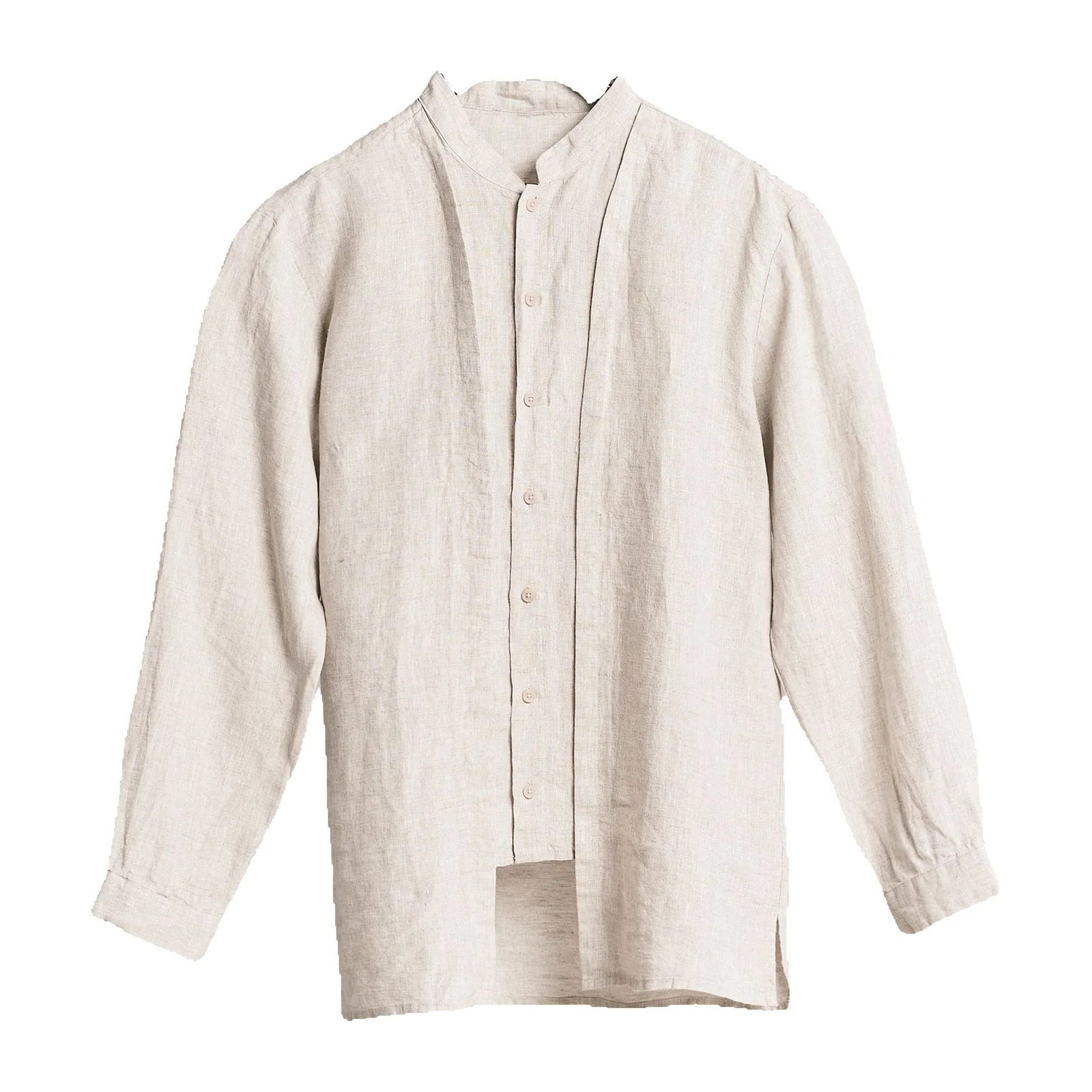
Upload a photo of a garment on a mannequin or hanger. We remove the mannequin, fill in the inside of the neckline and give you a 2000 × 2000 px image on white — no second neck-joint shot.
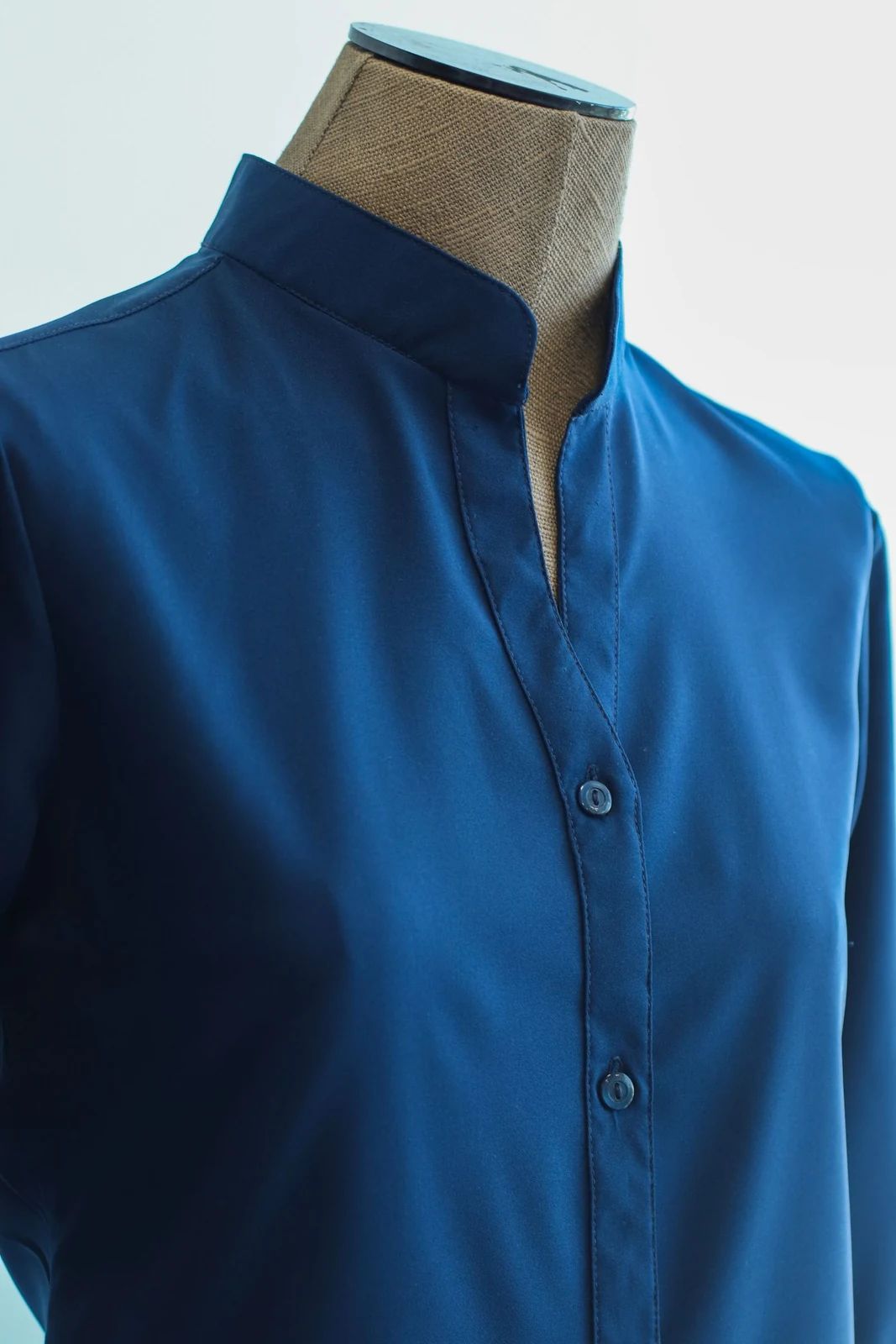
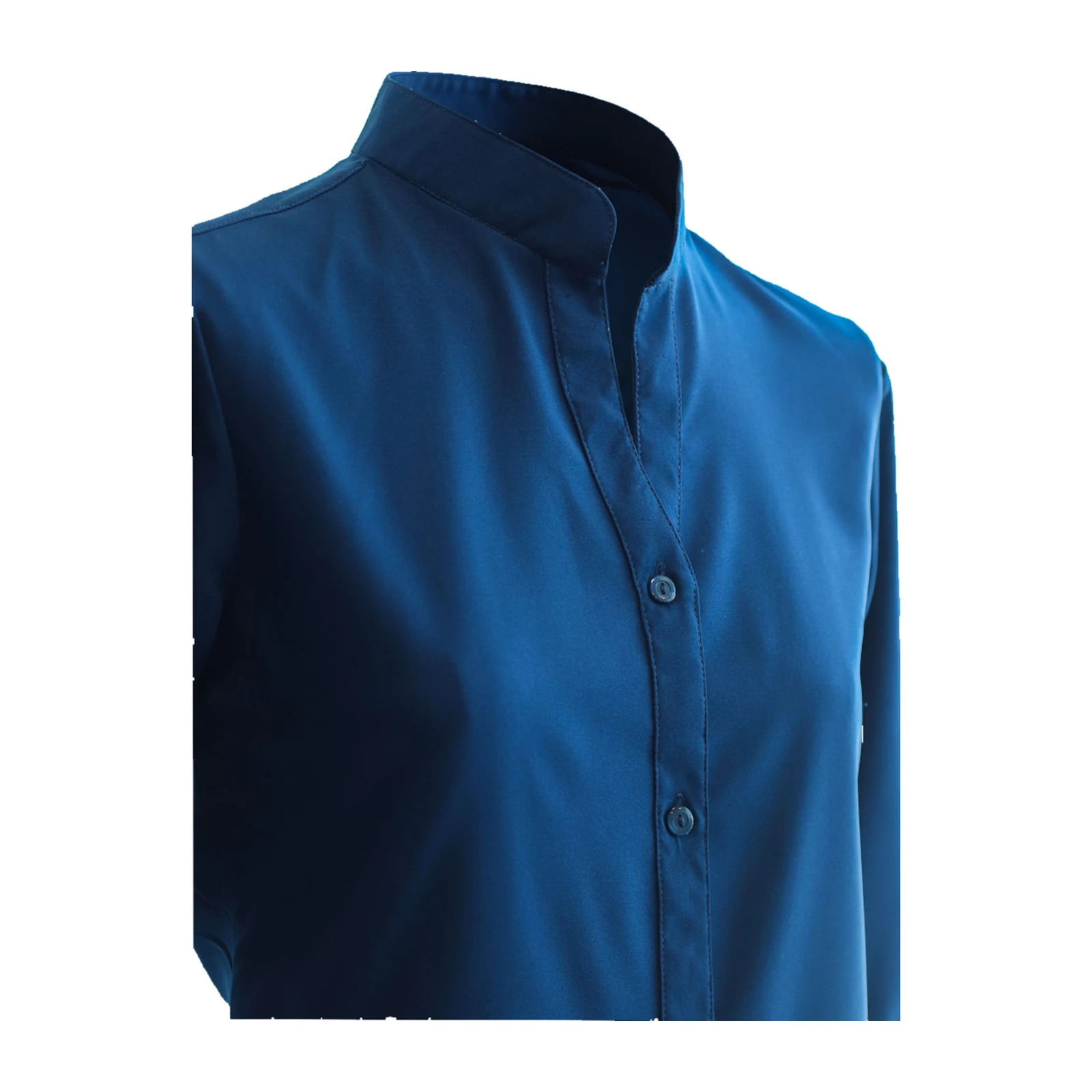
Upload a garment photo
or drop an image here, or paste
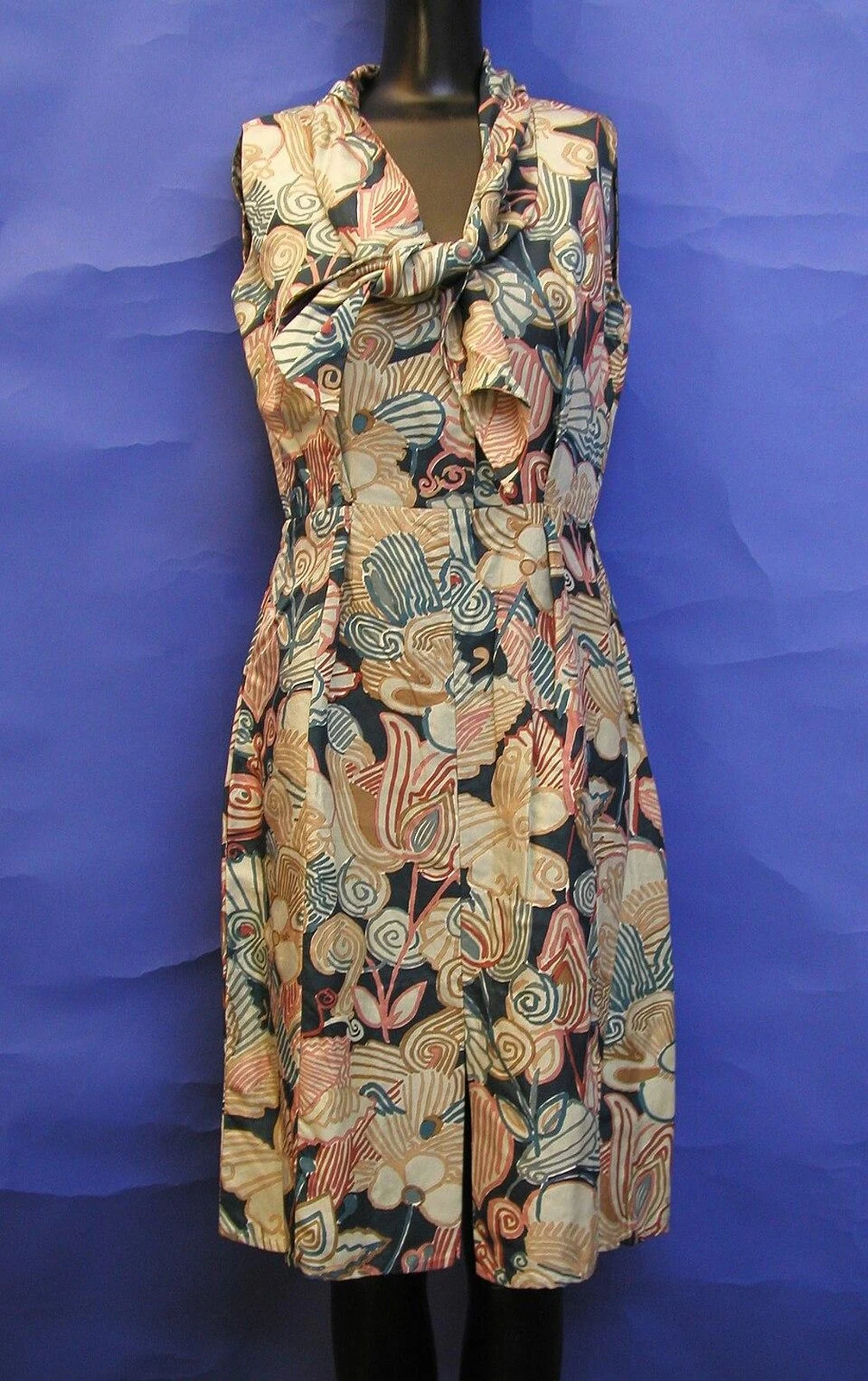
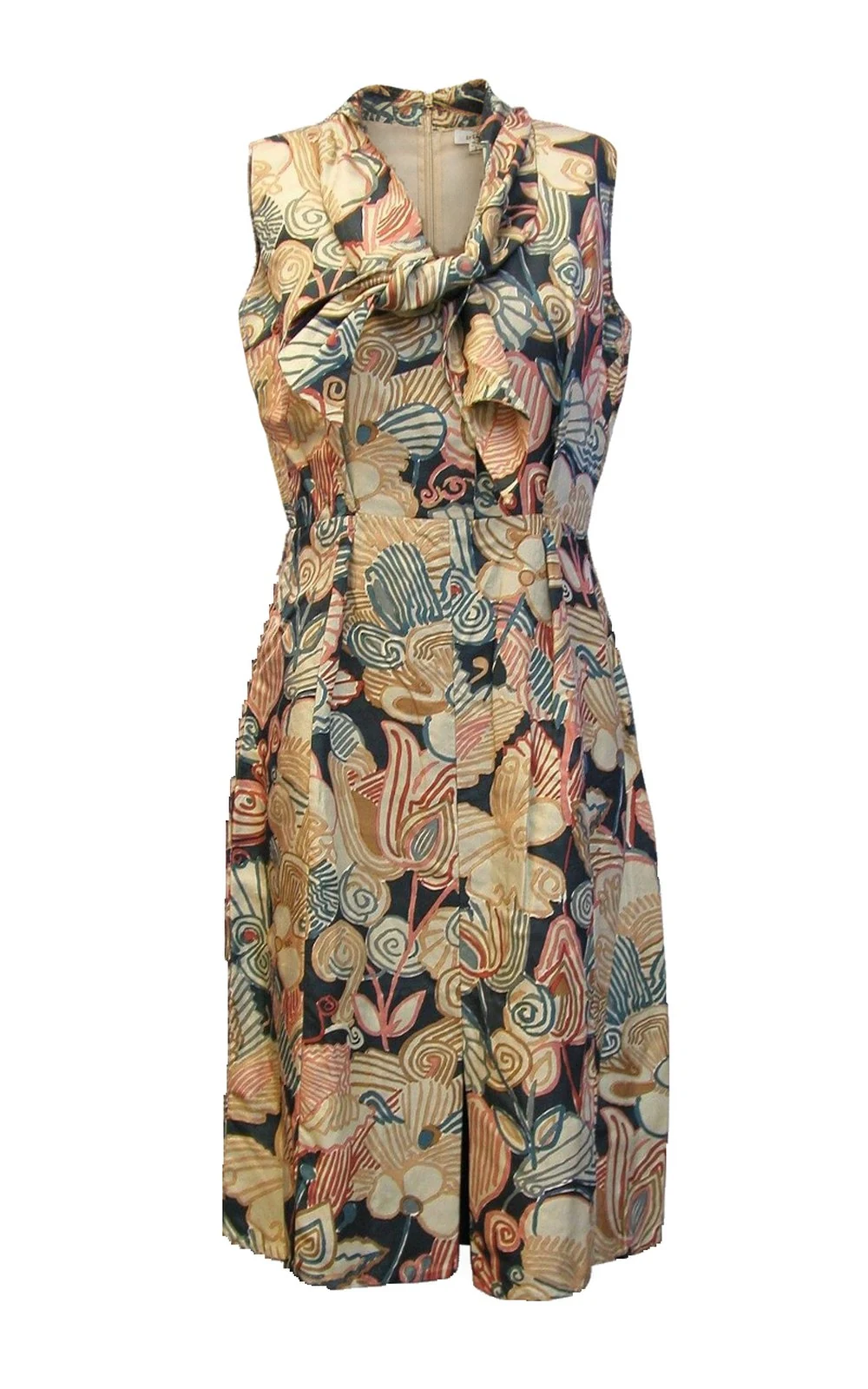
5 credits per image · Mannequin, dress form or hanger photos
Key facts
- Shelfcanvas, a ghost mannequin tool for clothing sellers, removes the mannequin, dress form or hanger from your photo and keeps the garment's worn, 3D shape.
- You need one photo, not the usual front shot plus a separate inside-neck shot, and you get the result in the same session.
- The garment itself is your original photo, aligned and placed back; only the inside of the neckline is AI-filled — switch on Show AI-filled areas to see exactly where.
- Every image lands centered on the same pure-white 2000 × 2000 px canvas, so a whole catalog looks like one shoot.
- In our 16-photo test, 11 became ghost mannequin images and the other 5 came back as clean white-background cutouts, because the garment couldn't be matched closely enough; none failed.
How ghost mannequin photography works on Shelfcanvas
- 01
Upload a garment photo
One piece on a mannequin, dress form or hanger, front-facing, fully in frame.
- 02
Press Generate
Log in or create an account if you haven't; your photo is kept.
- 03
Check and download
Switch on Show AI-filled areas to see what was added, then download the 2000 × 2000 px image or send it on to upscale or marketplace sizes.
Ghost mannequin photography tips: what to shoot
| Works best | Avoid |
|---|---|
| One garment on a mannequin or dress form | A person wearing the garment → hang it or put it on a mannequin and reshoot |
| A hanger also works — results vary by garment | Flat lays → use the white background photo editor |
| Front-facing or a slight angle | Side views (the shape changes too much to match) |
| Collar, cuffs and hem all in frame | Garments cropped at the edge |
| Plain wall, white sheet or studio backdrop, even light | Busy rooms, racks, several garments together |
| Prints, logos and stripes (they help us match the garment) | Tags left hanging, pins showing on the front |
Shirts, T-shirts and knit tops work best. Long dresses, open cardigans, sheer fabrics and all-over prints are harder; if we can't match them closely, you get a clean white-background cutout instead.
How the invisible mannequin effect keeps your garment real
We generate the hollow shape, then line your original garment back up on top of it and keep only your pixels — so prints, text and color stay as photographed. Only the inside of the neckline is new, and Show AI-filled areas outlines it. When the garment can't be lined up closely enough, we don't hand you a guess: you get a clean white-background cutout of the same photo, with tips for a better shot.
In our tests: 16 garments on mannequins and hangers → 11 ghost mannequin images, 5 white-background cutouts, 0 failures. Hard cases were side views, open cardigans, long dresses and an all-over print.
| Retouching service | Do it in Photoshop | Shelfcanvas | |
|---|---|---|---|
| Photos needed | Front + inside neck | Front + inside neck | One |
| Cost per image | Quoted by the service | Your time | 5 credits |
| Turnaround | 6–48 hours | 10–30 min per image | Same session |
| Shows what was added | No | — | Yes, Show AI-filled areas |
Service price range from published ghost mannequin retouching price lists, checked October 10, 2026.
Ghost mannequin images are made for Shopify, Etsy and your own store, and for Amazon's secondary image slots. Amazon's apparel imaging guidelines ask for adult clothing main images on a model and list ghost mannequins among main-image don'ts — for that slot, put the garment on an AI model.
Who uses it
Small clothing brands on Shopify and Etsy
who want every product page to look like the same shoot, without a studio or a retoucher.
Amazon apparel sellers
filling gallery images after the on-model main image.
Listing designers and agencies
turning around consistent apparel images for several clients.
POD and small brands
with a mannequin or just a hanger.
Ghost mannequin studio vs. AI
- Get a neckline composite in moments rather than scheduling a shoot or waiting for a retouching queue.
- Start with a single garment; there is no minimum image quantity.
- Keep your samples with you and upload a hanger or mannequin photo instead of shipping garments and coordinating a studio brief.
- Need another version? Regenerate from the source photo without arranging a new retouching round.
Choose a studio when you need someone to steam, style and photograph the garment as well as composite the neckline.
FAQ
Shelfcanvas, a ghost mannequin tool for clothing sellers, turns one mannequin or hanger photo into a 2000 × 2000 px ghost mannequin image on white, with no inside-neck reshoot and no Photoshop. The garment stays your original photo, only the inside of the neckline is AI-filled, and you can switch on an outline that shows where.
If you want it done in one step, Shelfcanvas does it from a single photo in the same session, instead of sending two shots per garment to a retoucher and waiting 6–48 hours. In our 16-garment test, 11 came back as ghost mannequin images and the rest as clean white cutouts, so you're never left with a broken result.
A retouching service quotes for the garment and work required. Shelfcanvas uses 5 credits per photo.
Traditionally you shoot the garment on a mannequin, shoot the inside of the neck separately, then mask out the mannequin and blend the two in Photoshop. On Shelfcanvas you upload the front photo; we remove the mannequin, fill in the inside of the neckline and place your original garment back on top.
Shoot one garment front-on, fully in frame, against a plain backdrop with even light. Button and zip it as it should be worn, remove hanging tags, and keep pins at the back. Prints and logos help us match the garment precisely.
Shoot one garment front-on on a hanger or mannequin, with hems and cuffs fully in frame and a plain background. For a garment worn by a person, hang it or put it on a mannequin and reshoot; side angles, busy backgrounds and several garments together are harder to match.
Yes, in the secondary image slots. Amazon's apparel imaging guidelines ask for adult clothing main images on a model and list ghost mannequins among main-image don'ts, so use an on-model photo for the main image.
Use ghost mannequin for a clean, consistent catalog on Shopify, Etsy and Amazon gallery images. Use on-model photos where shoppers need to see fit, and for Amazon adult clothing main images. You can make both from the same garment.
The inside of the neckline is AI-filled — turn on Show AI-filled areas to see exactly where. Everything else is your original garment photo. If the inside label matters to buyers, show the real label in a separate close-up.
You get a clean white-background cutout of the same photo instead, plus tips on what to reshoot. Side views, open cardigans, long dresses and all-over prints are the usual reasons.
A hanger works too, as long as the garment is front-facing and fully in frame; results vary by garment.
Use the white background photo editor for flat lays, or put the garment on an AI model. For ghost mannequin images, start from a hanger or mannequin photo.
Press Not right? Send it to us under the result, add a note, and we usually reply within 48 hours.
Make your first ghost mannequin photo
5 credits per image · 2000 × 2000 px · Mannequin or hanger photos
Upload a garment photo