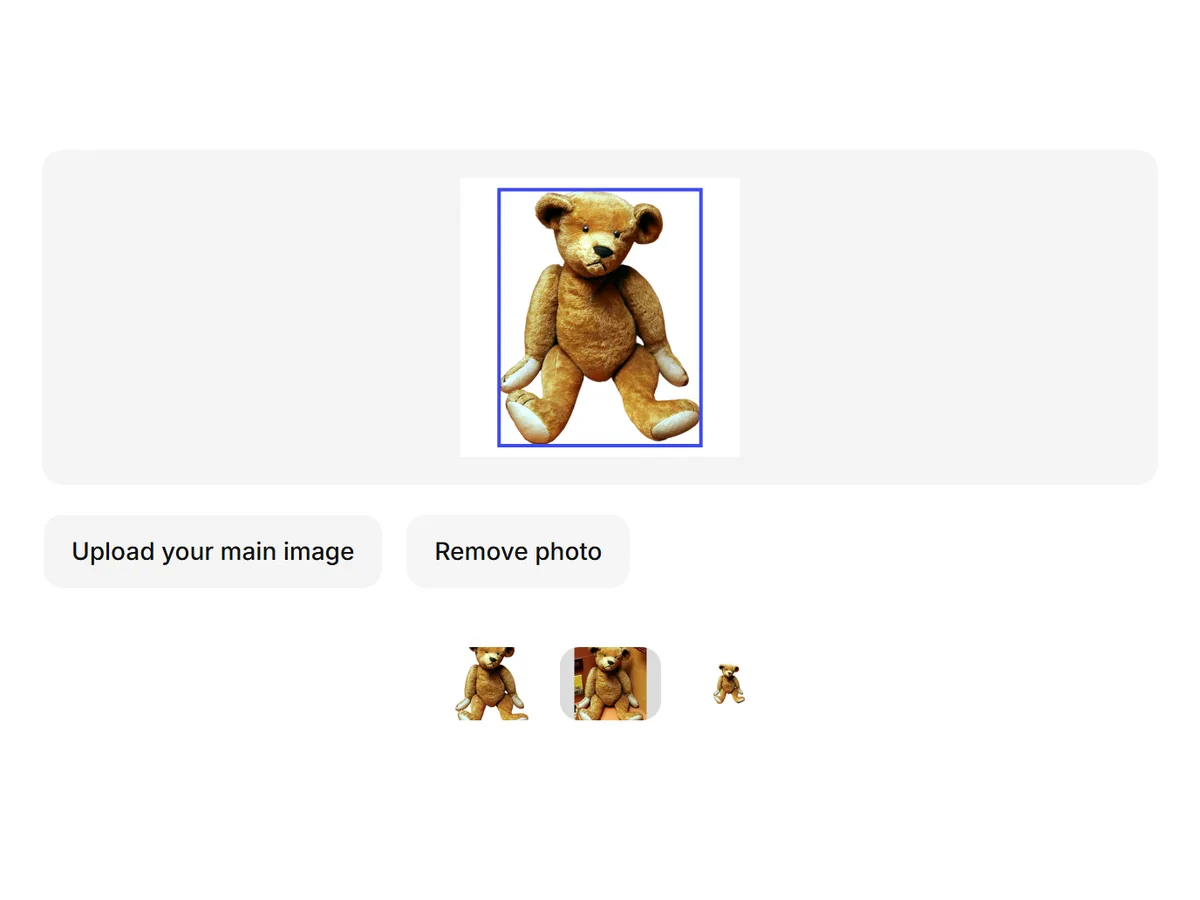
Make the background transparent on any product photo
Upload a product photo and get a transparent PNG at your original size, plus a pure white JPG of the same cutout.
Create an account to get started.
In short
- Shelfcanvas, an AI product photo tool for marketplace sellers, makes the background transparent and keeps everything in the foreground by default.
- One upload gives you a transparent PNG at the size you uploaded and a pure white (RGB 255) JPG of the same cutout.
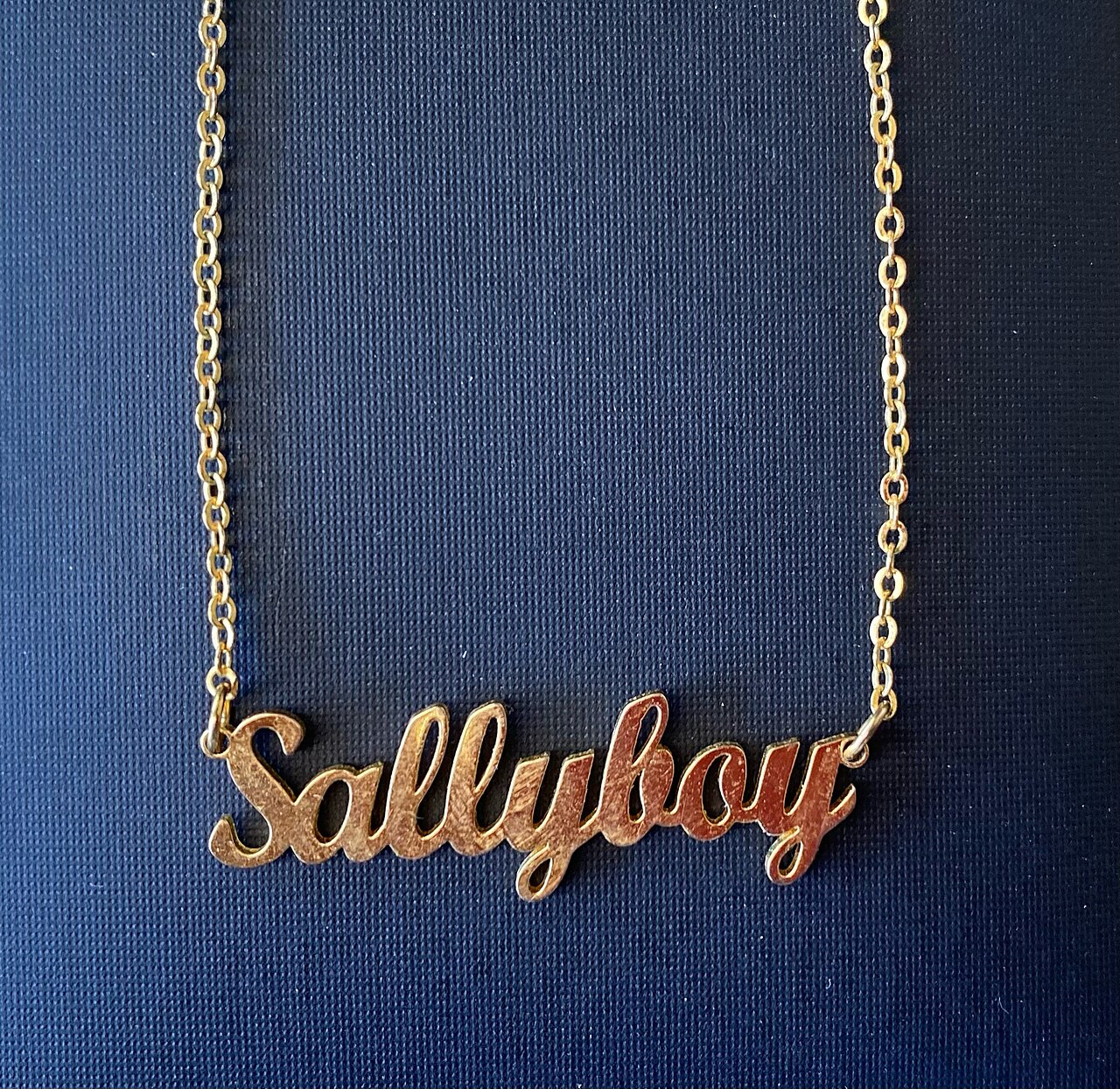
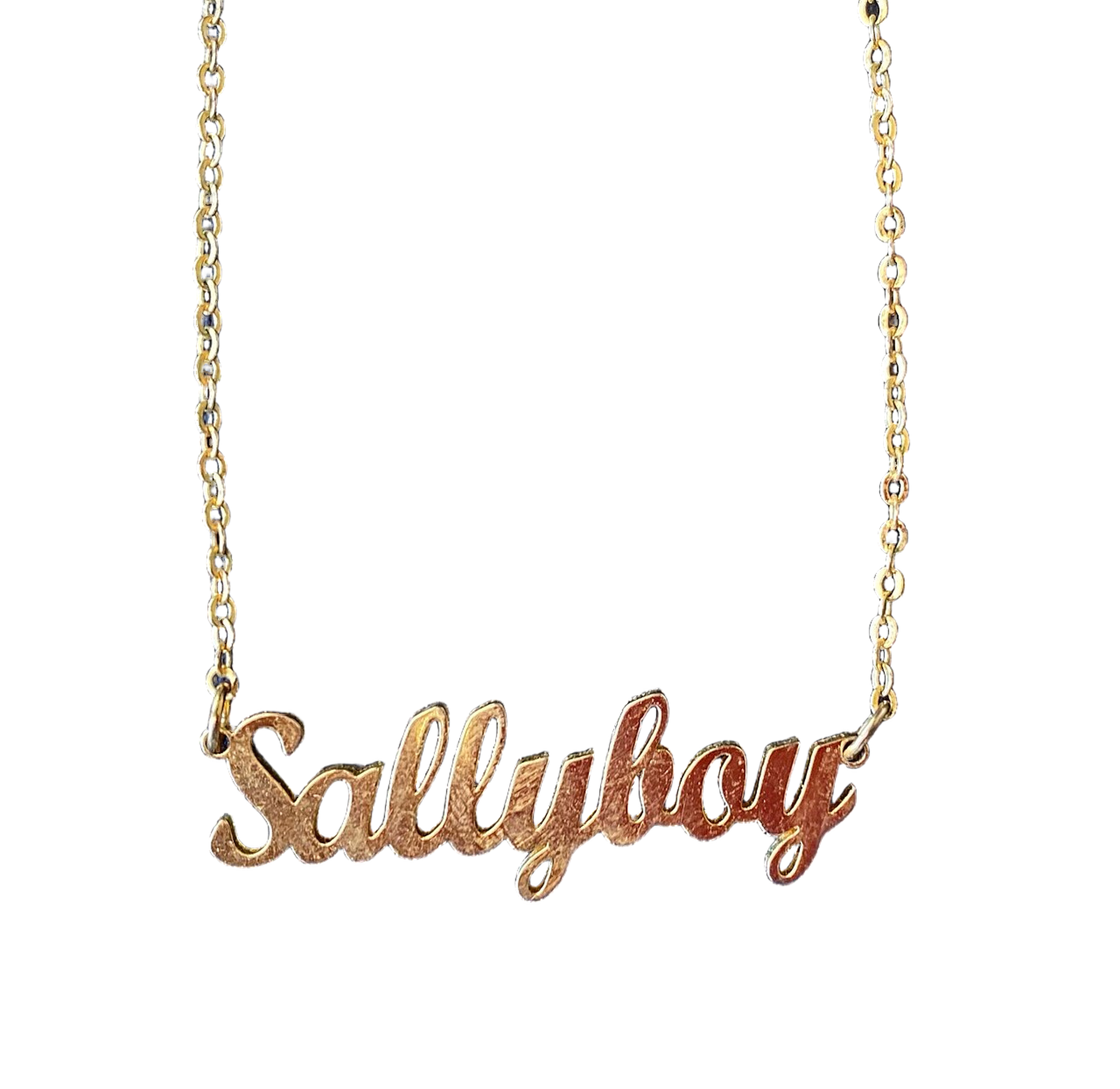
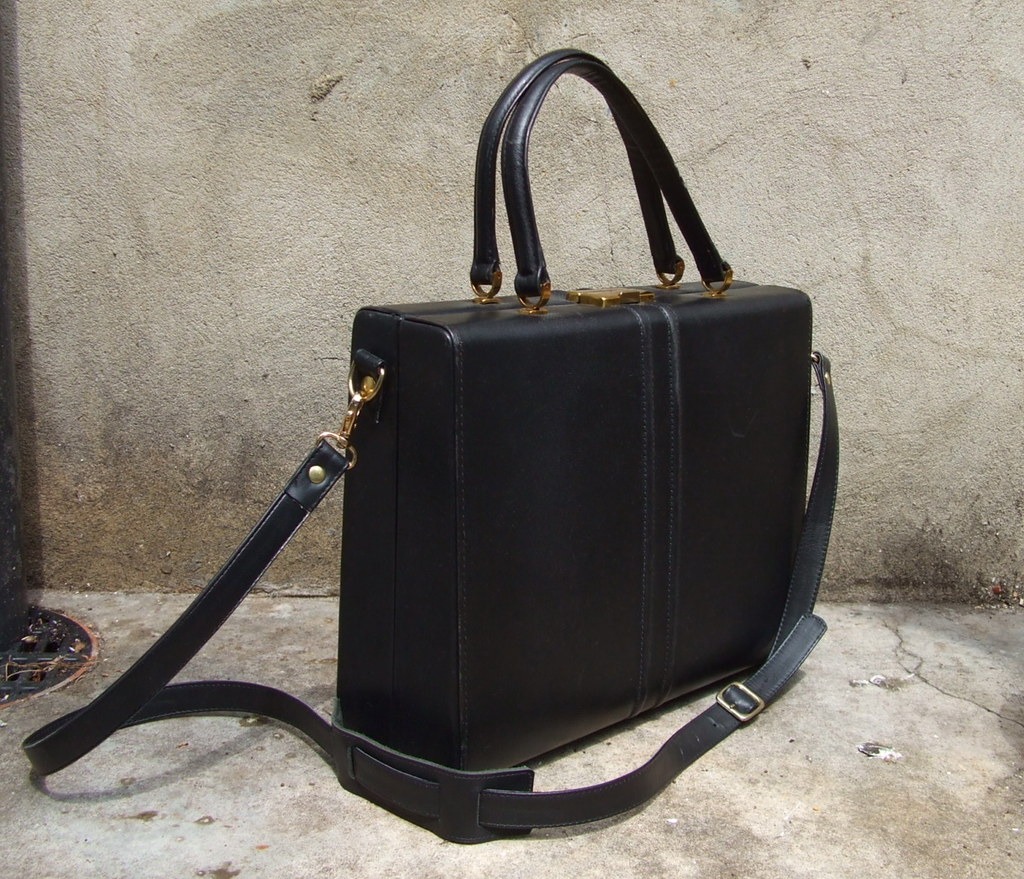
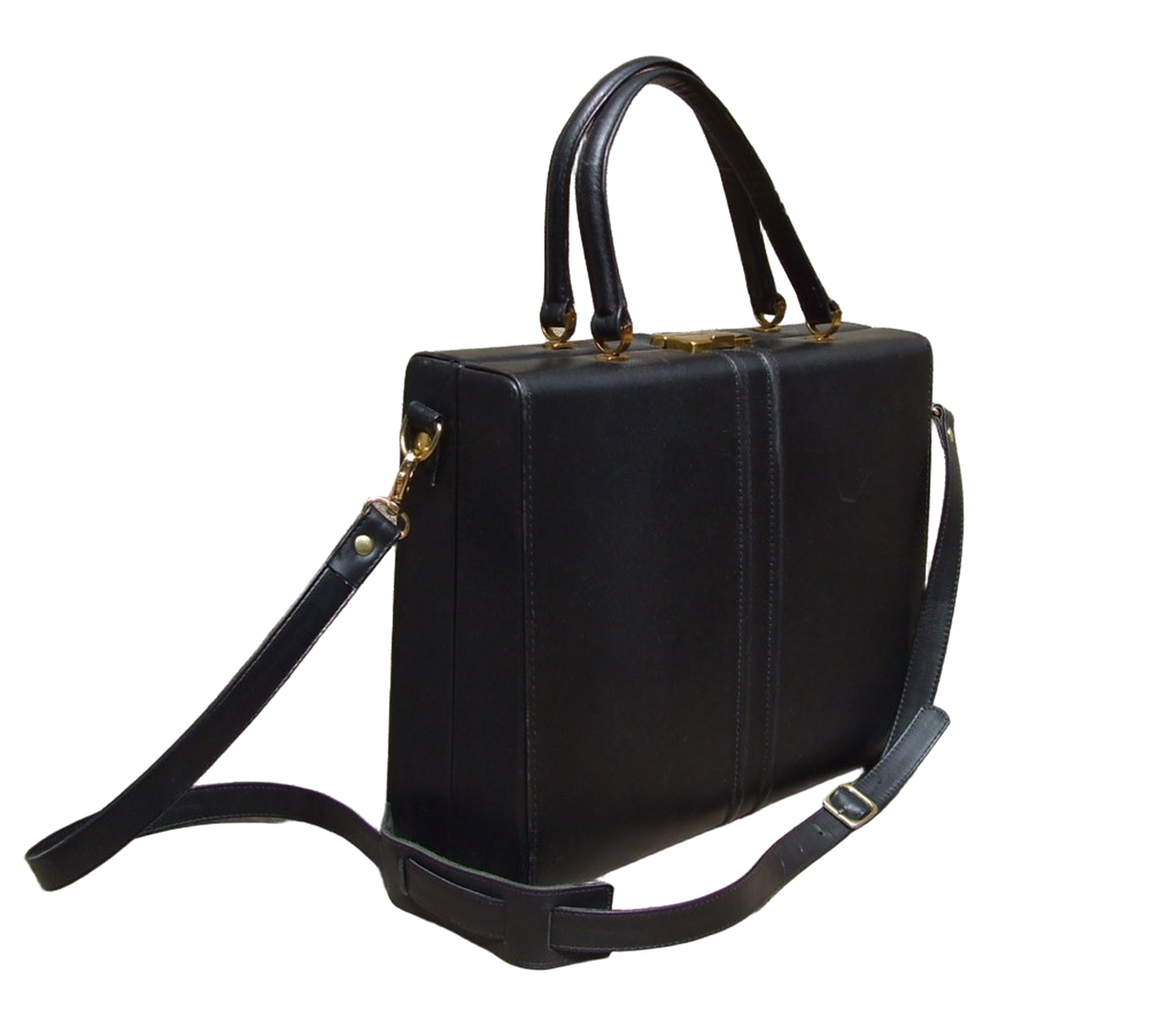
- Fine edges — chains, straps, plush fur — are cut along their own outline, and gaps inside a strap or chain become transparent too.
- Photos that are hard to cut cleanly (clear glass, white on white, hands holding the product) are flagged so you can check them before you download.
- We tested 14 product photos across 8 categories — fine chains, plush, glass, white products, shoes, bags, labels and hand-held items — and published what each result looked like, including the ones that needed a second look.
How to make a background transparent
- 01
Upload a product photo
Drop in a JPG or PNG, or paste from your clipboard. A plain, well-lit background gives the cleanest edge, but any background works.
- 02
Press Generate
Log in or create an account if you haven't; your photo comes with you. Shelfcanvas removes the background and keeps every object in the foreground.
- 03
Download
Choose the transparent PNG or the white JPG. Preview the cutout on a checkerboard, black or white to spot any leftover edge before you download.
Make the background transparent on any product photo
Fine chains
The gaps inside the letters and between the links turn transparent, not just the outside.
Transparent background maker for marketplace photos
- Amazon — The main image needs a pure white background (RGB 255, 255, 255). Use the white JPG for the main image and the transparent PNG for A+ content and ads. Last checked 10 Oct 2026
- Etsy — Etsy shows the transparent parts of a PNG as black. Upload the white JPG to Etsy instead. Last checked 10 Oct 2026
- Shopify — Square images at 2048 × 2048 px display best. A transparent PNG lets your theme's own background color show through. Last checked 10 Oct 2026
- eBay — A white background usually works best; there's no rule against PNG. Last checked 10 Oct 2026
Last checked 10 Oct 2026
Use the links above to check your listing against each marketplace's current requirements.
When the cutout needs a second look
Remove a white background from an image
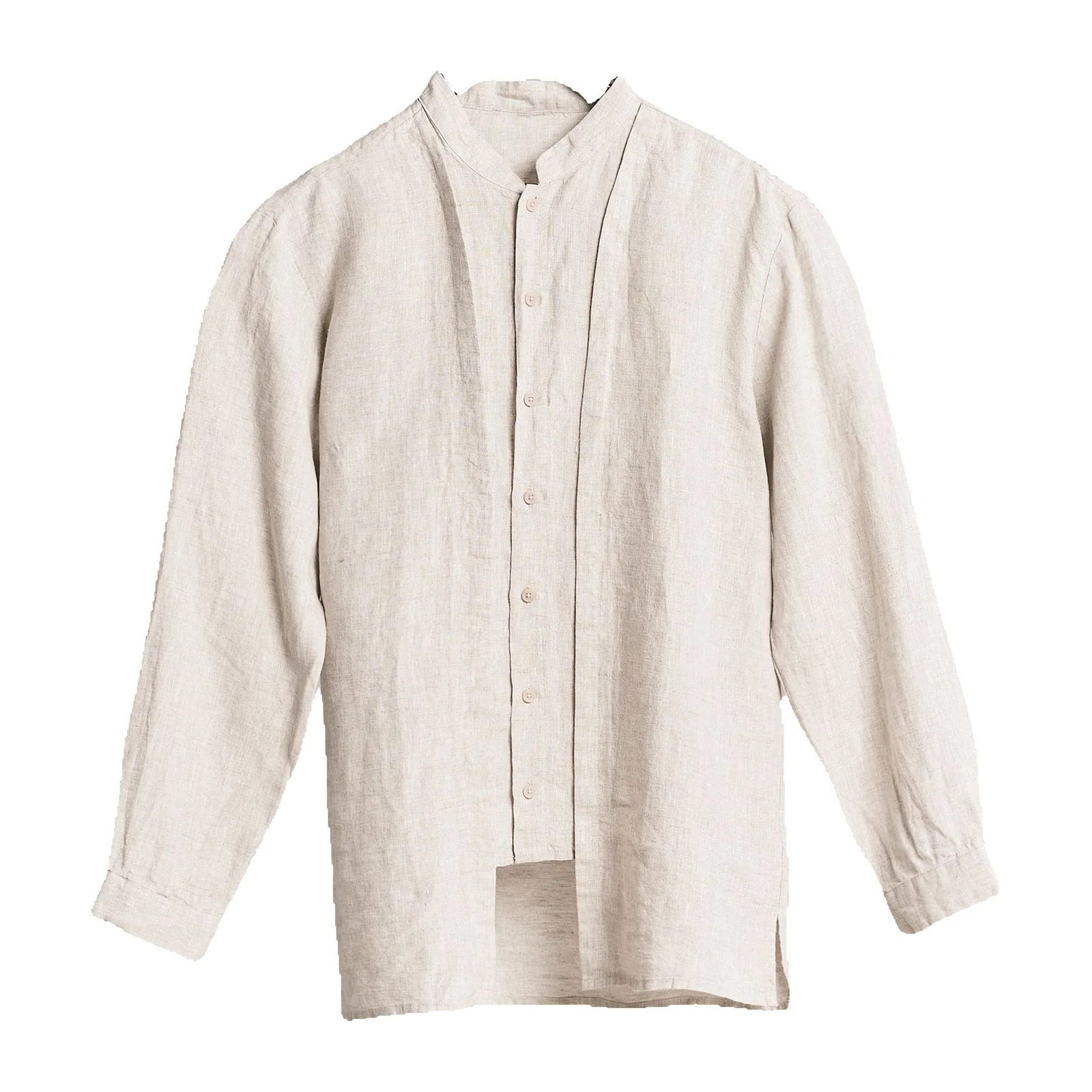
Already have a photo on white? Shelfcanvas removes the white and keeps the product, including white details like a shirt collar or a mug handle. Preview on black to check light edges before you download.
White backgroundSeveral photos at once
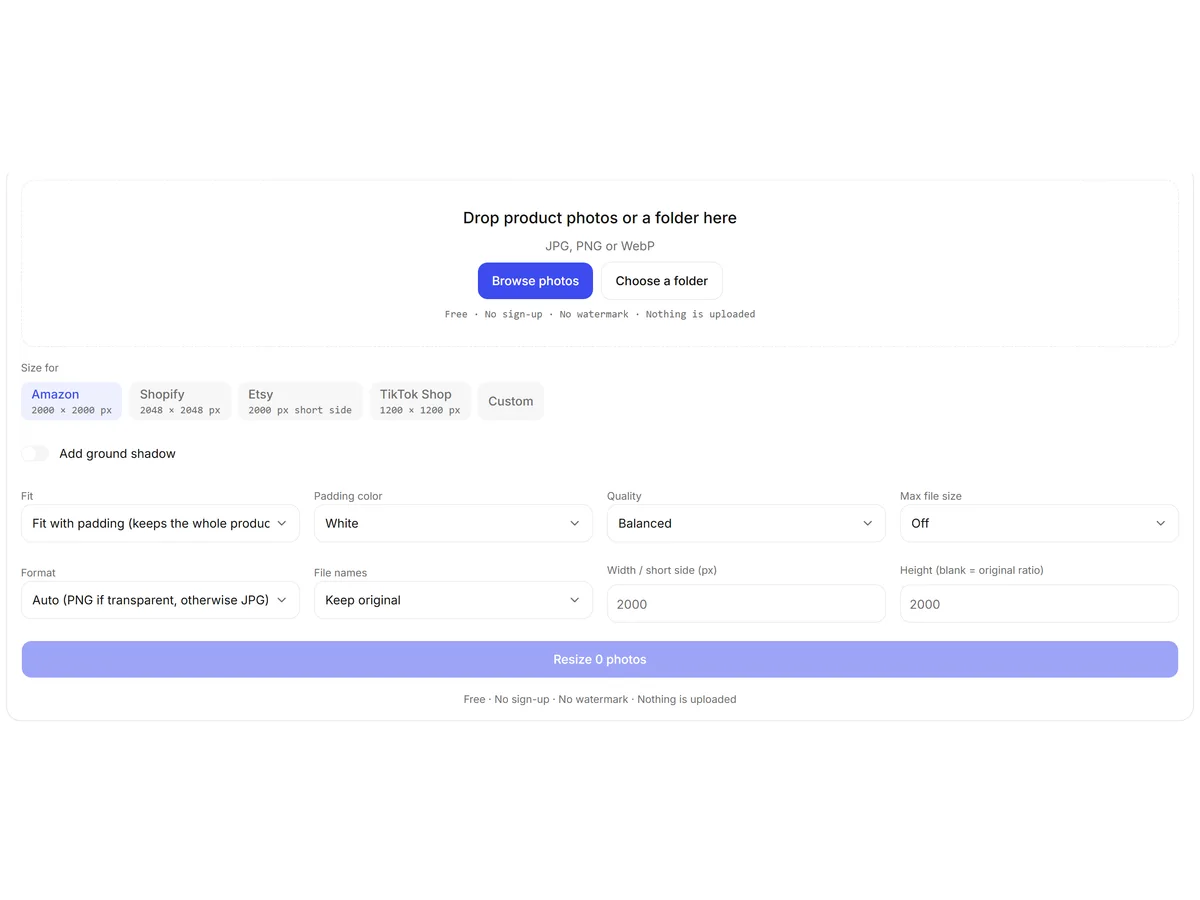
Need the same size on every cutout? Use the free Bulk image editor to resize, crop and compress a whole folder in your browser.
Bulk image editorFAQ
Shelfcanvas, an AI product photo tool for marketplace sellers, is built for this. It keeps every product in the foreground by default, cuts fine chains and straps along their own outline, and gives you a transparent PNG at your original size plus a pure white JPG from one upload. Hard photos — glass, white on white — are flagged so you can check them first.
Upload the picture to Shelfcanvas and press Generate. The background is removed automatically and you download a PNG where everything except your product is transparent. No selection tools or layers are needed. Preview the result on black or white to make sure no edge is left over.
Open it on a dark page or in an editor that shows a checkerboard. Transparent areas show the checkerboard or the page color; a white background stays white. Use PNG, WebP or GIF to keep transparency; choose JPG for a solid background. Shelfcanvas previews every result on a checkerboard, black and white for this reason.
remove.bg has announced its standalone site closes on 1 December 2026 and moves into Canva.
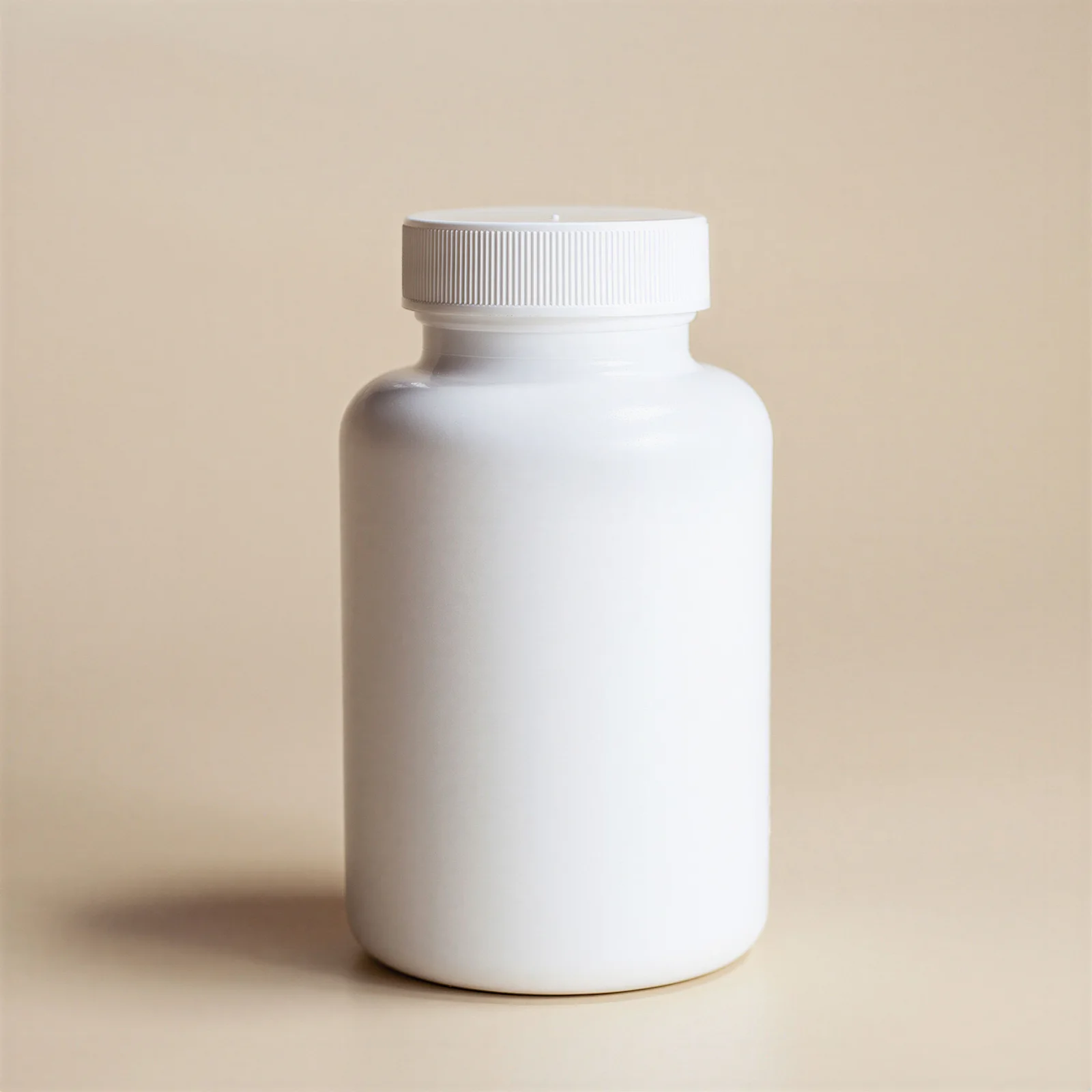
Clear glass shows whatever was behind it, and a single photo has no record of what that should look like on a new background. Most tools fill the glass with the old color or cut it out. Shelfcanvas flags glass so you can check it. Shooting against a plain dark backdrop gives the cleanest result.
Upload it to Shelfcanvas. The cutout follows the product's outline, not the color, so a white collar or mug stays. If the product and background are almost the same shade, the result is flagged for a quick check, and you can preview it on black to see the edge.
Upload the logo and press Generate; you get a PNG with the background removed. For logos with thin lines or small text, preview on black and white to check nothing was dropped. If a part is missing, send it to us with Not right? Send it to us and we'll fix it free.
Images you create from your own photos are yours to use, including on marketplaces and in ads. Shelfcanvas doesn't add a watermark. Check that you have the rights to the original photo — a supplier's or someone else's photo stays theirs.
If our checks aren't sure about a result, you see it as a preview and choose Keep this one or Try again. For anything else, press Not right? Send it to us on the result. Our team fixes it by hand at no cost and usually replies within 48 hours.
A clipping path service has a person trace each photo by hand, usually with a turnaround of hours to days. AI background removal takes seconds per photo and keeps soft edges like fur and chains. For hard photos — glass, white on white — Shelfcanvas flags the result, and our team fixes anything that isn't right.
Yes. The transparent PNG comes out at the same pixel size as the photo you uploaded, and the product's pixels aren't redrawn — only the background is removed.