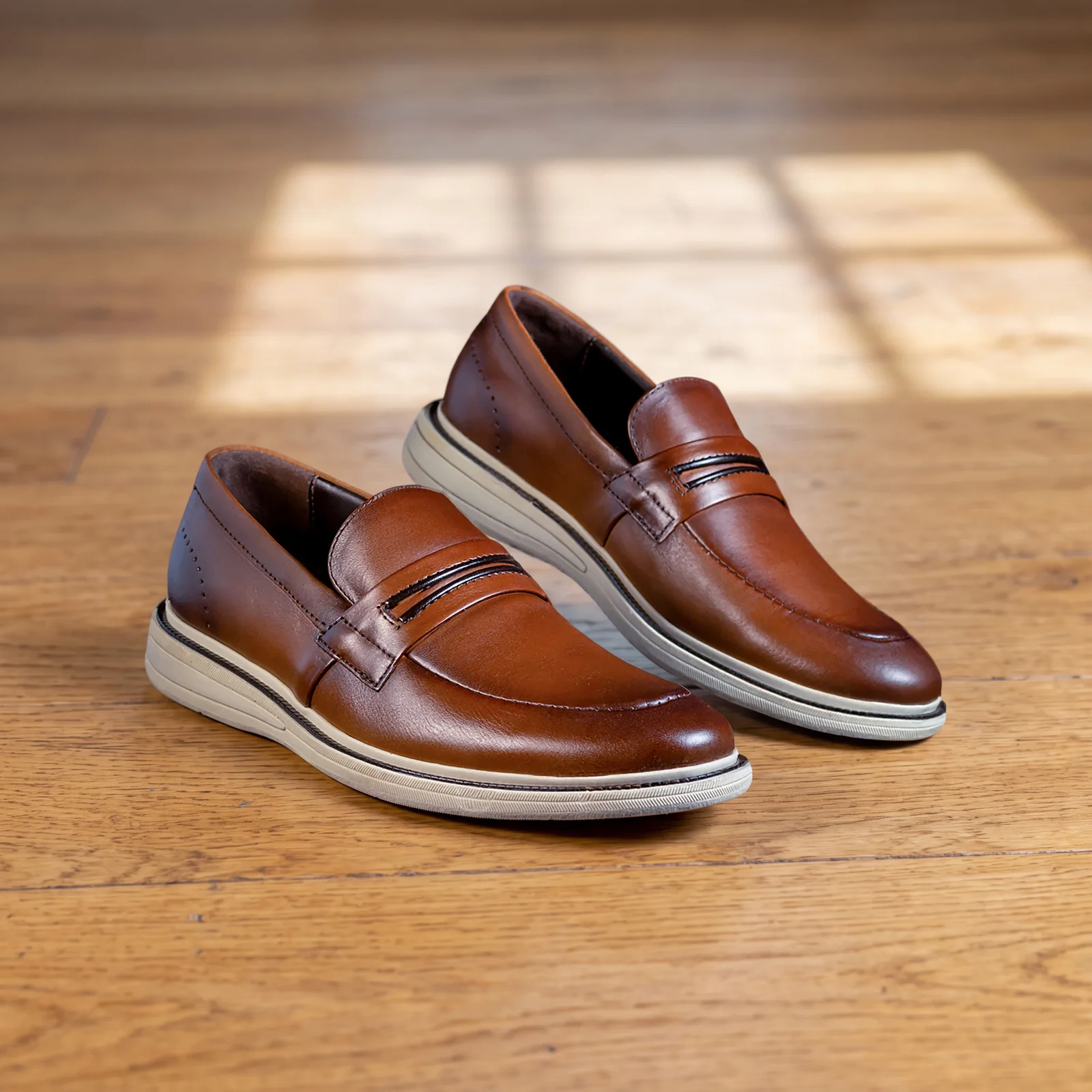
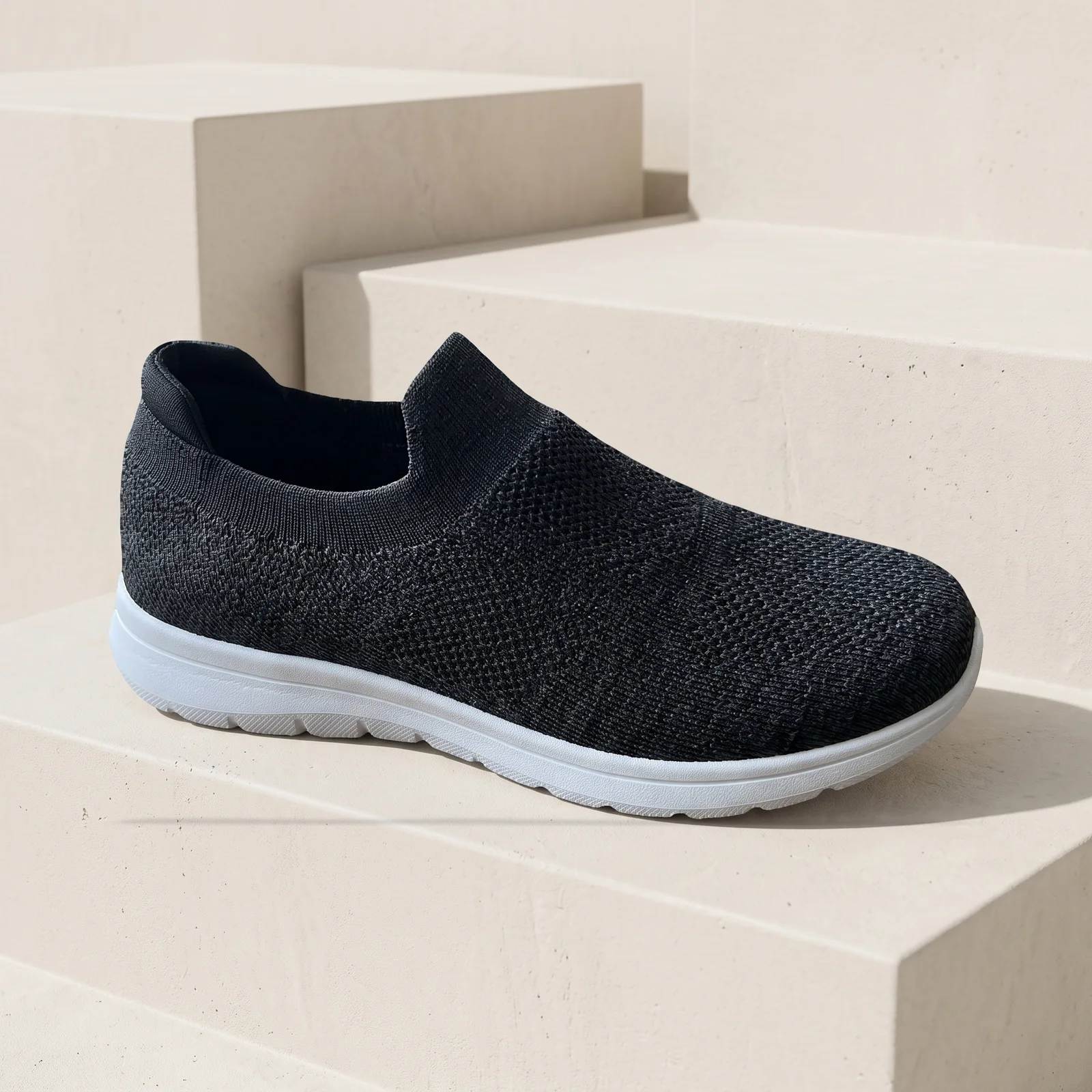
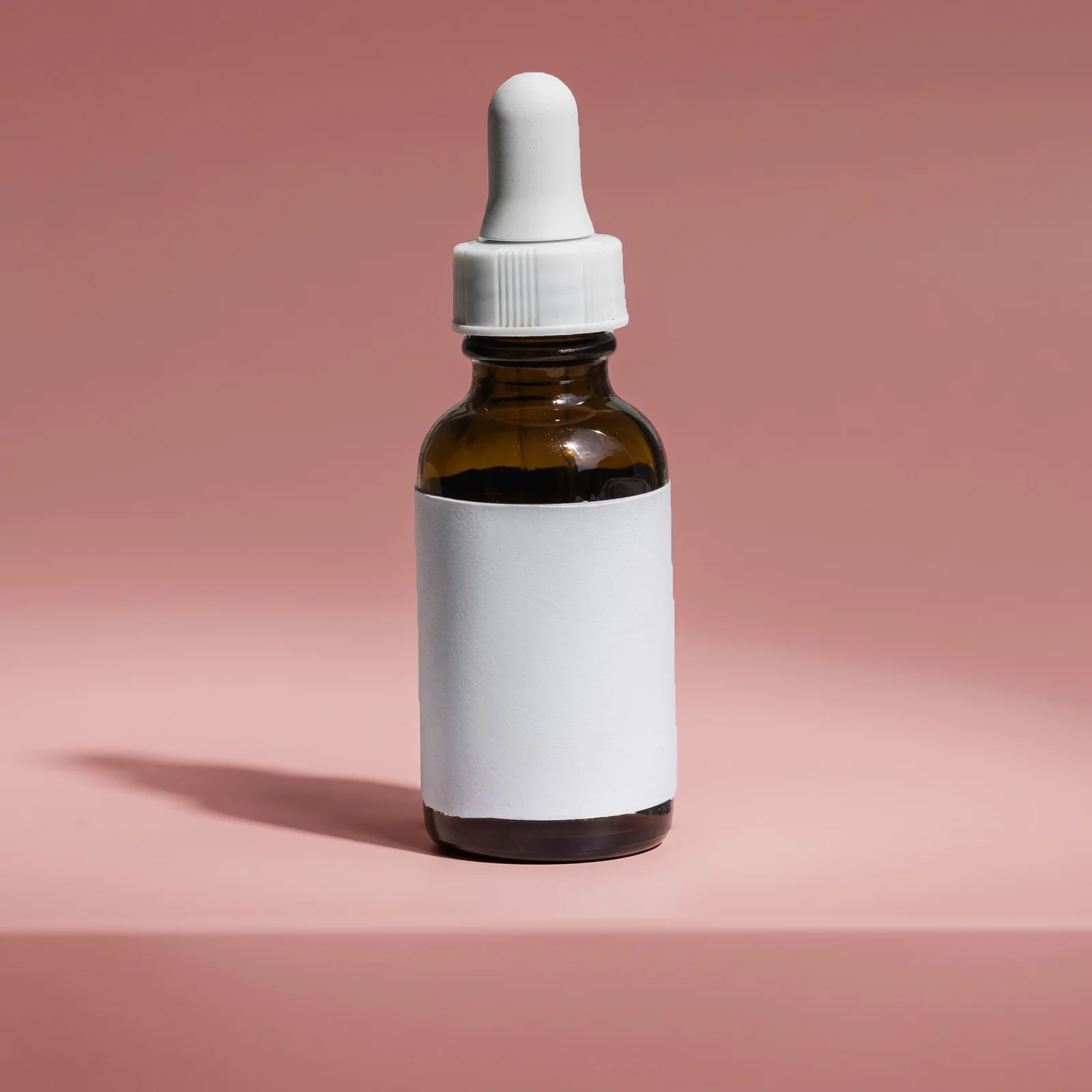
AI product photography for Amazon, Shopify and Etsy
Upload one product photo. Get white-background, scene and on-model images in 4 marketplace sizes.
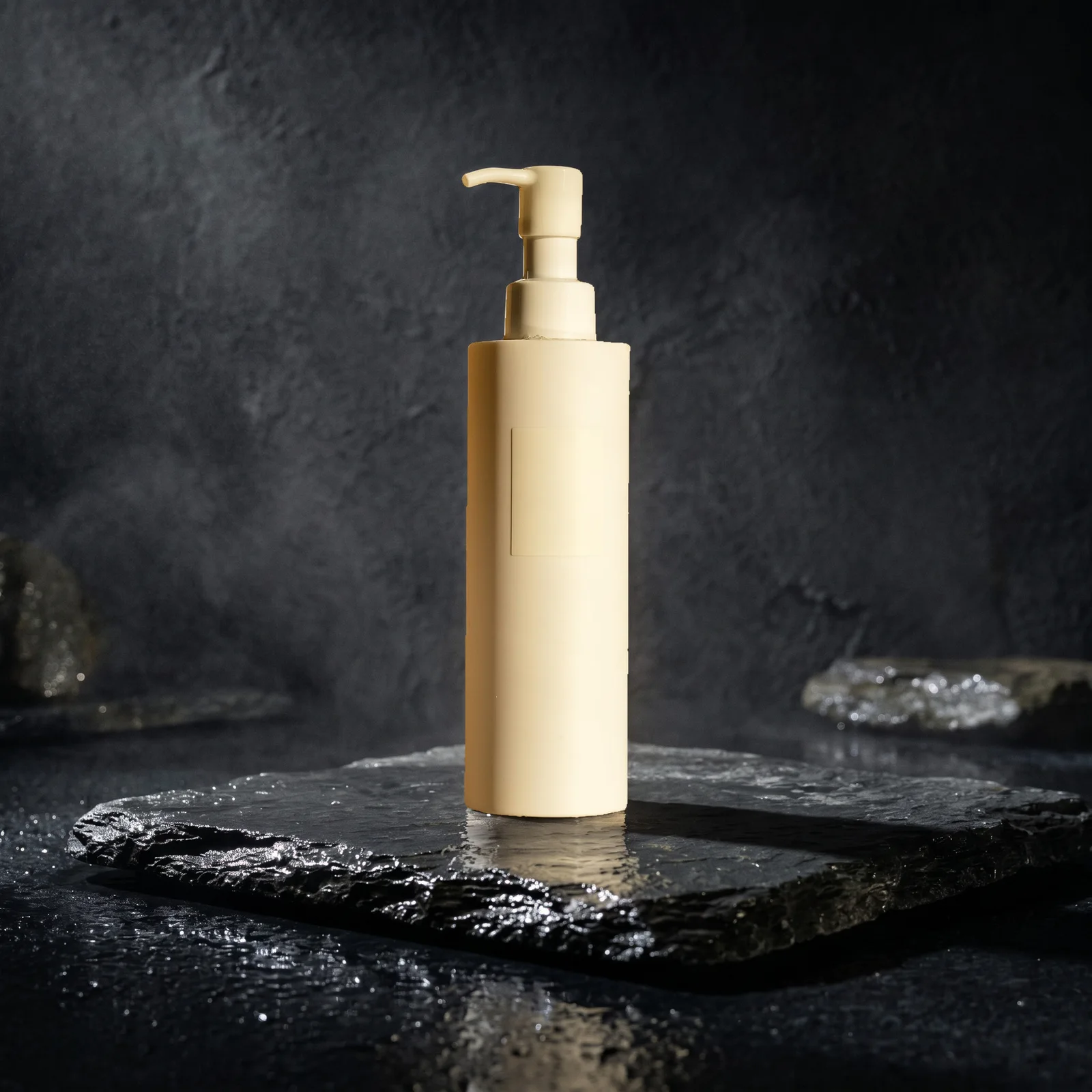
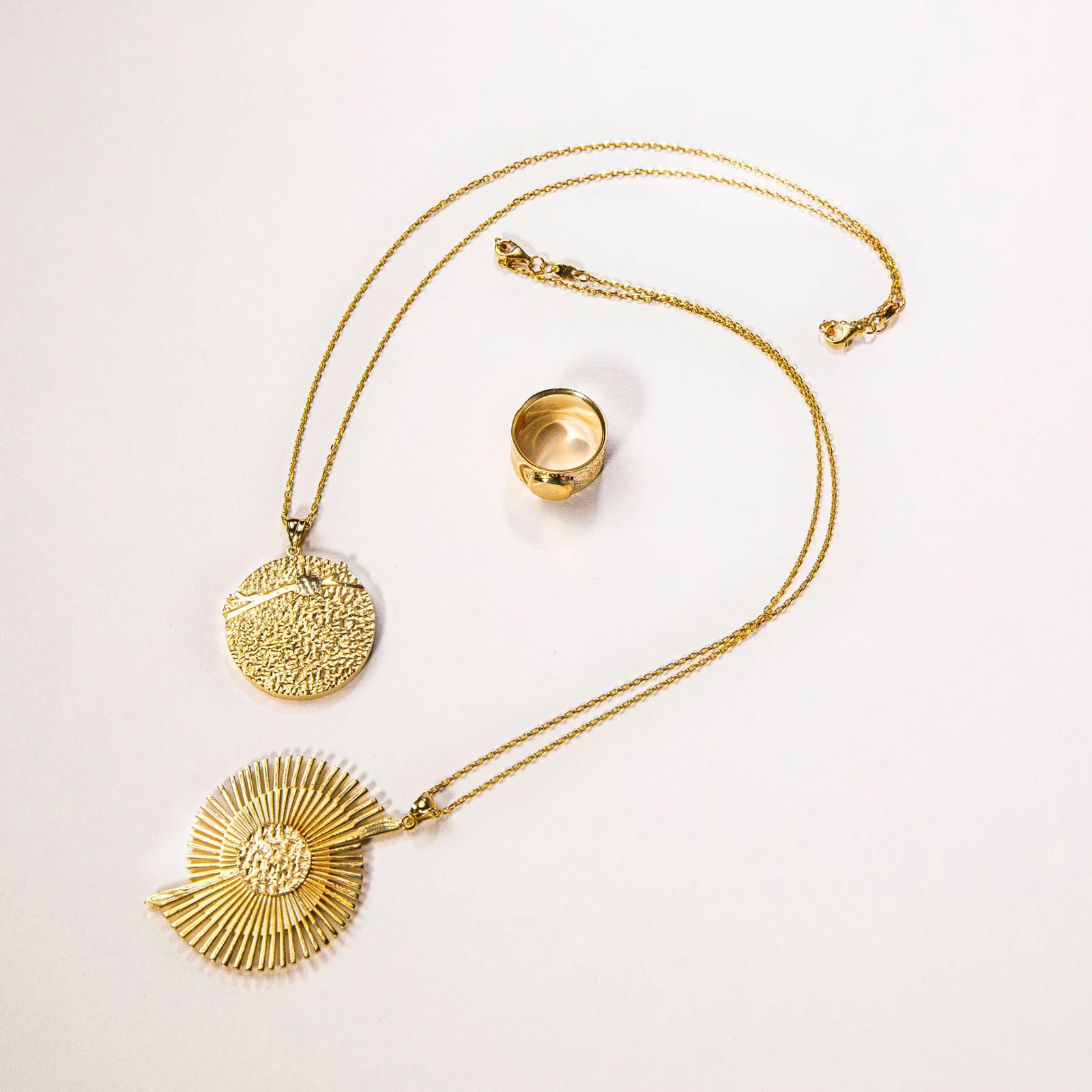
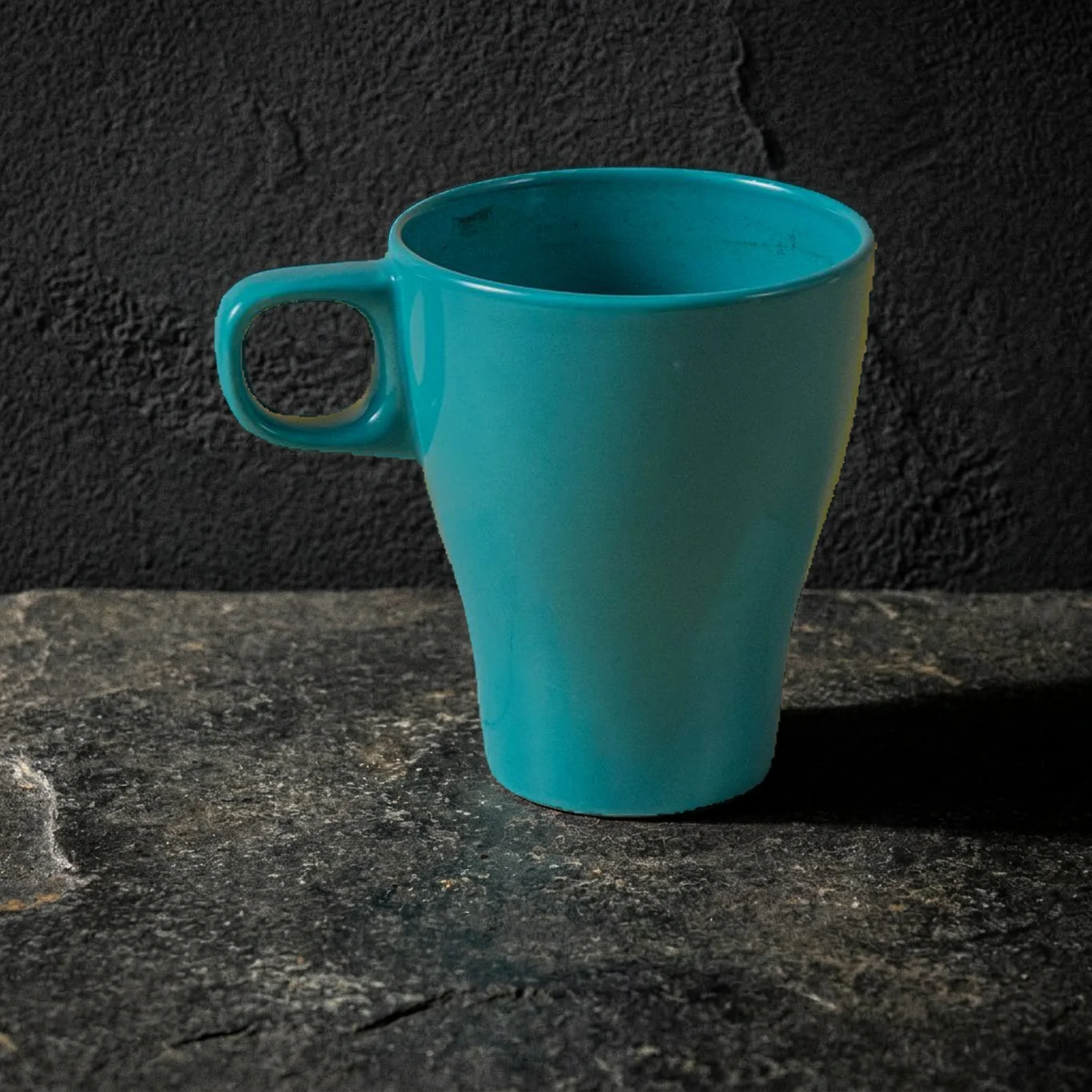
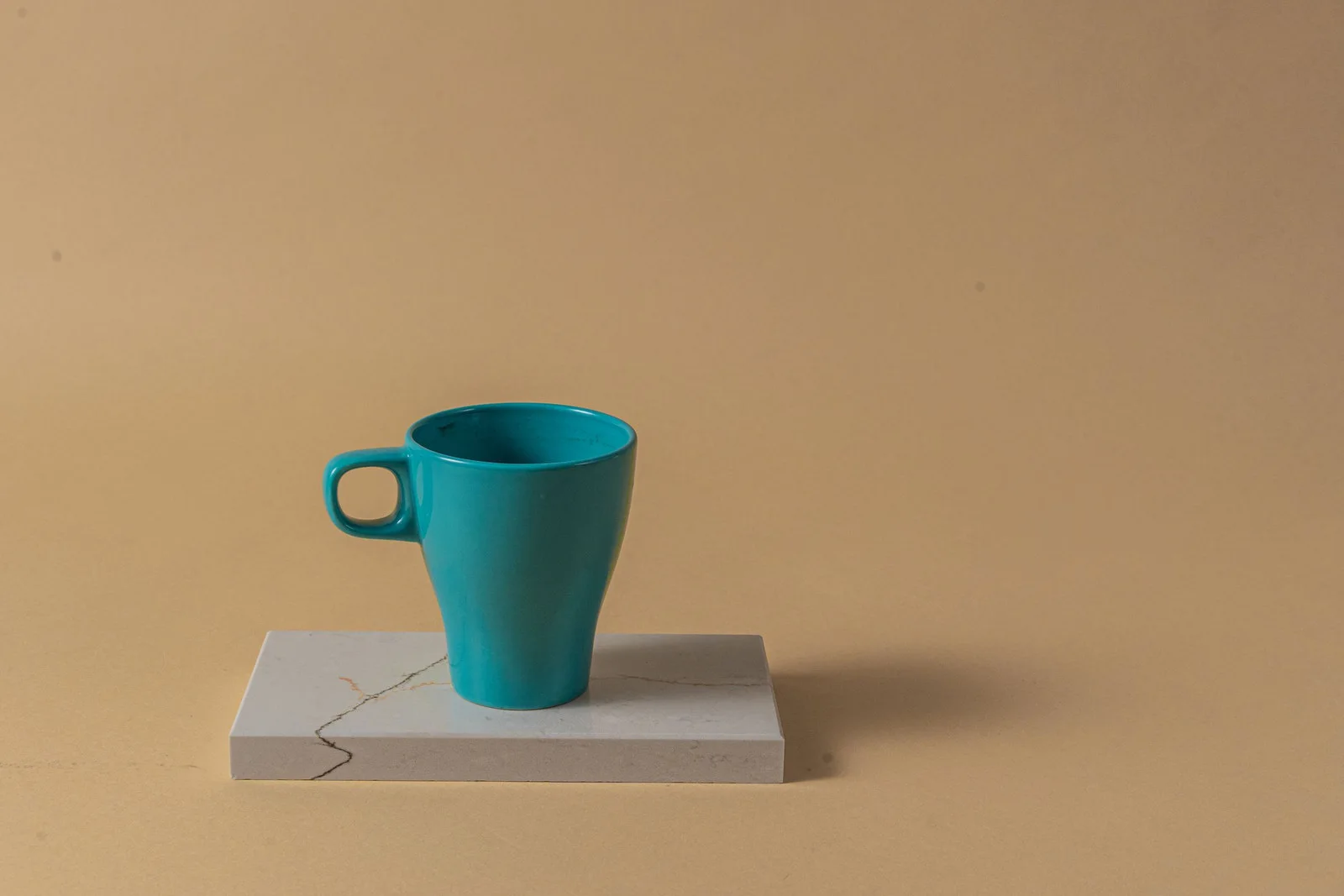
In short
- Shelfcanvas, an AI product photography tool for marketplace sellers, starts from your real product photo.
- For white backgrounds and scenes, your product's original pixels go back on top, so labels and colors don't change. In our 47-photo white background test, no product was removed by mistake.
- Makes pure white main images (every background pixel RGB 255), transparent PNGs, lifestyle scenes, on-model photos, ghost mannequin shots, upscaled photos and T-shirt mockups.
- Exports at each marketplace's size: Amazon, Shopify, Etsy and TikTok Shop.
- Pay per image with credits. The bulk resizer, the Amazon image checker and the marketplace size tools are free with no sign-up.
How AI product photography works on Shelfcanvas
- 01
Add a photo
One product, any background.
- 02
Choose a tool
White background, AI Photoshoot, AI model, Ghost mannequin or Upscale.
- 03
Generate and download
Log in or create an account when you press Generate; your photo and settings are kept. Pick Amazon, Shopify, Etsy or TikTok Shop and get the right size.
Made for what you sell
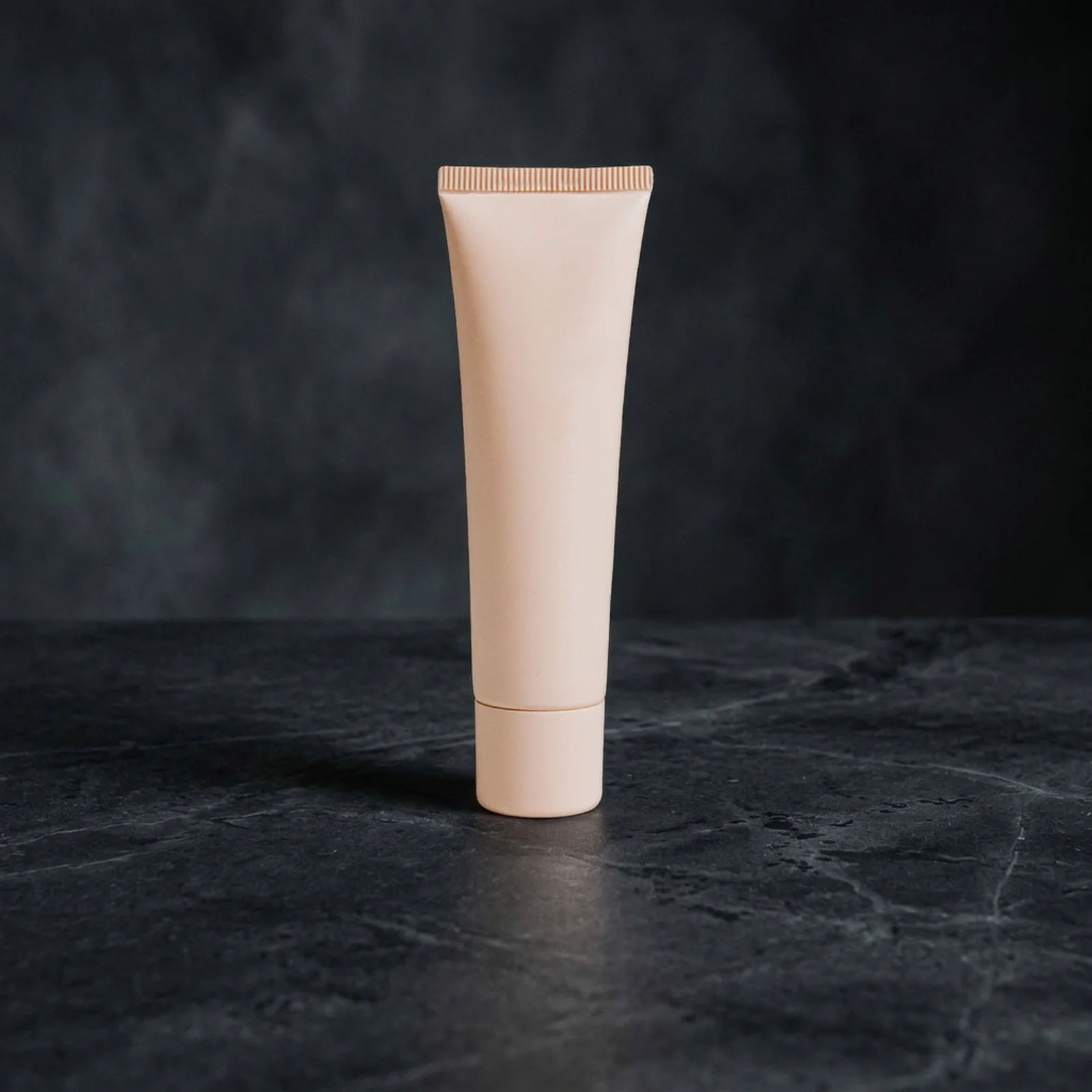
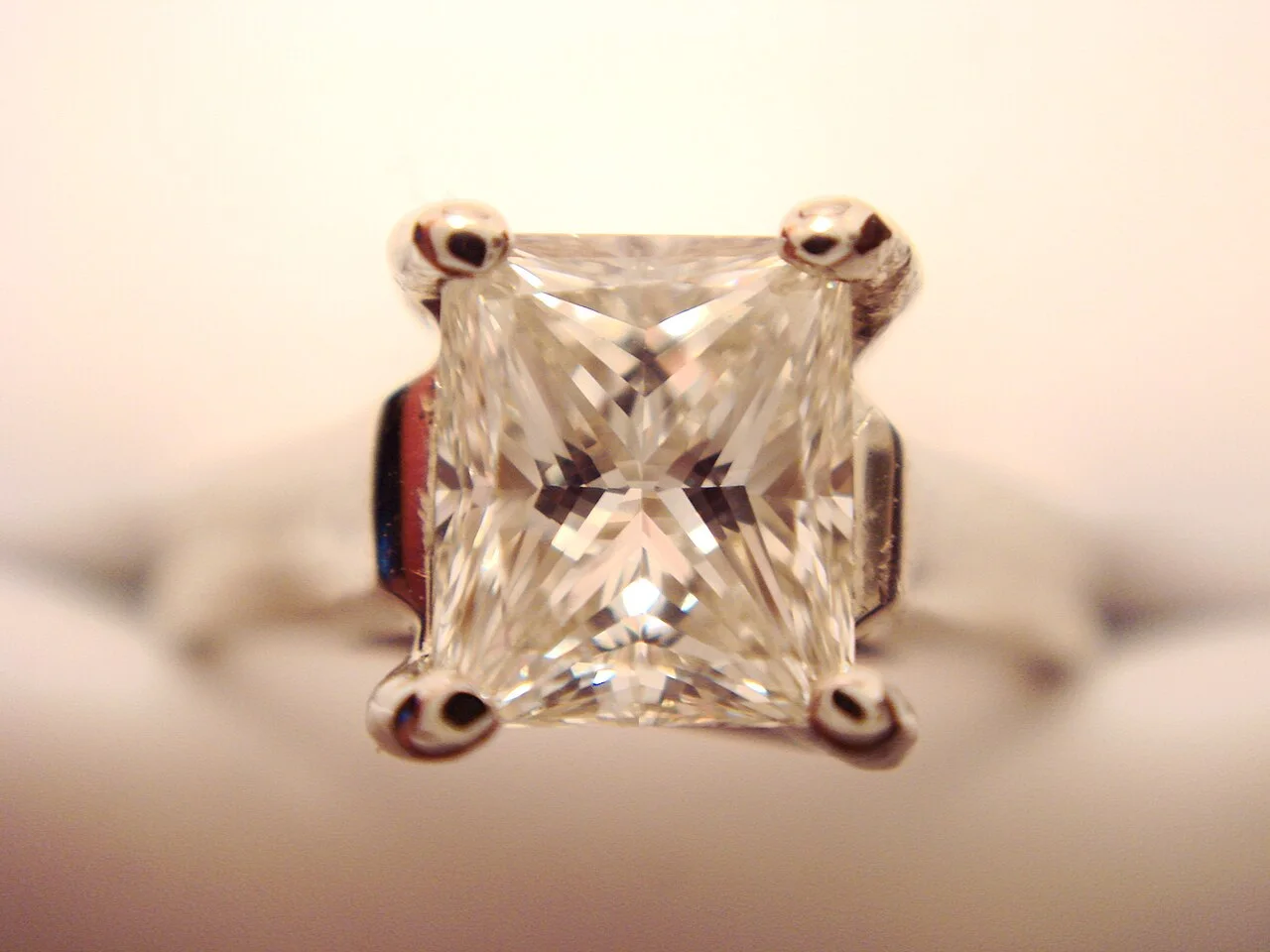
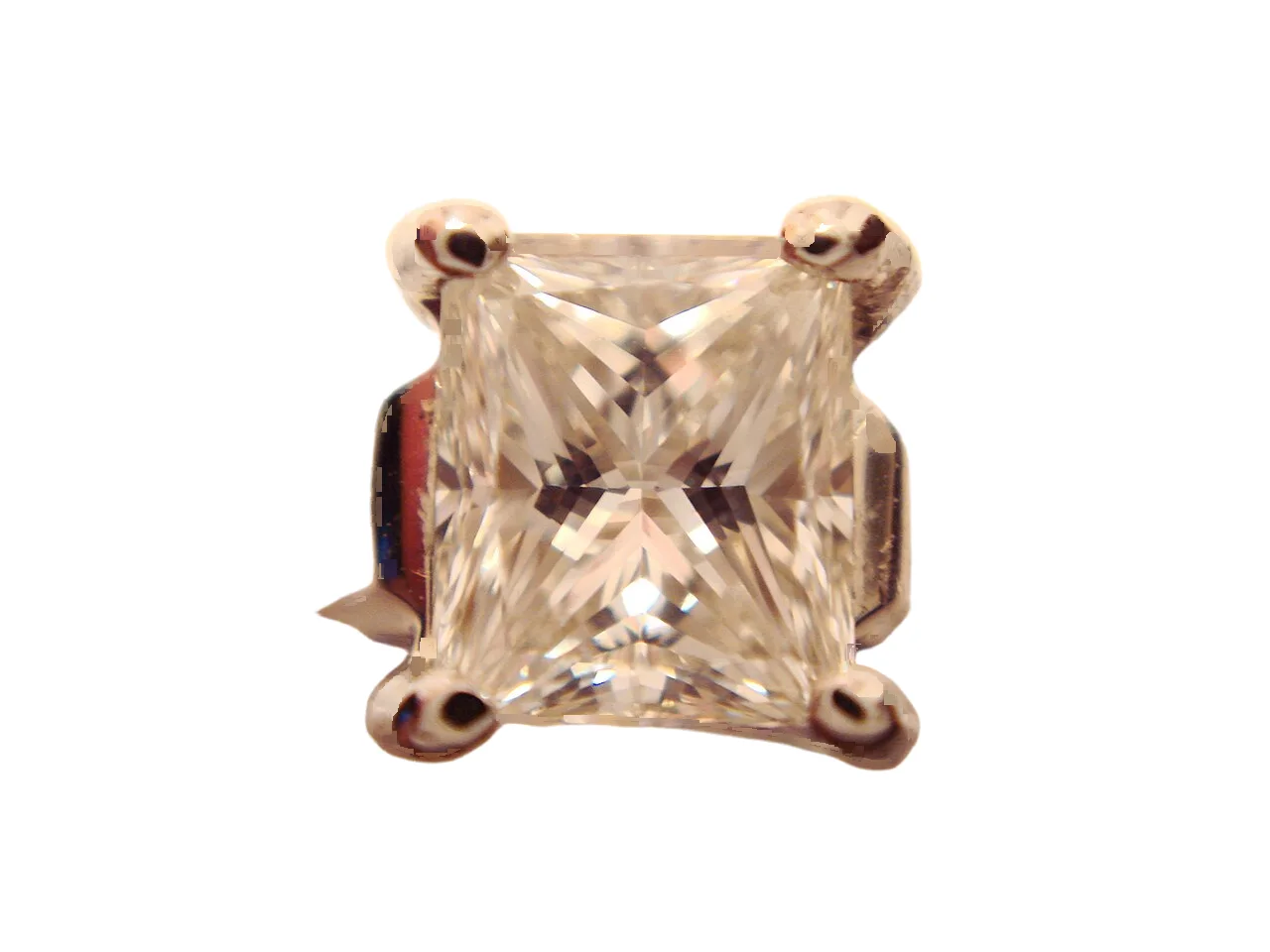
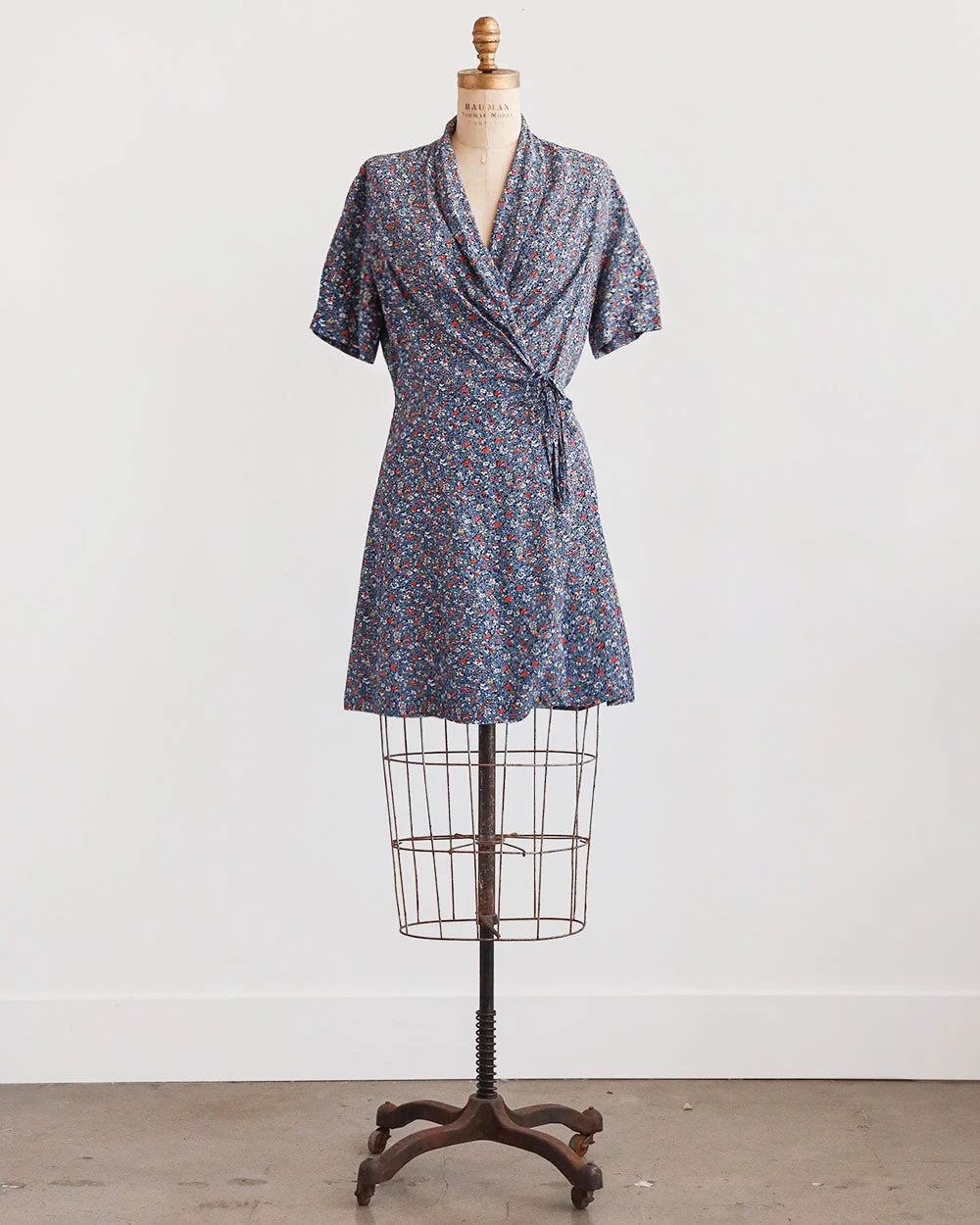
Every tool for your listing photos
Make images · uses credits
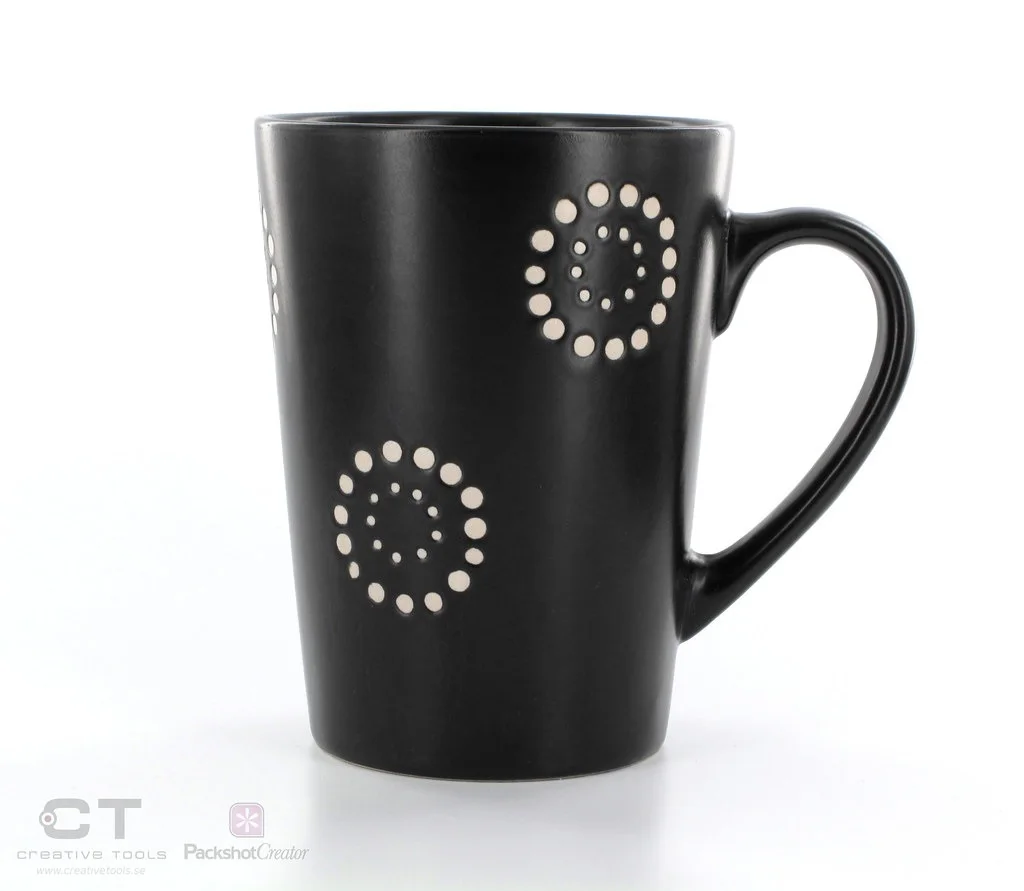
White background
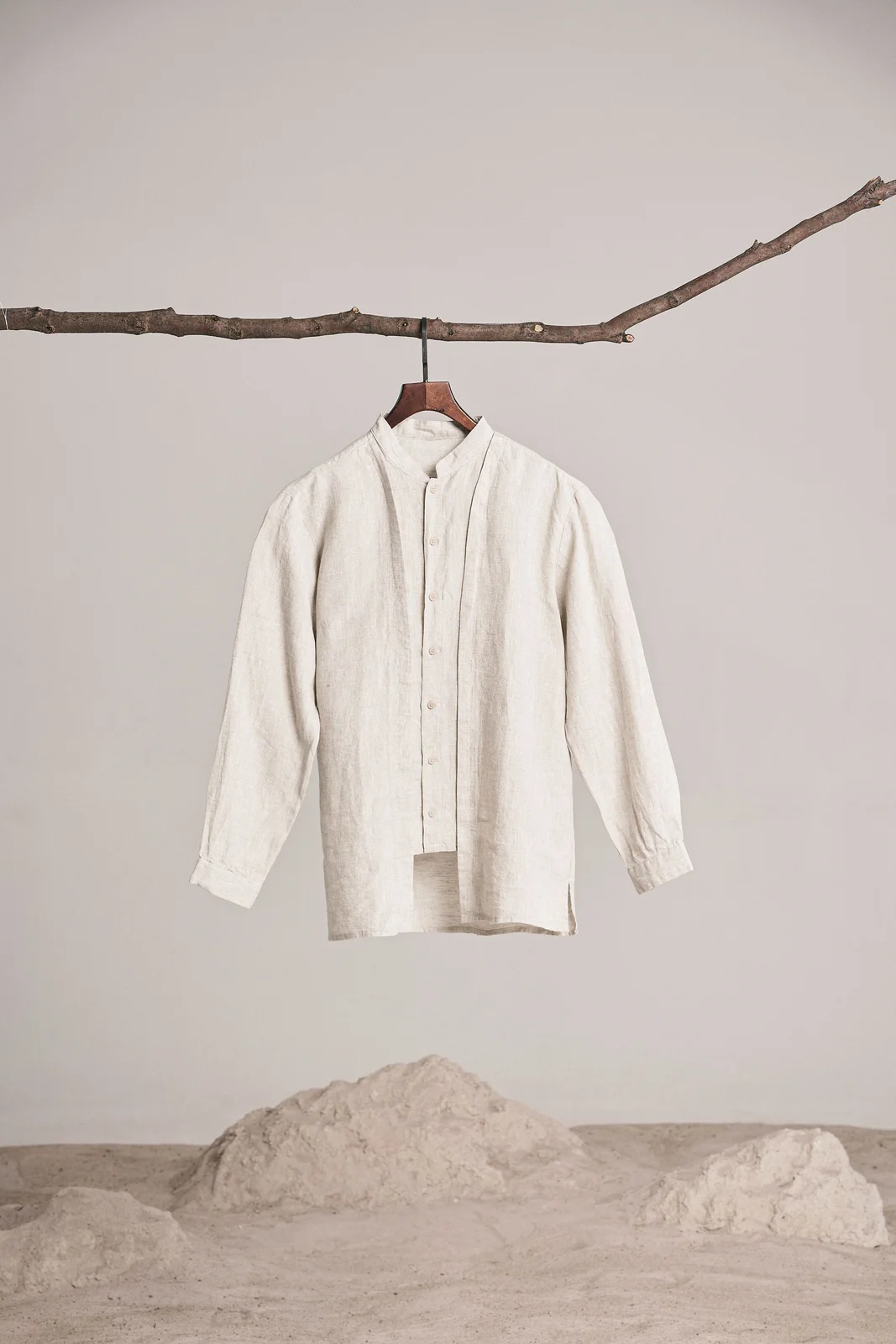
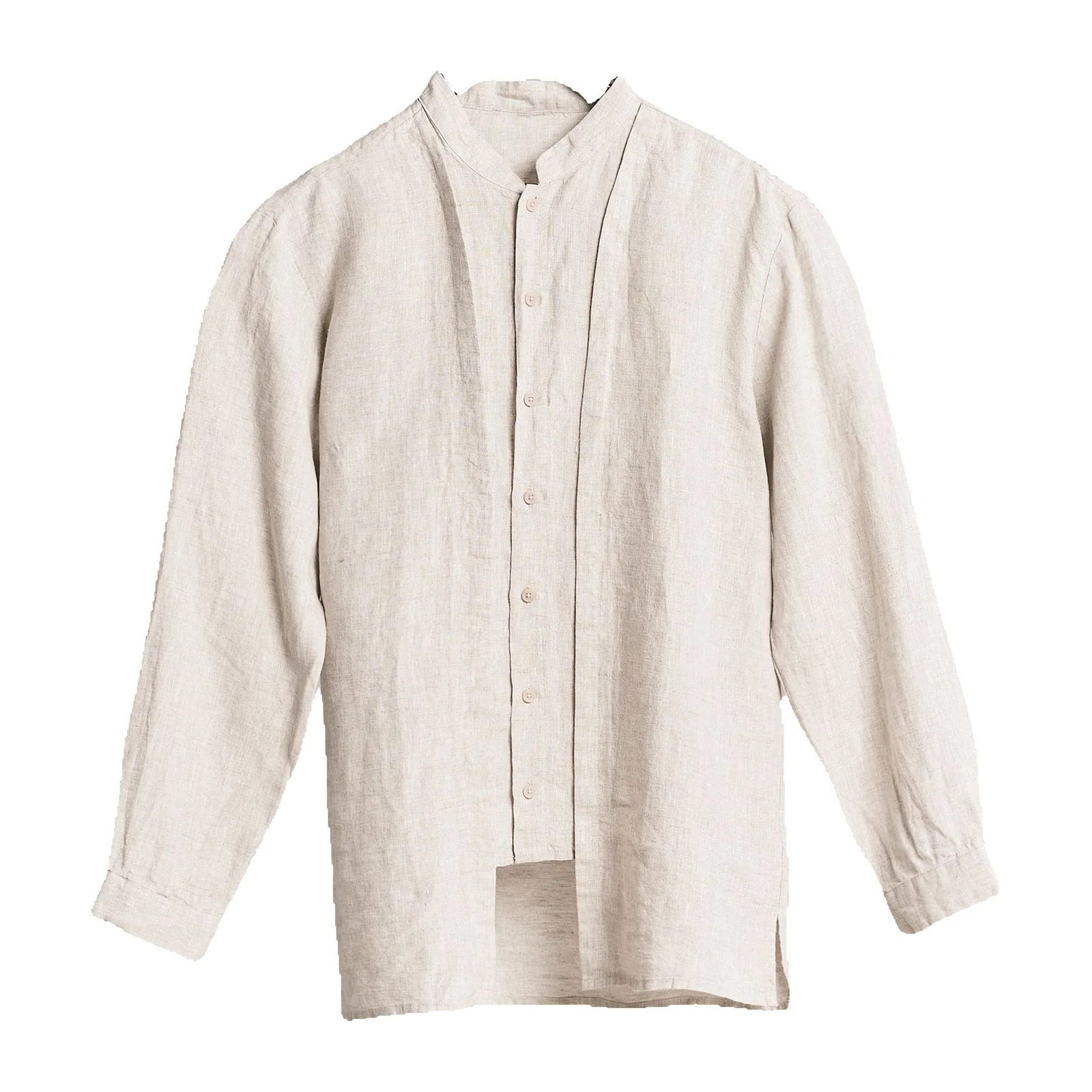
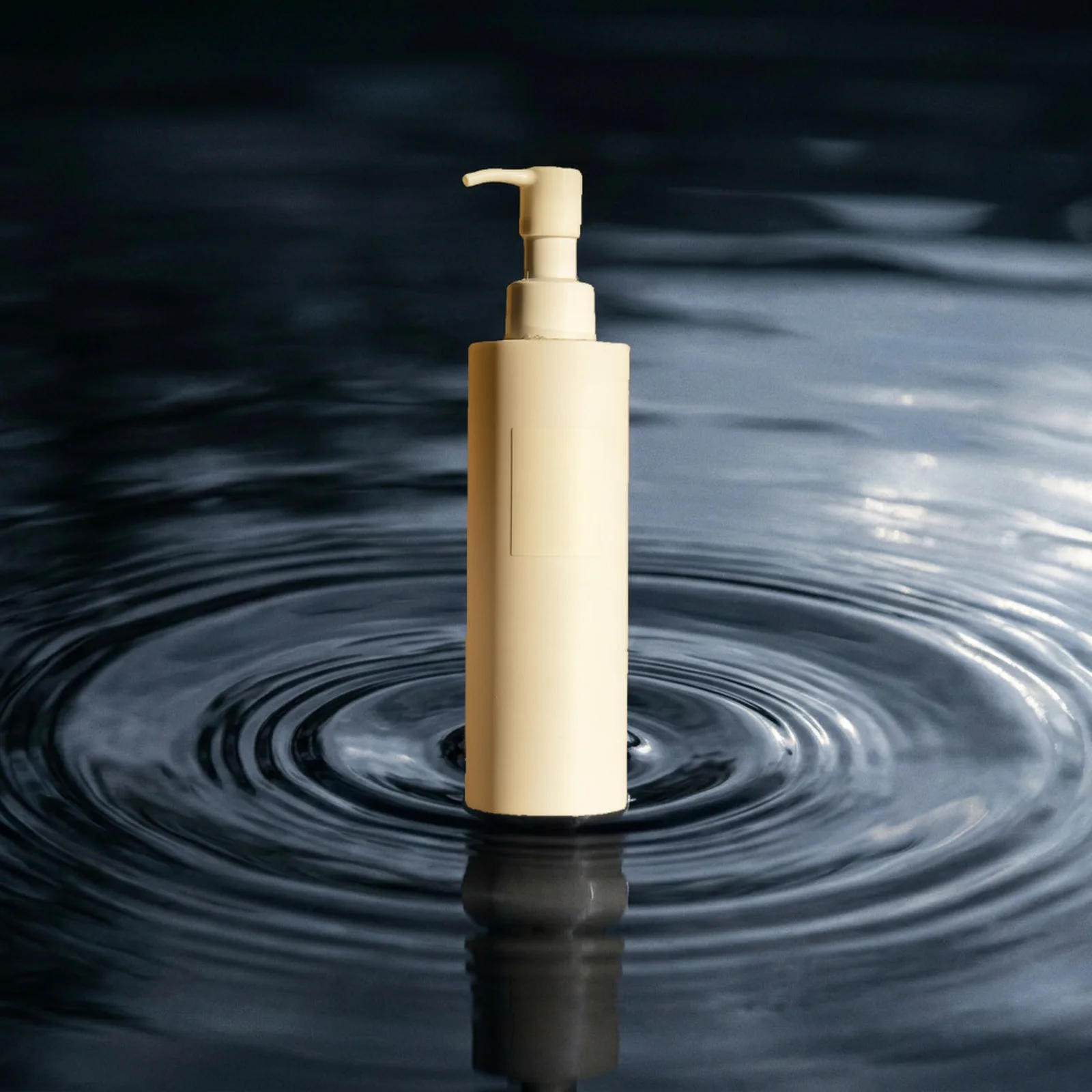
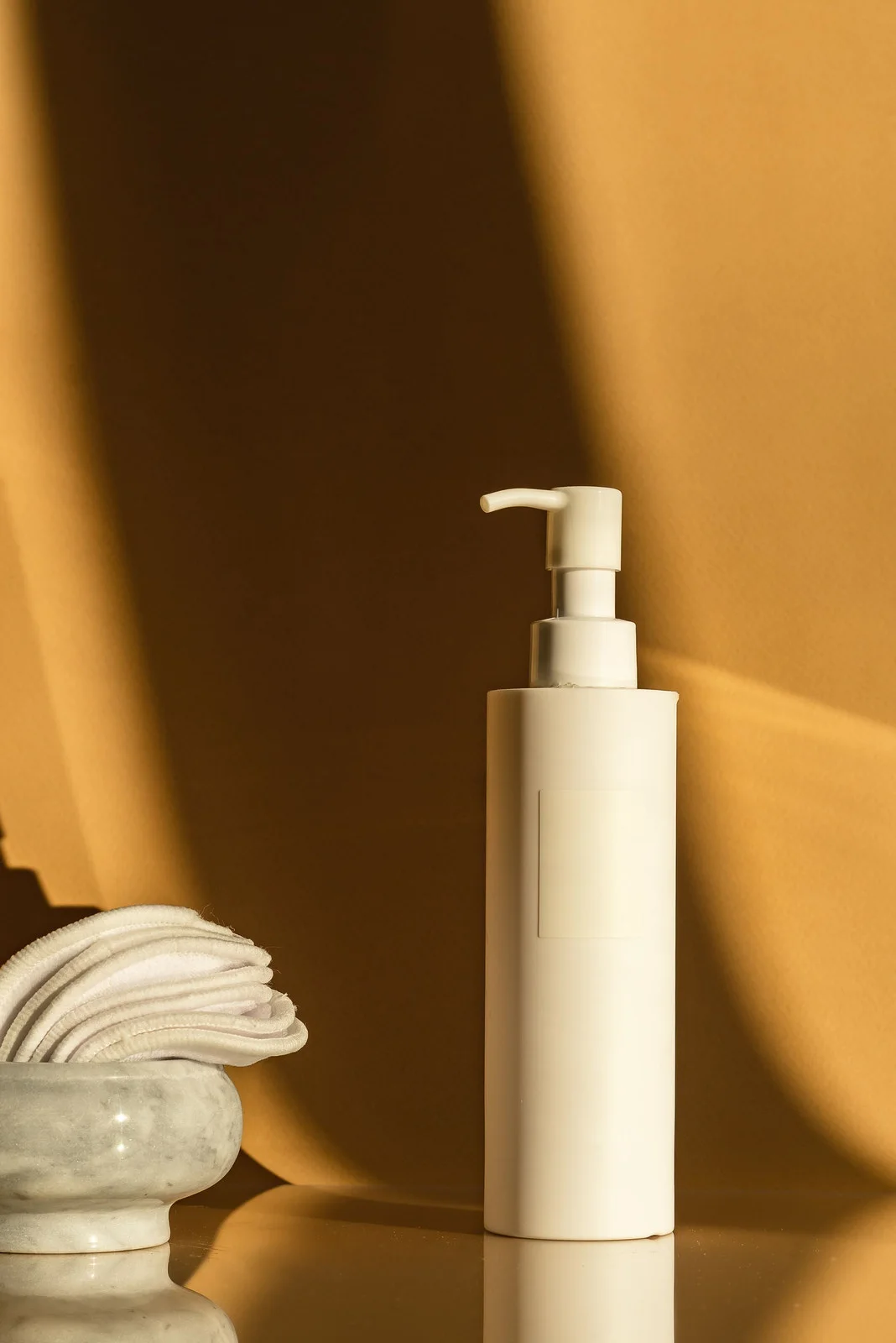
Pure white main images, plus a transparent PNG of the same cutout.
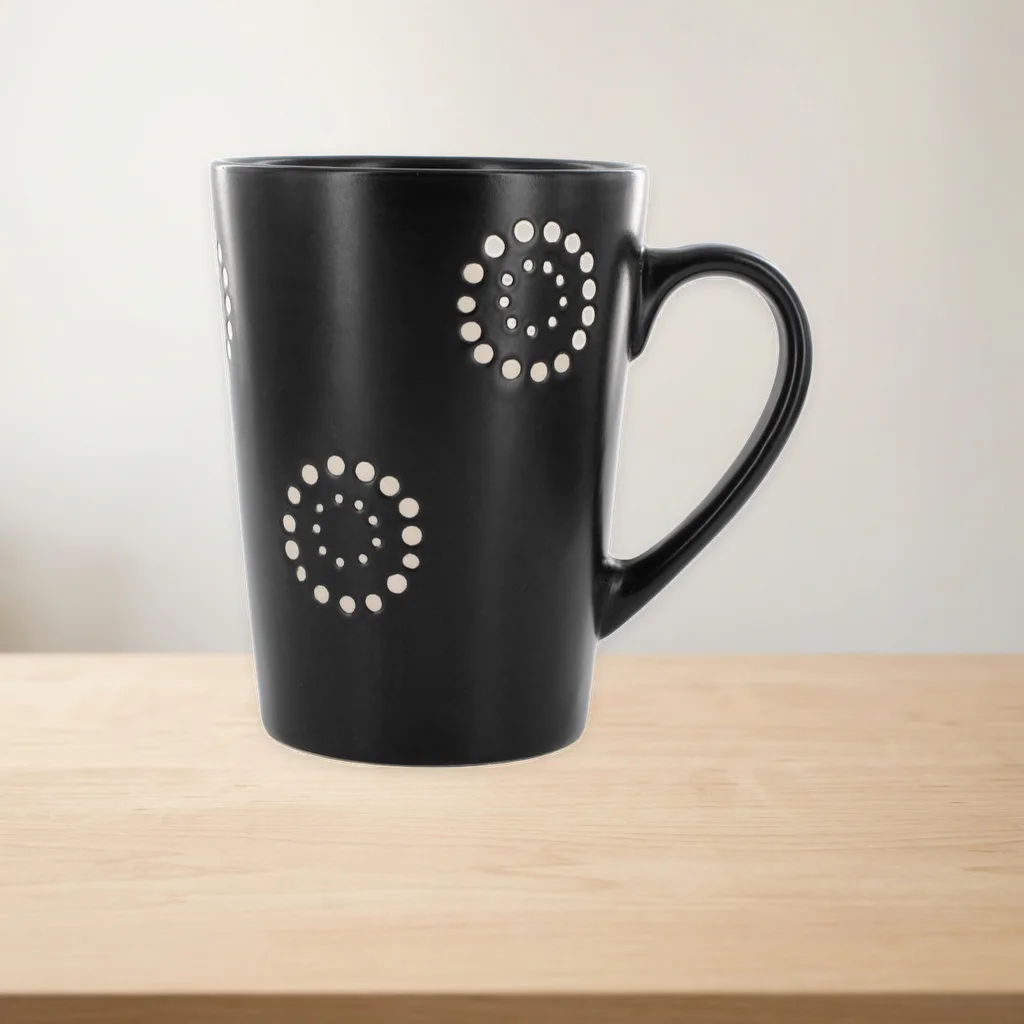
AI Photoshoot
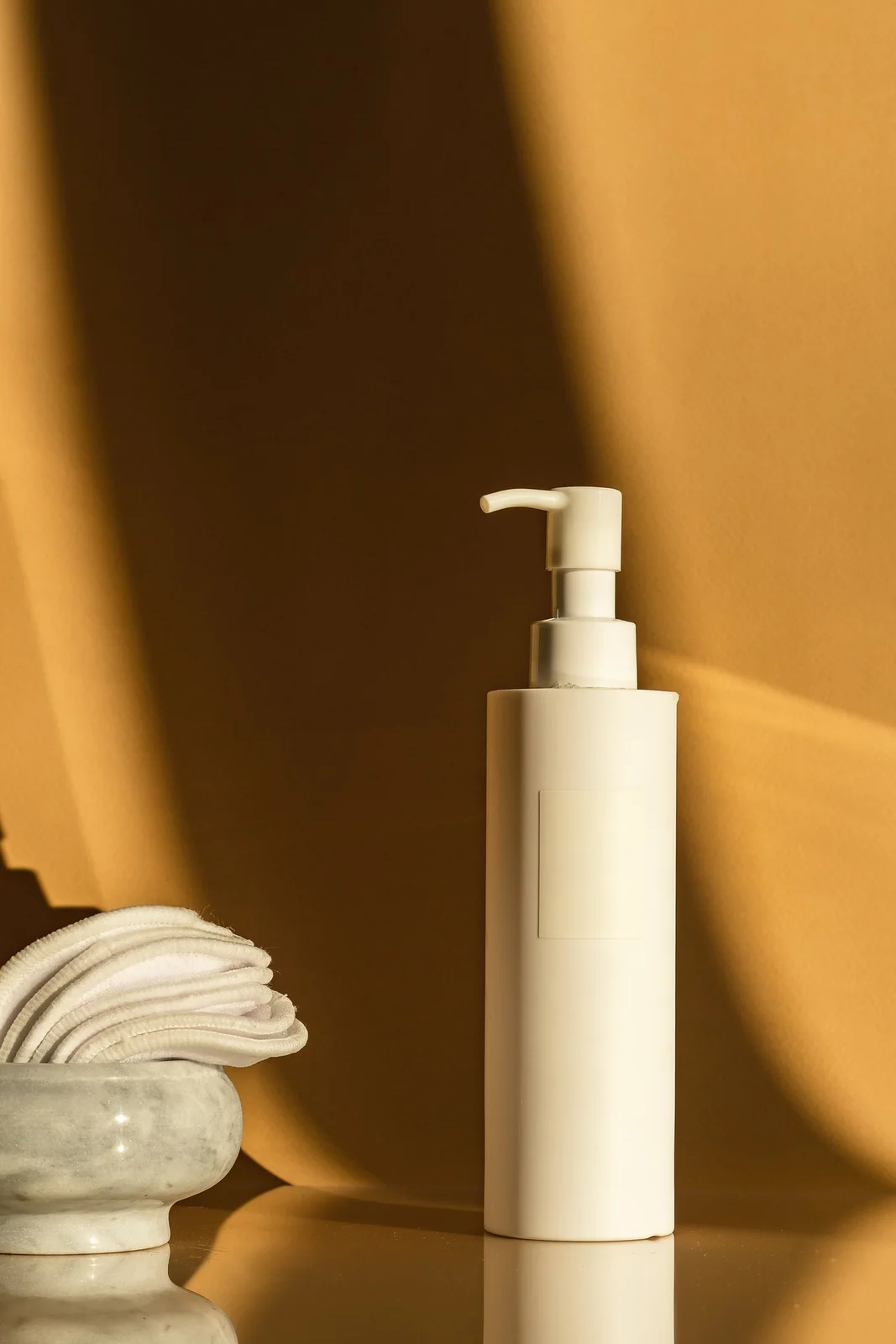
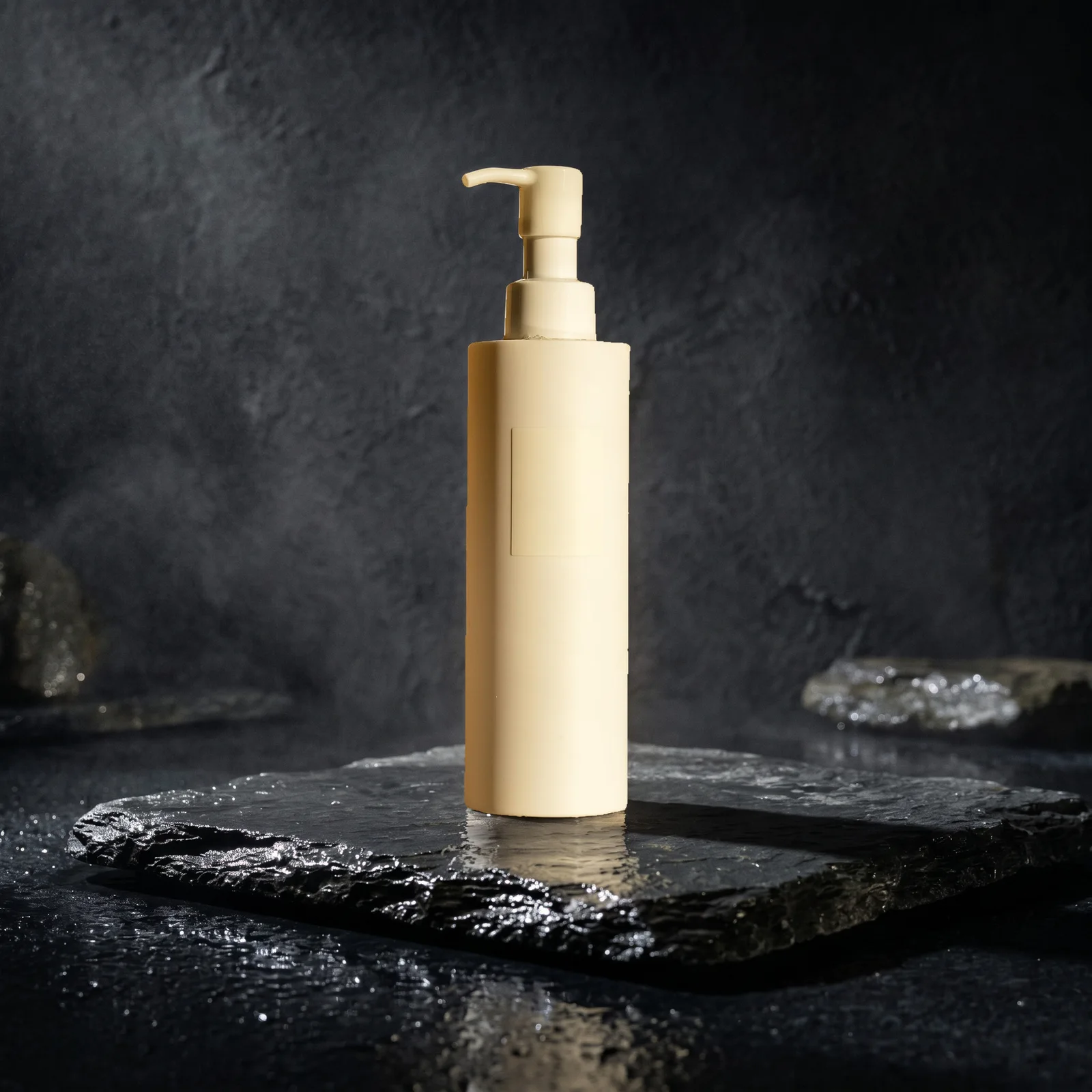
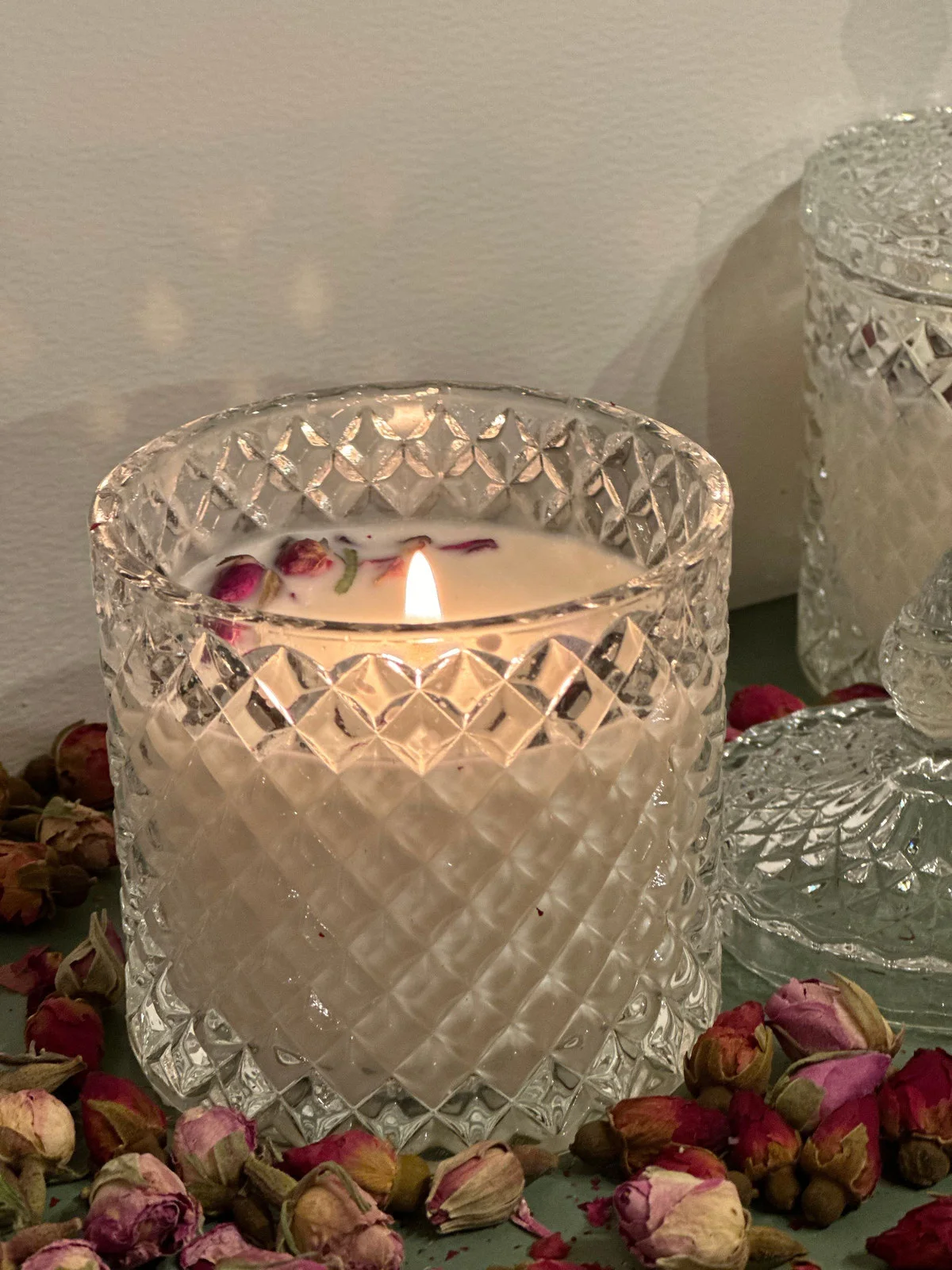
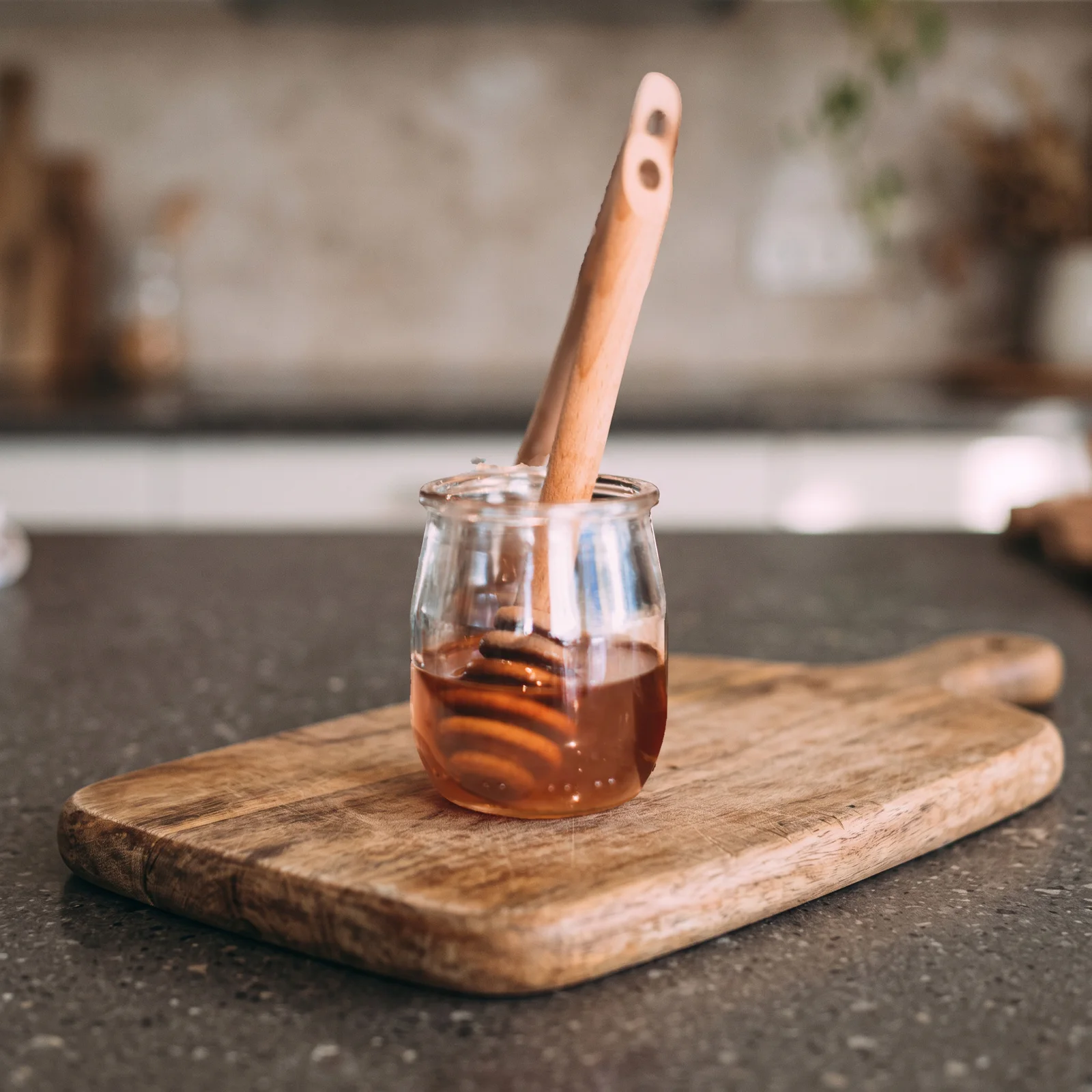
Your product in a styled setting, with its label exactly as shot.
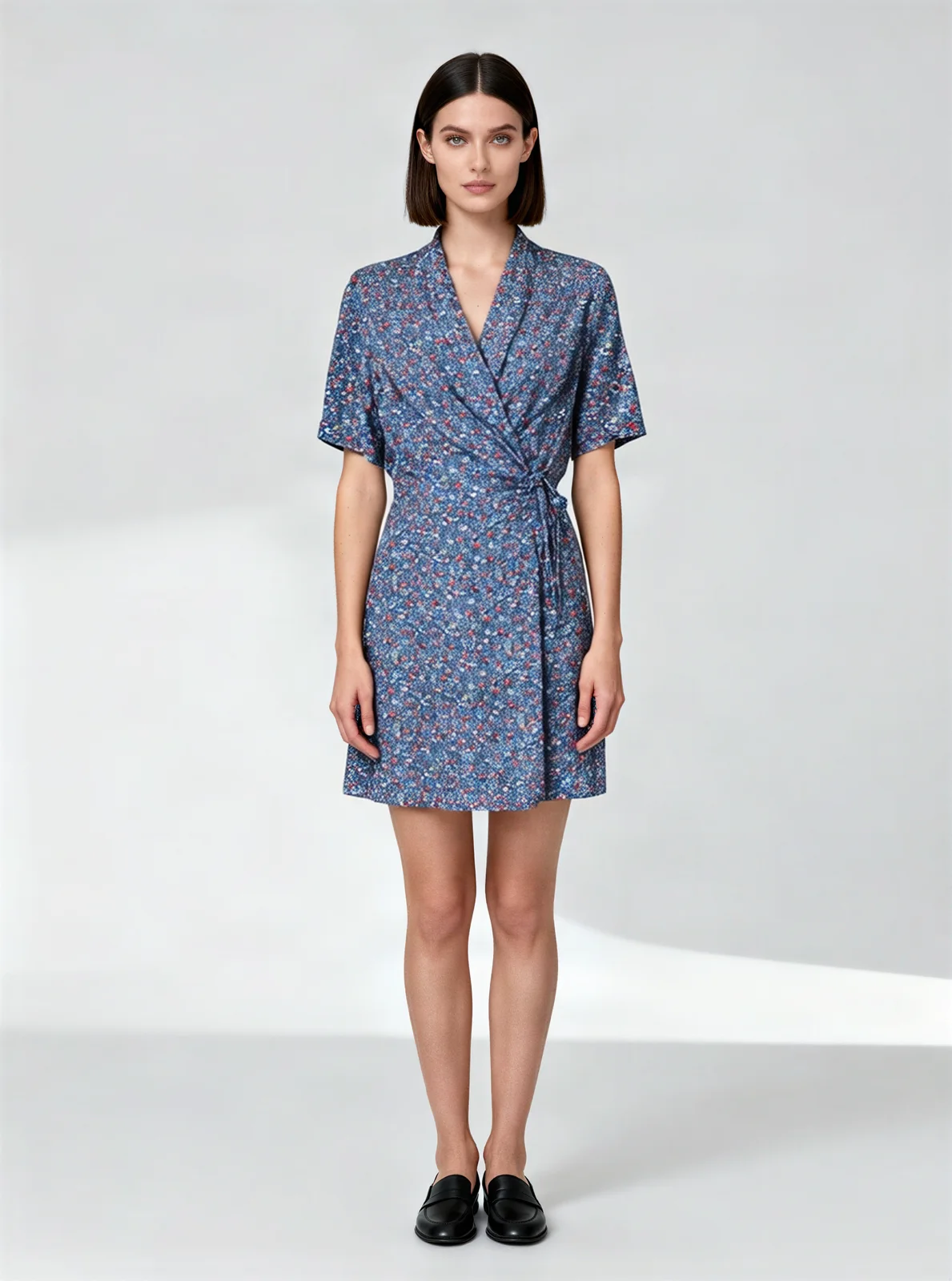
AI fashion model
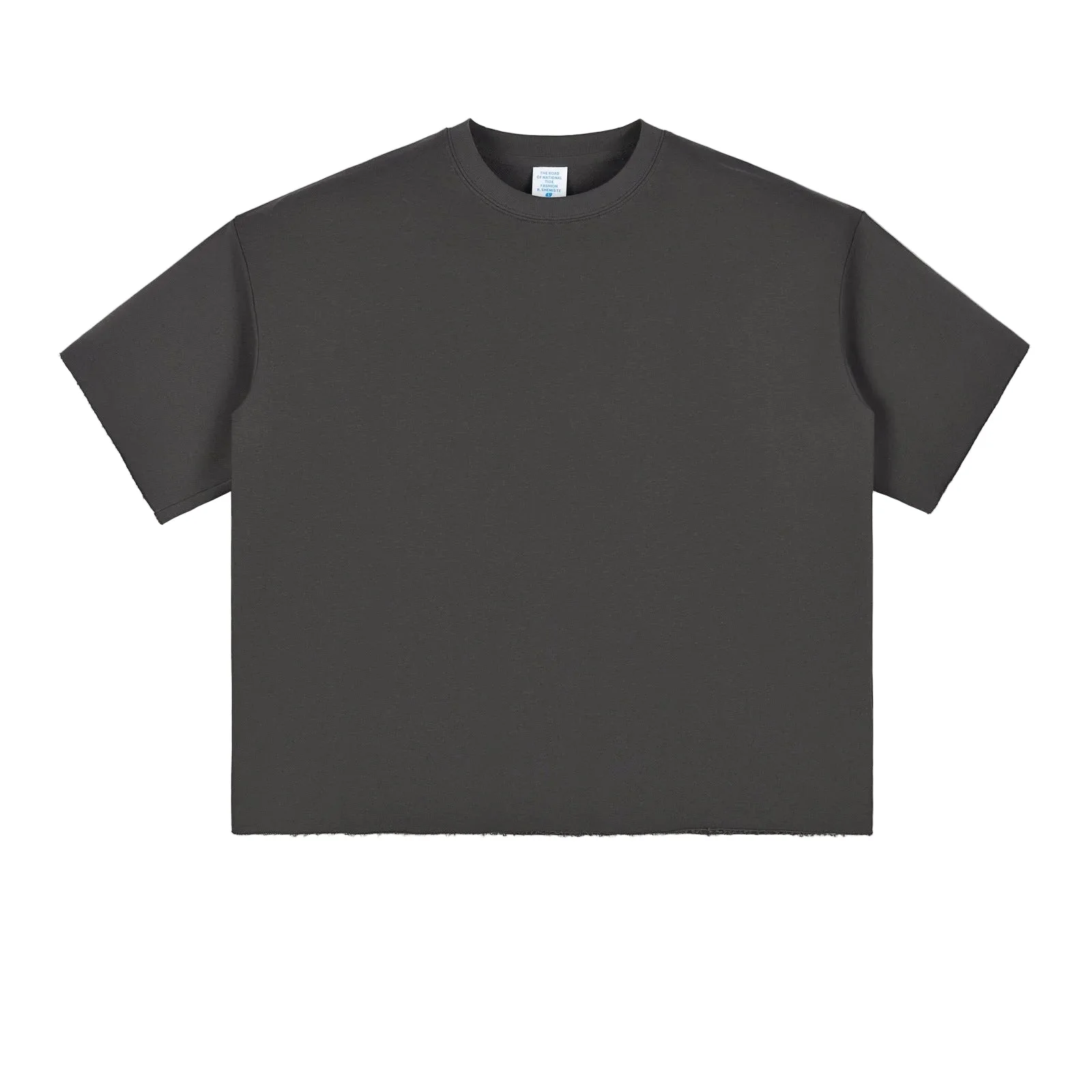
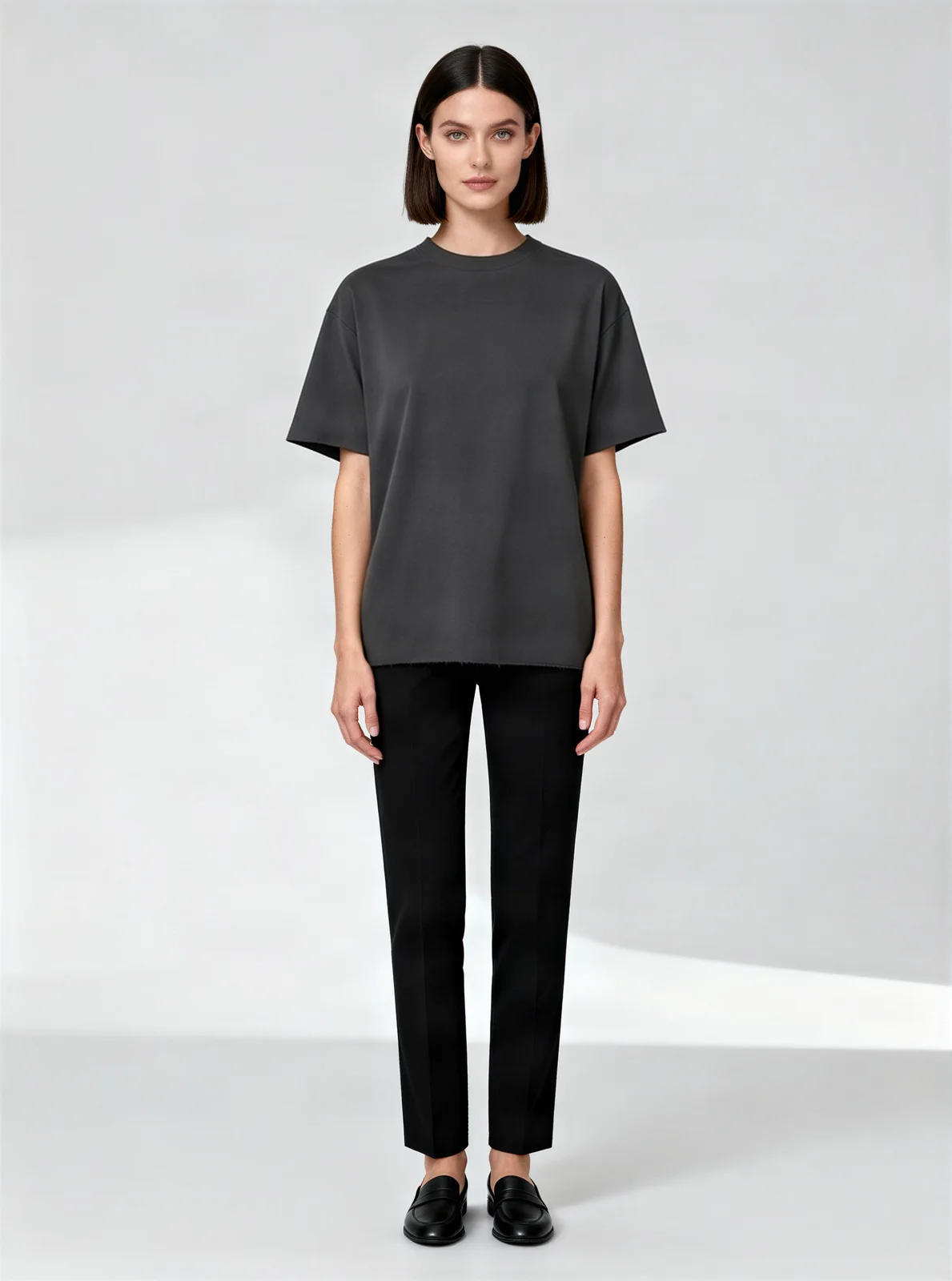
Flat lays and hanger shots on AI models.
Ghost mannequin
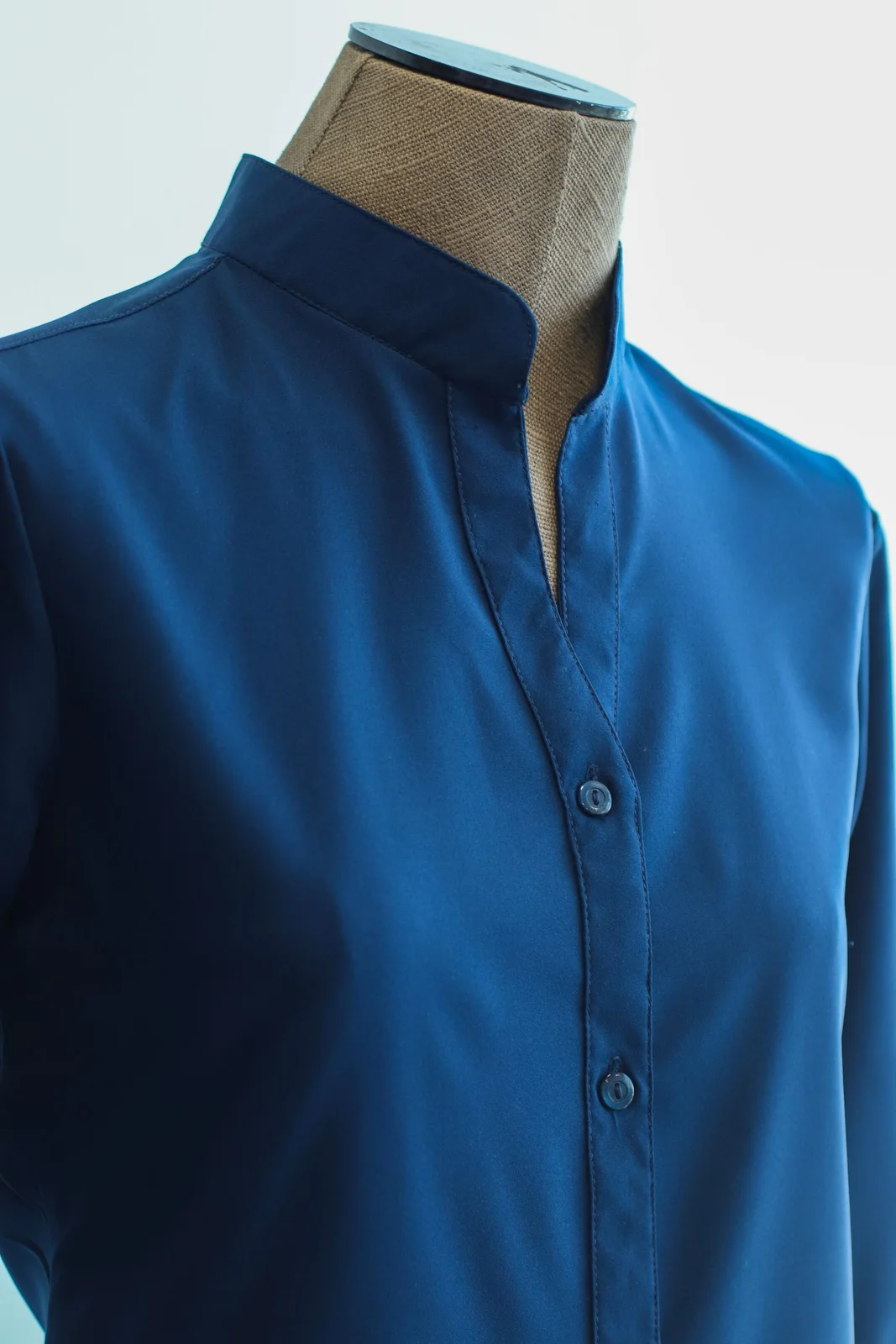
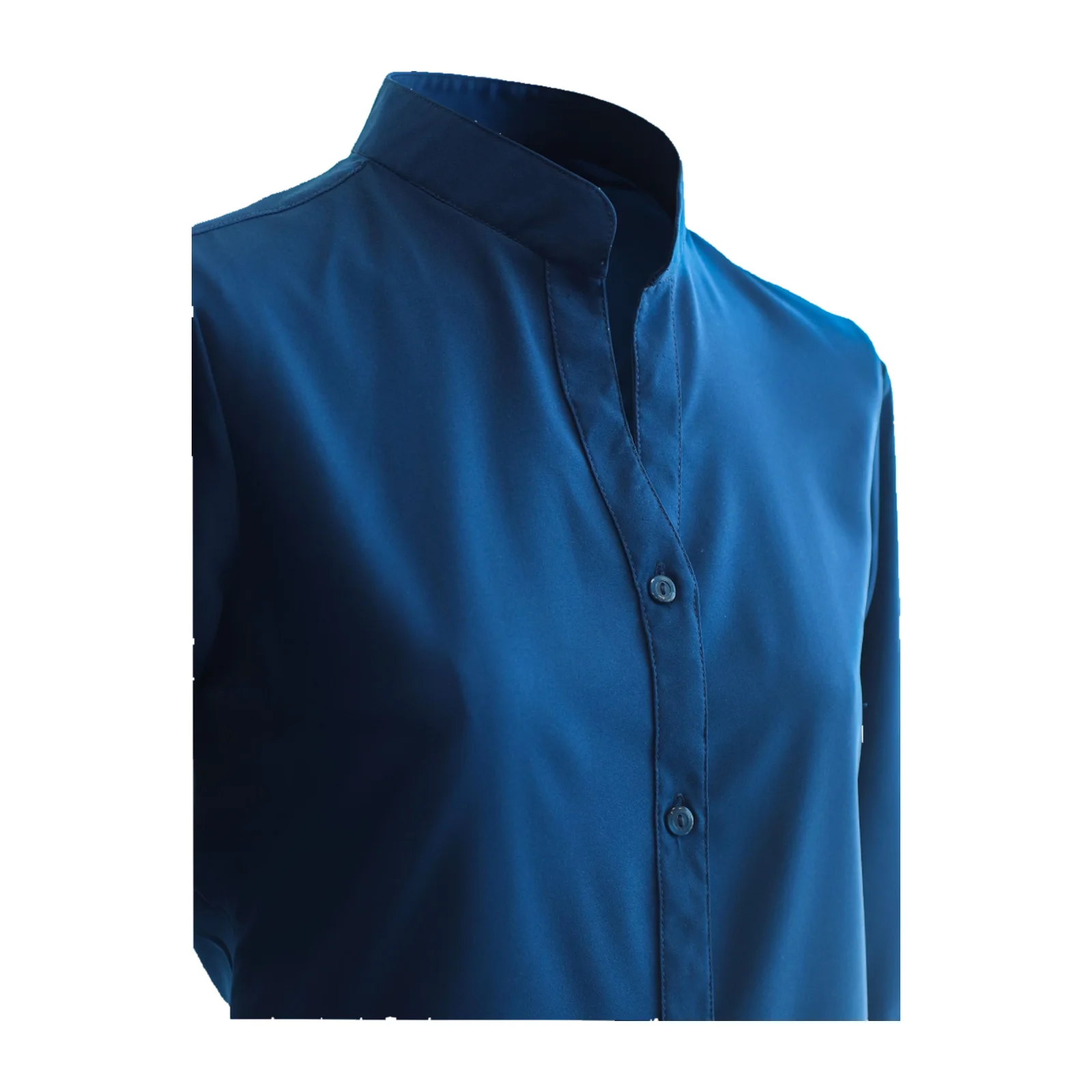
Mannequin and hanger photos turned into hollow, 3D-looking garment shots.
Remove background
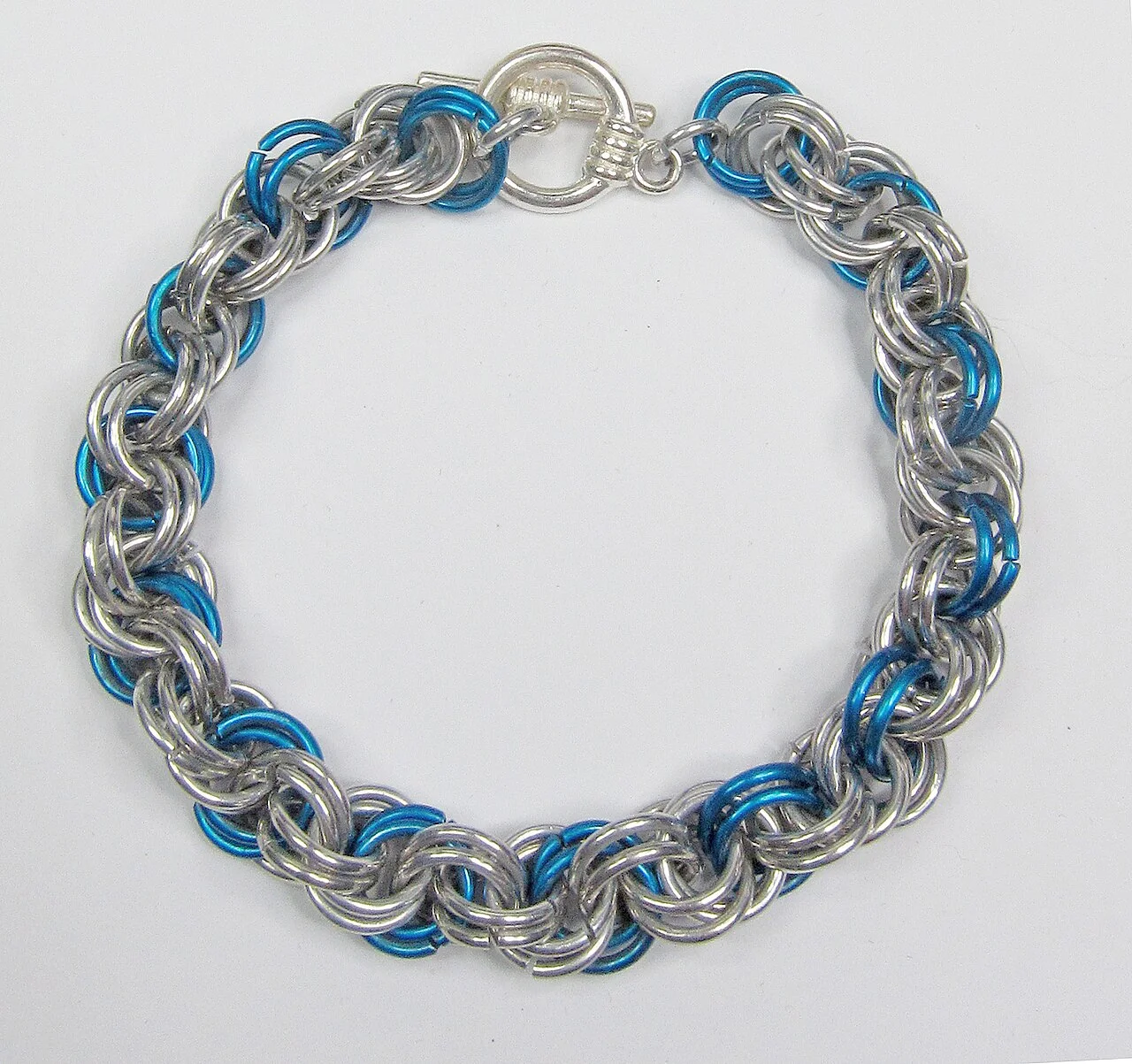
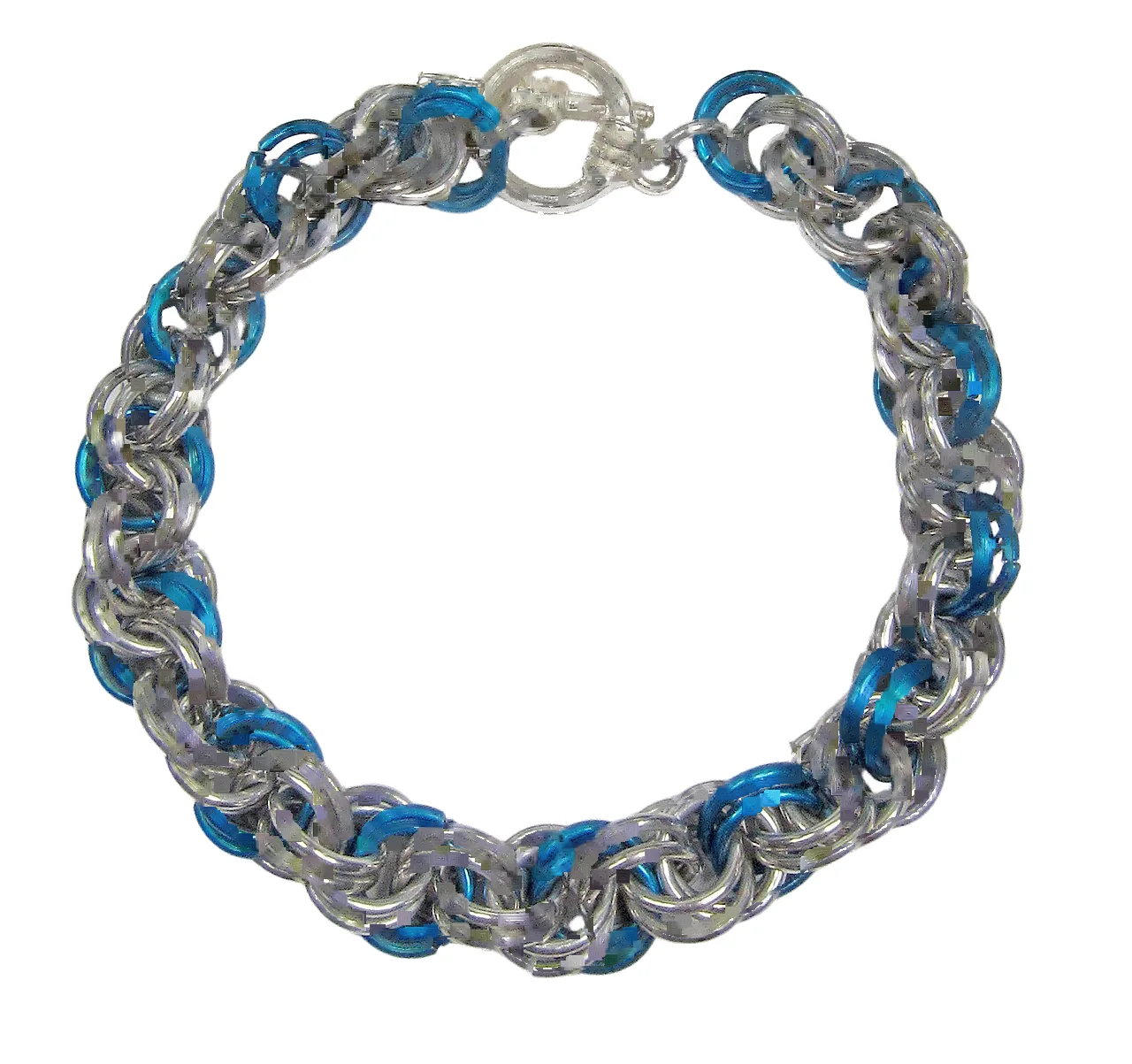
A transparent PNG at your original size.
Upscale
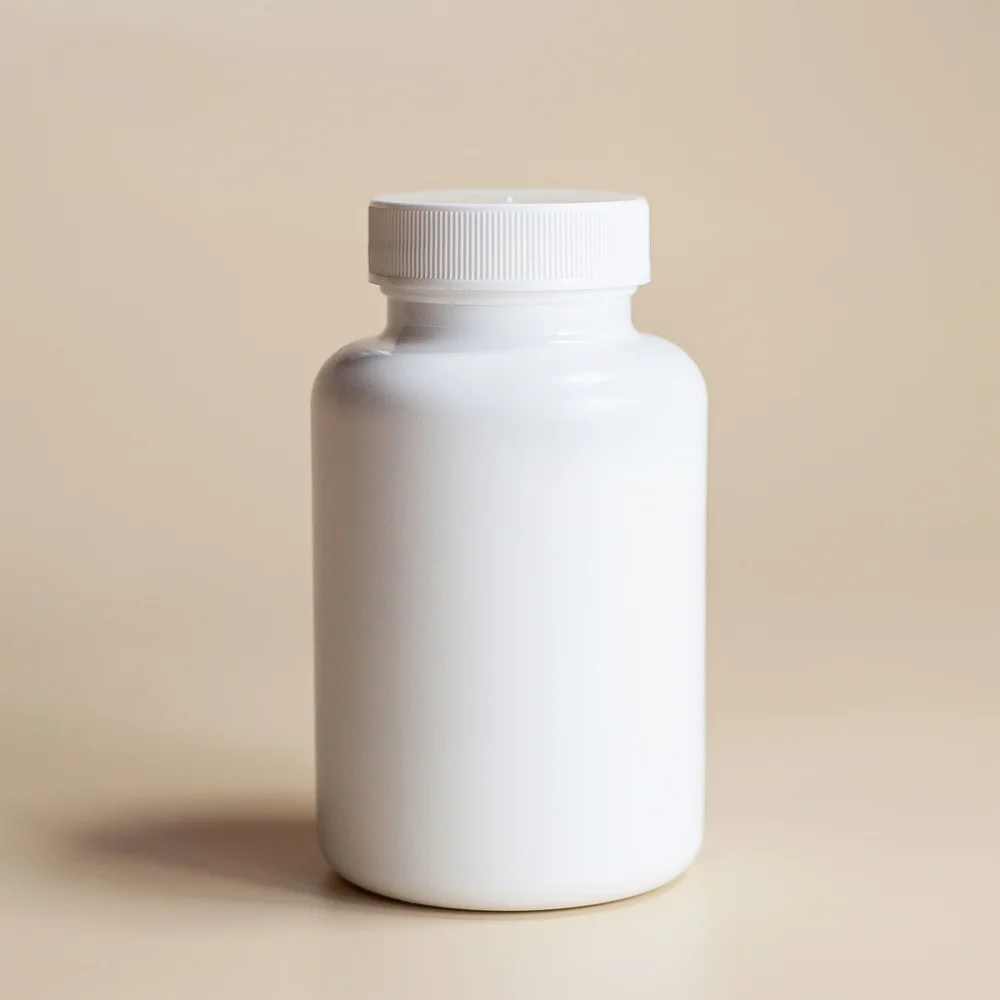
Small product photos enlarged to 2000 px, with text kept sharp.
T-shirt mockup
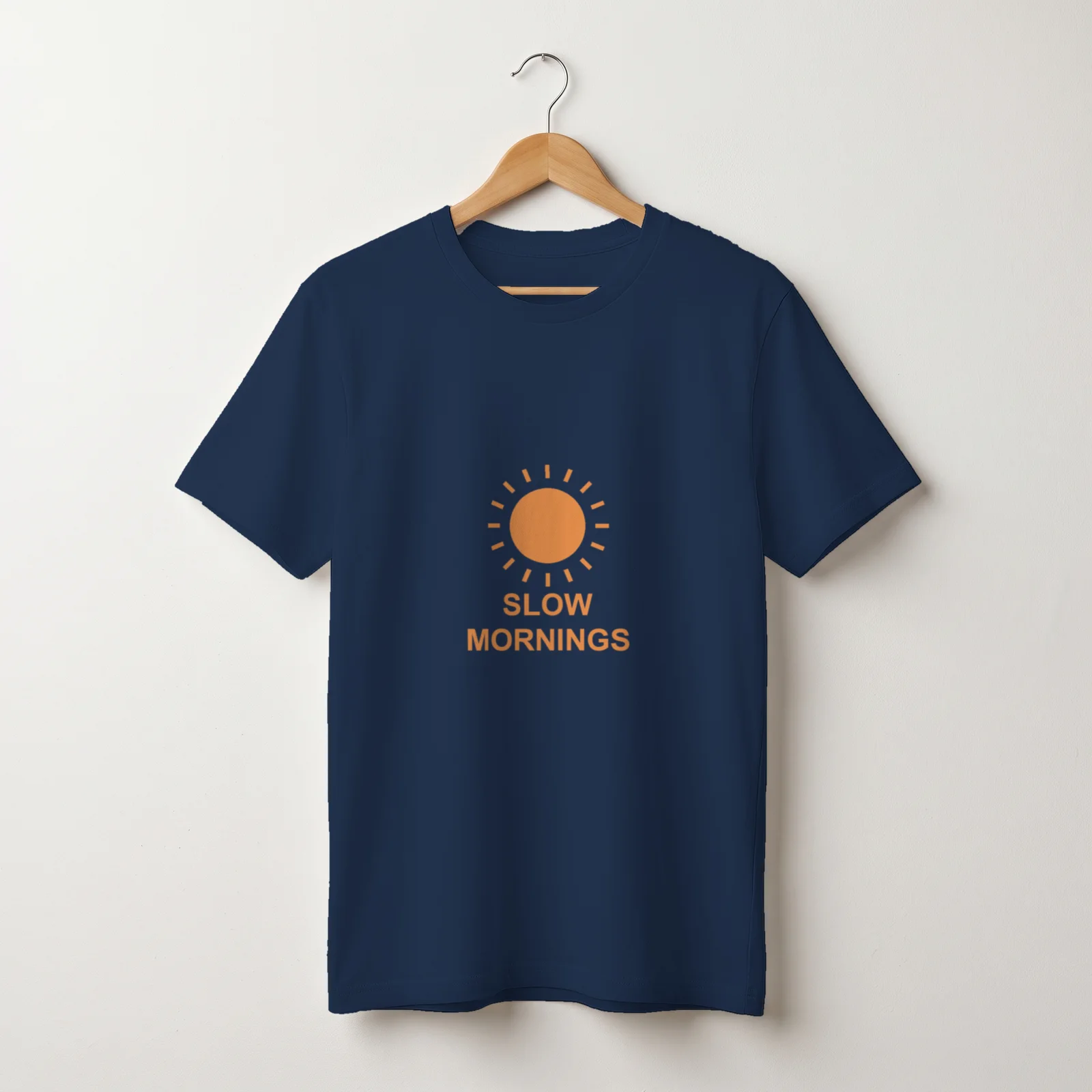
Your design on a real-looking T-shirt, in every color you pick.
Free · no sign-up · runs in your browser
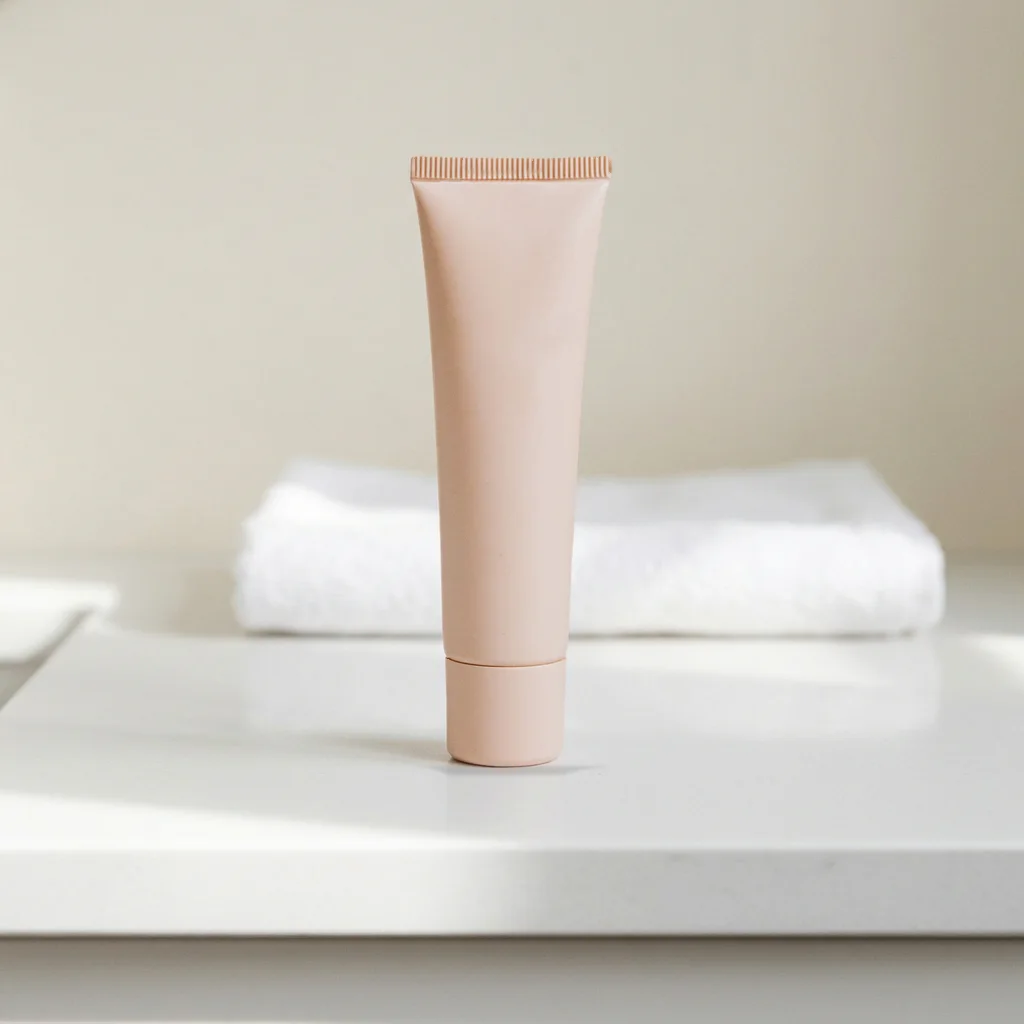
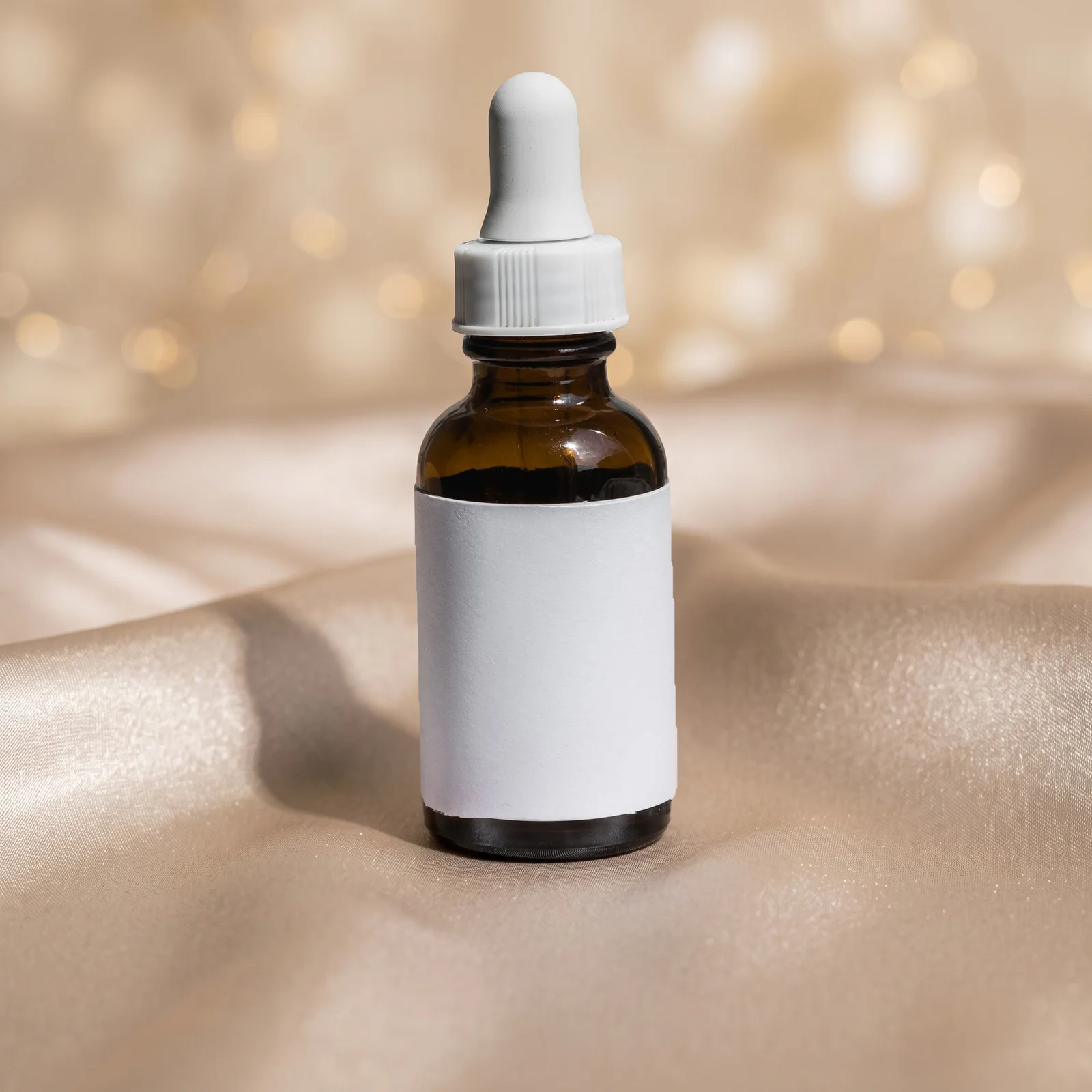
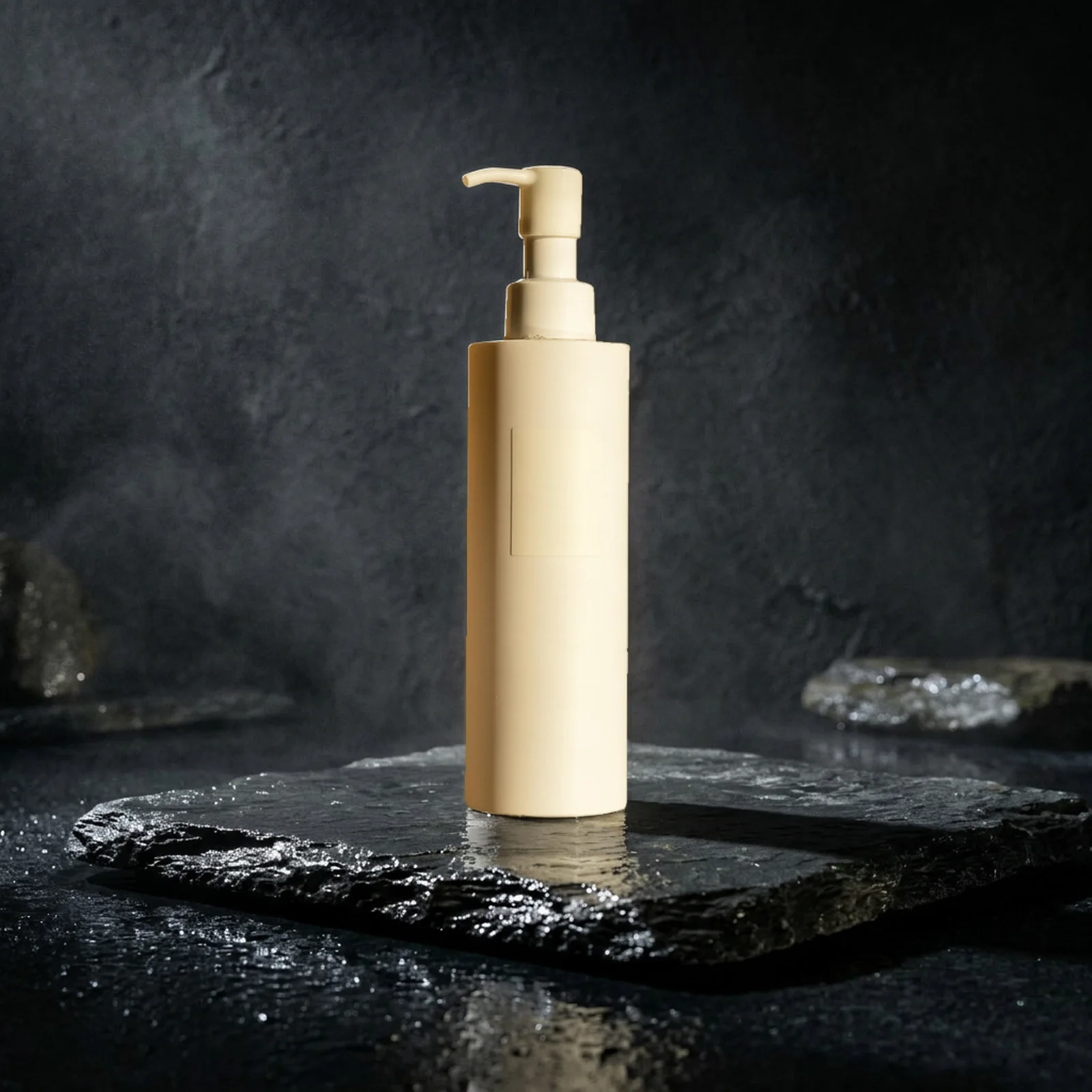
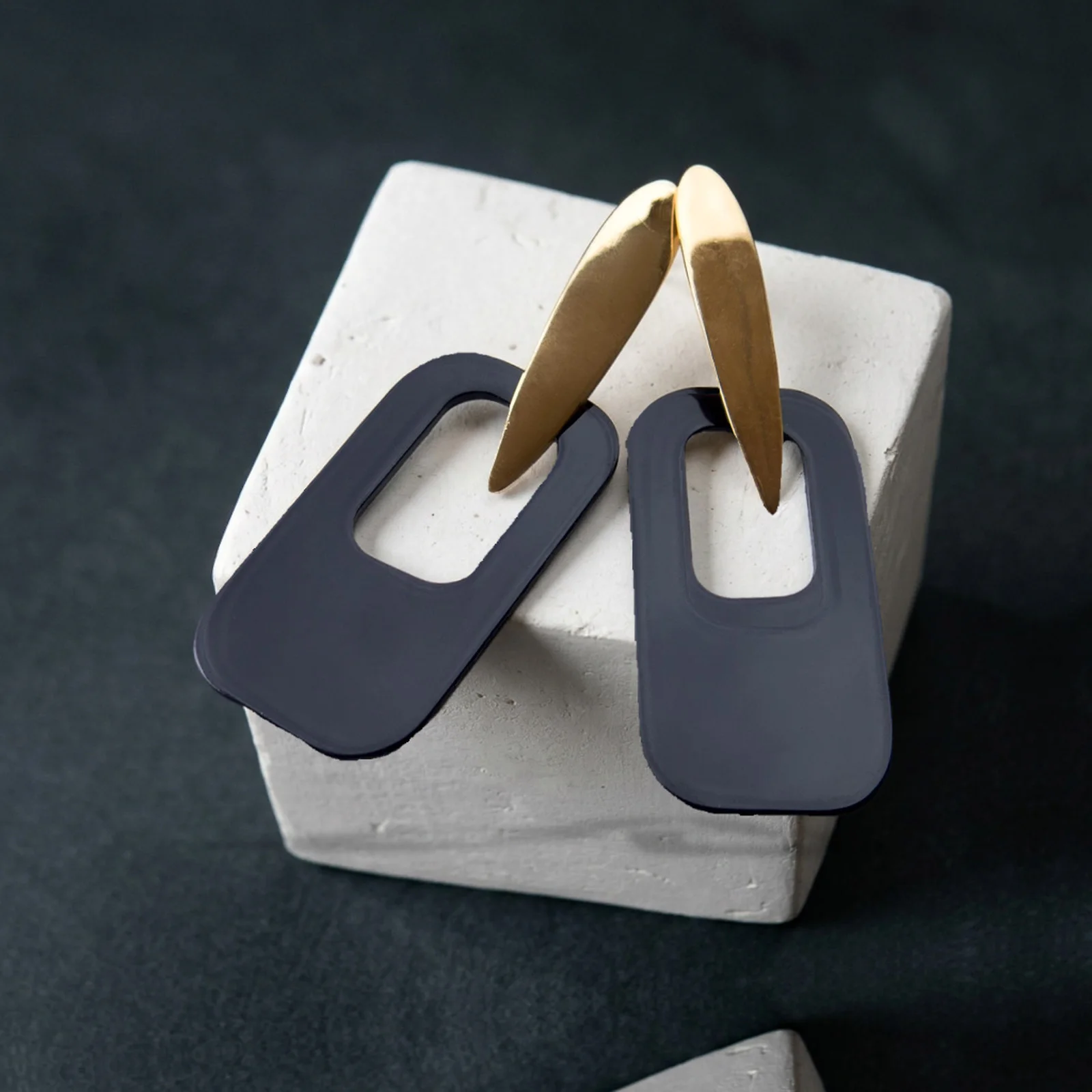
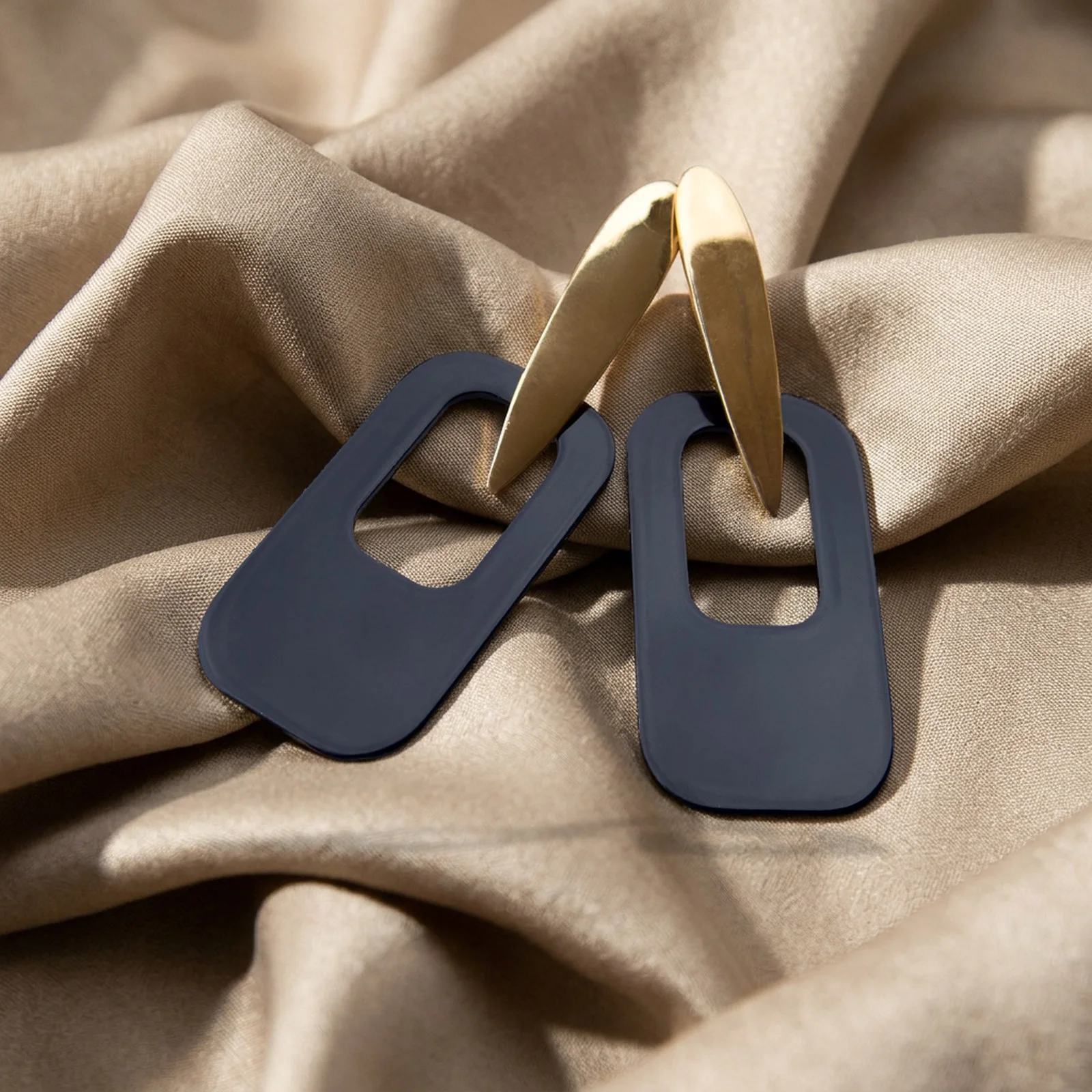
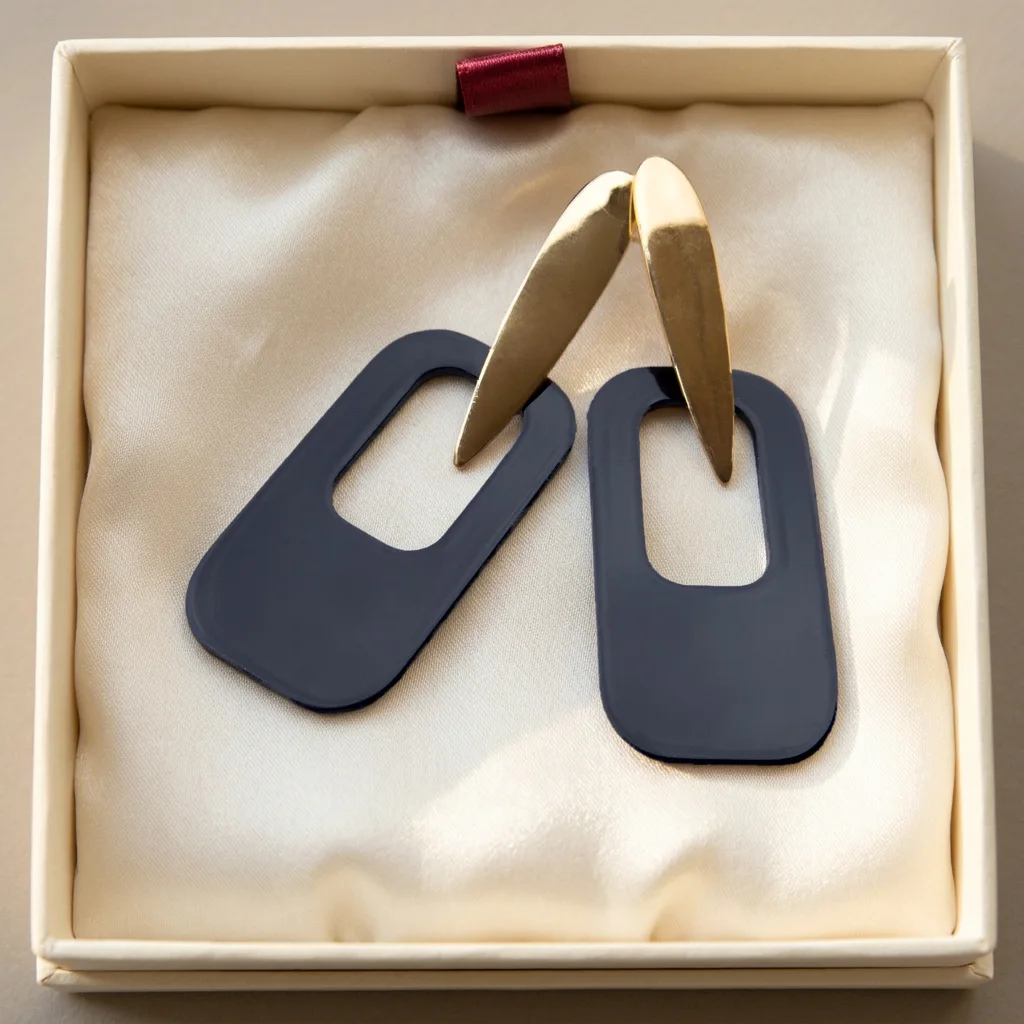
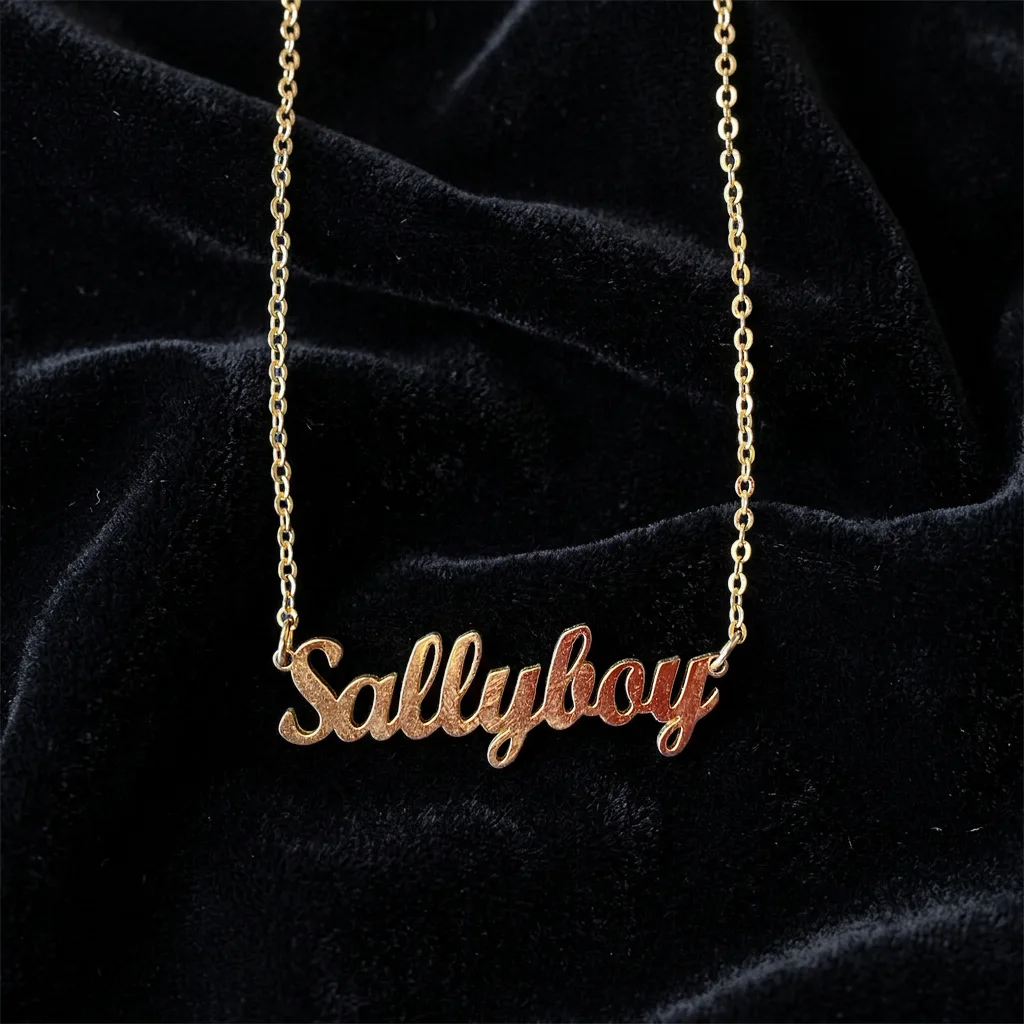
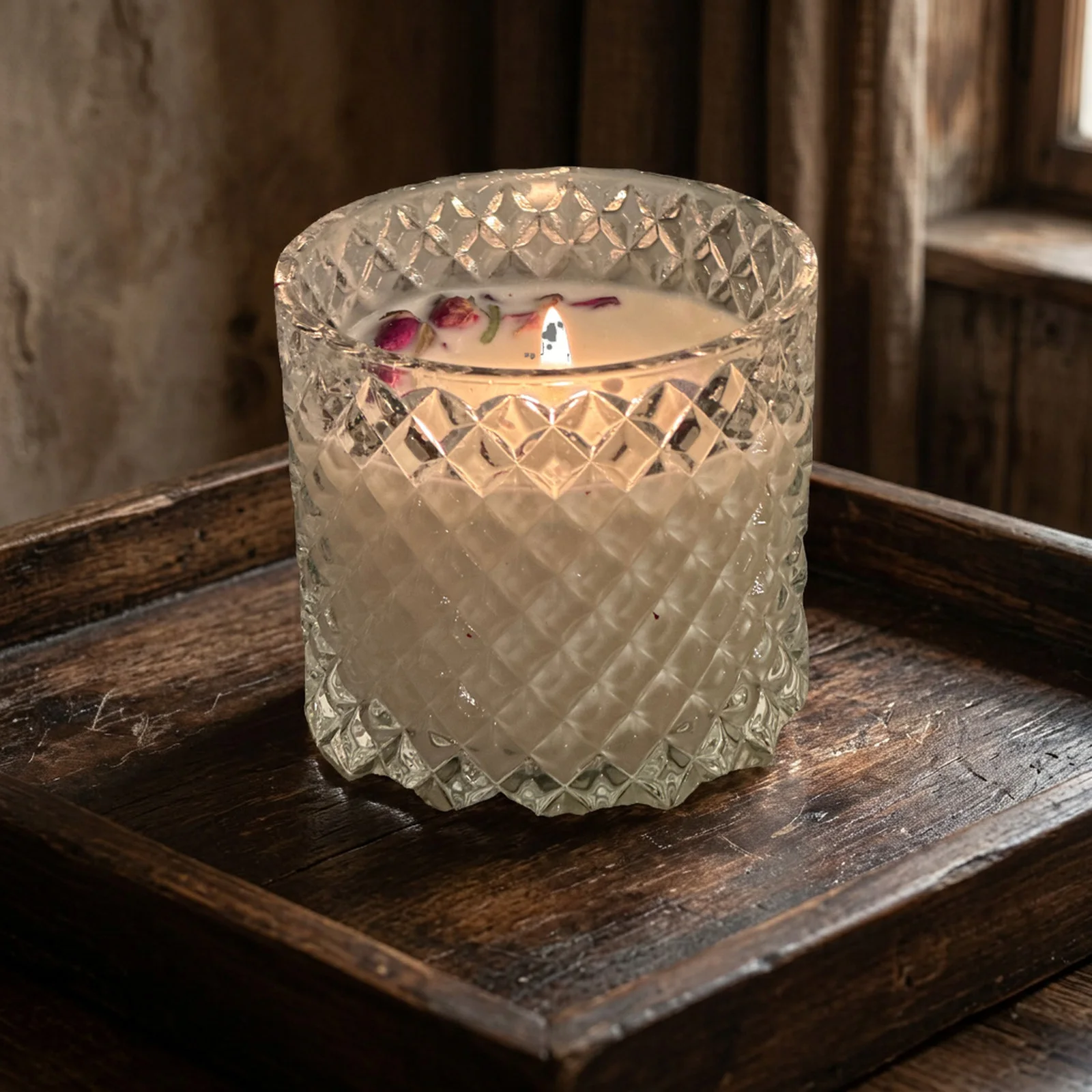
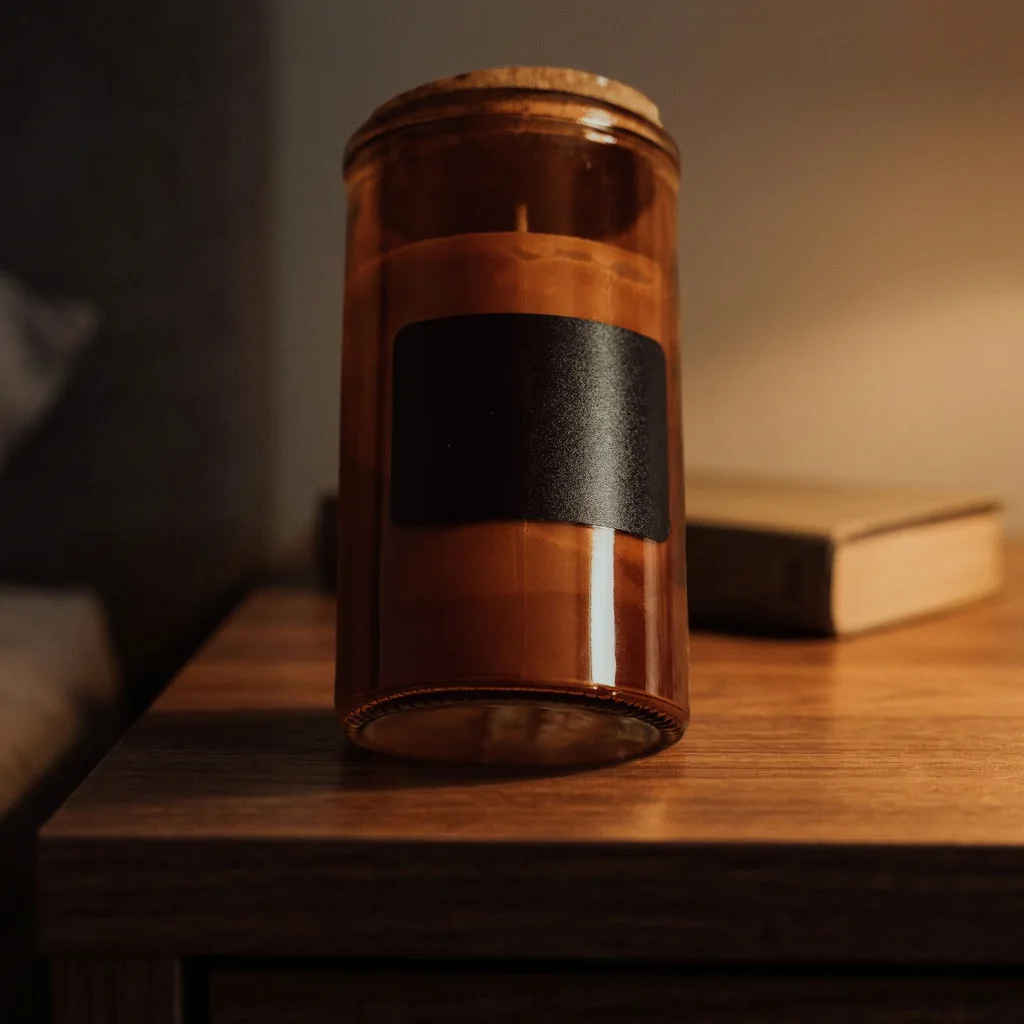
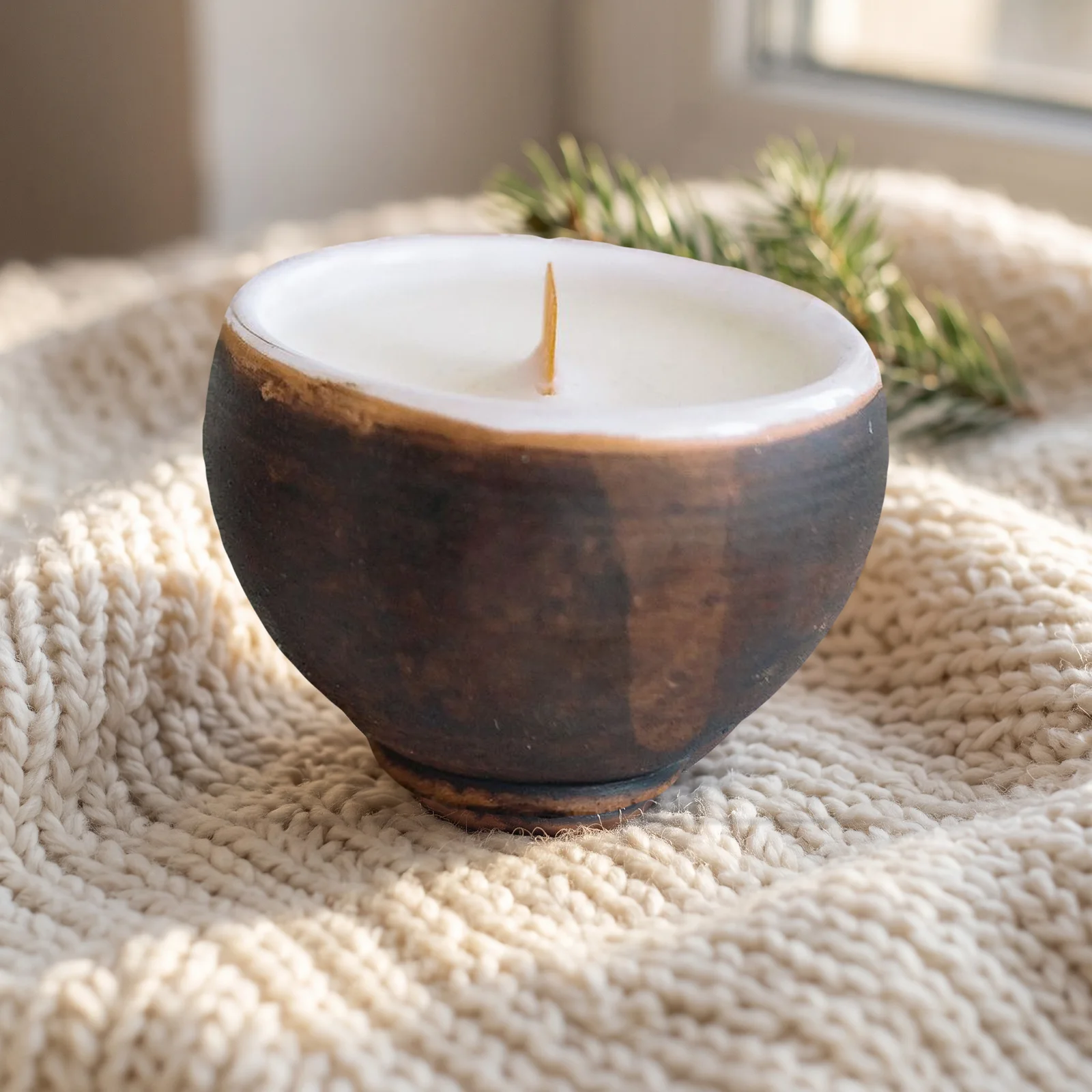
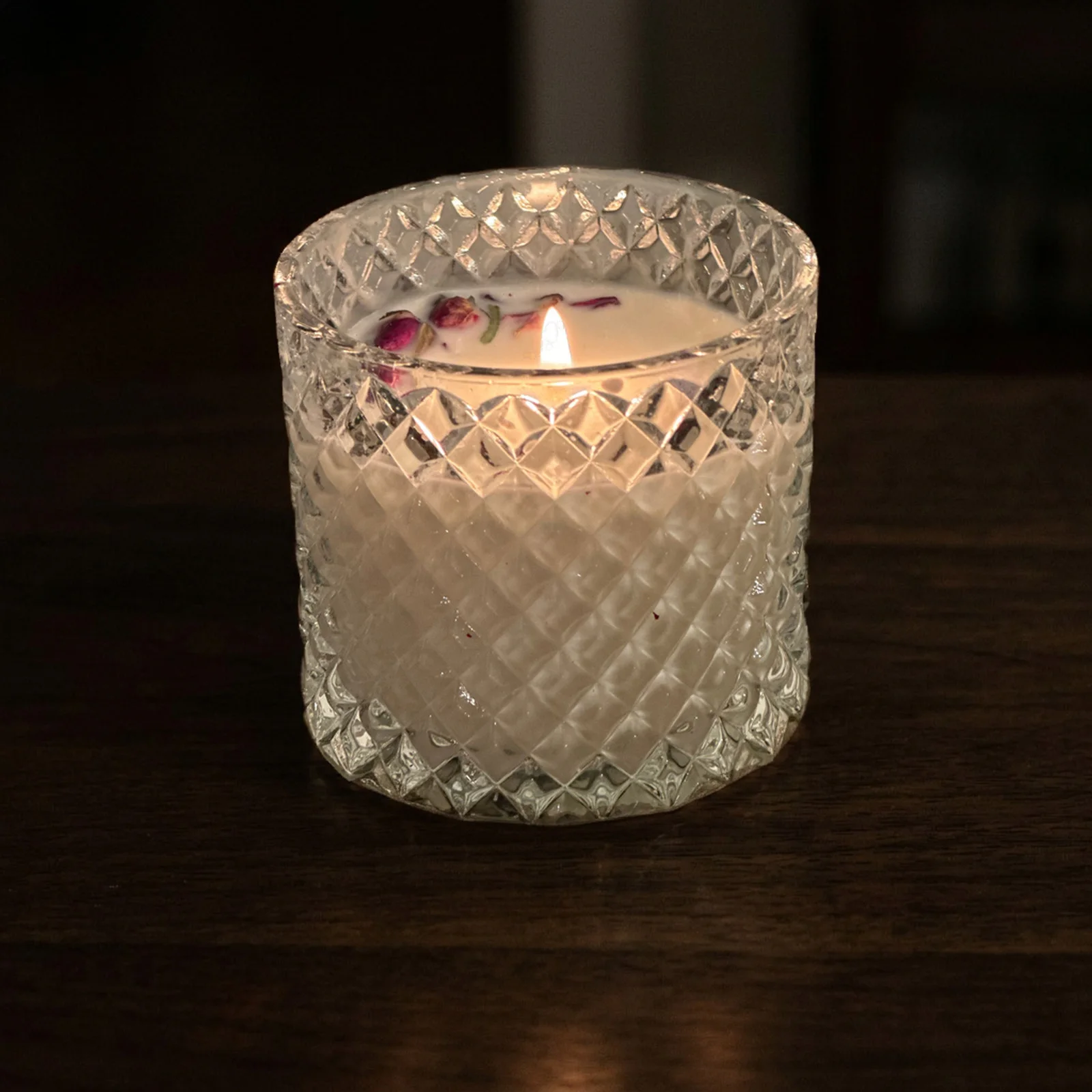
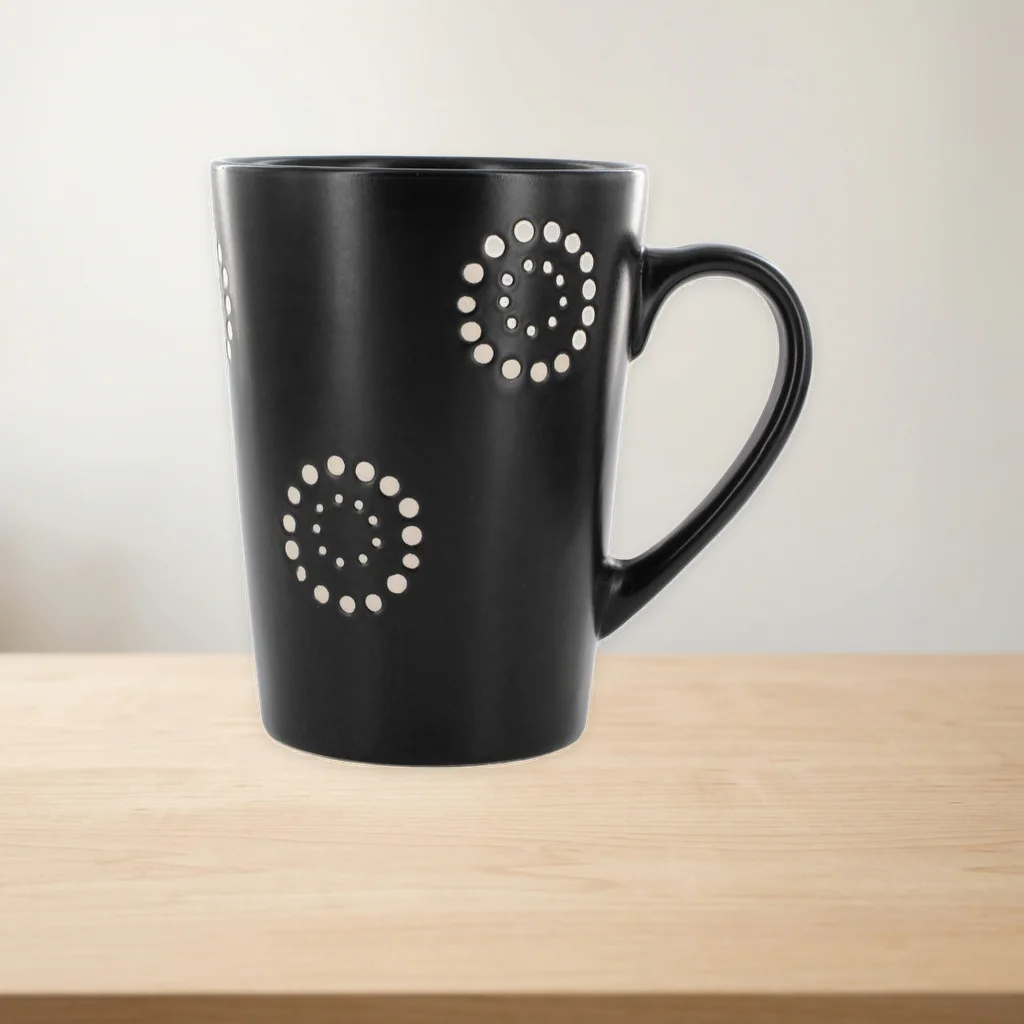
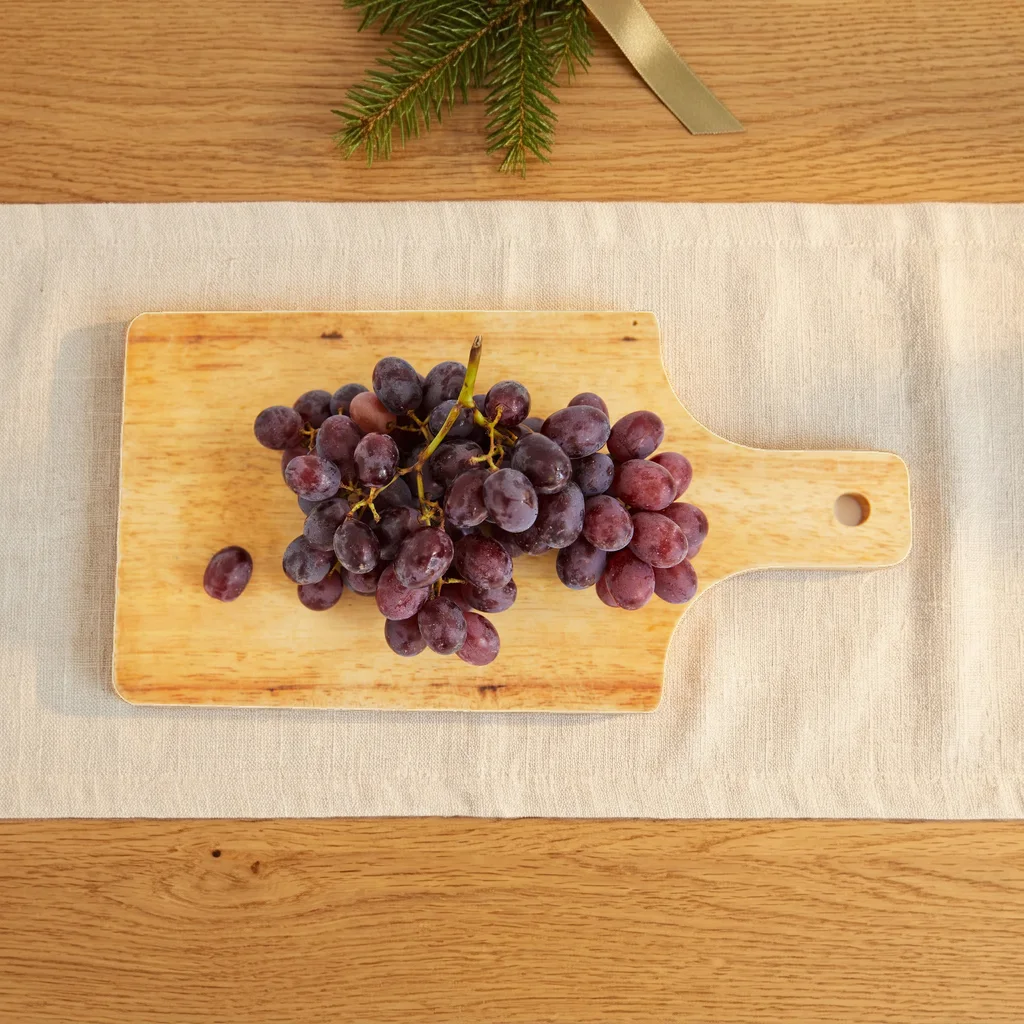
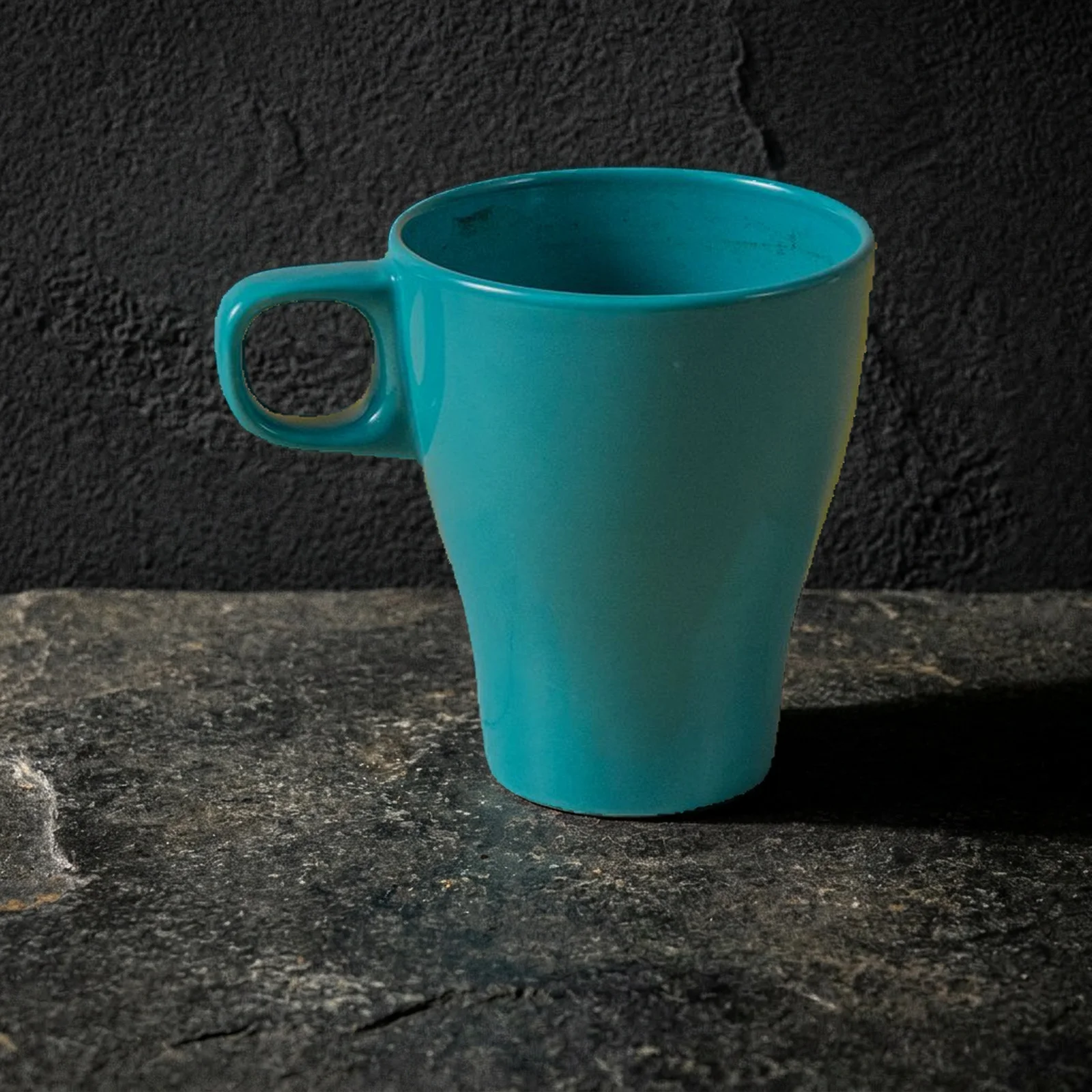
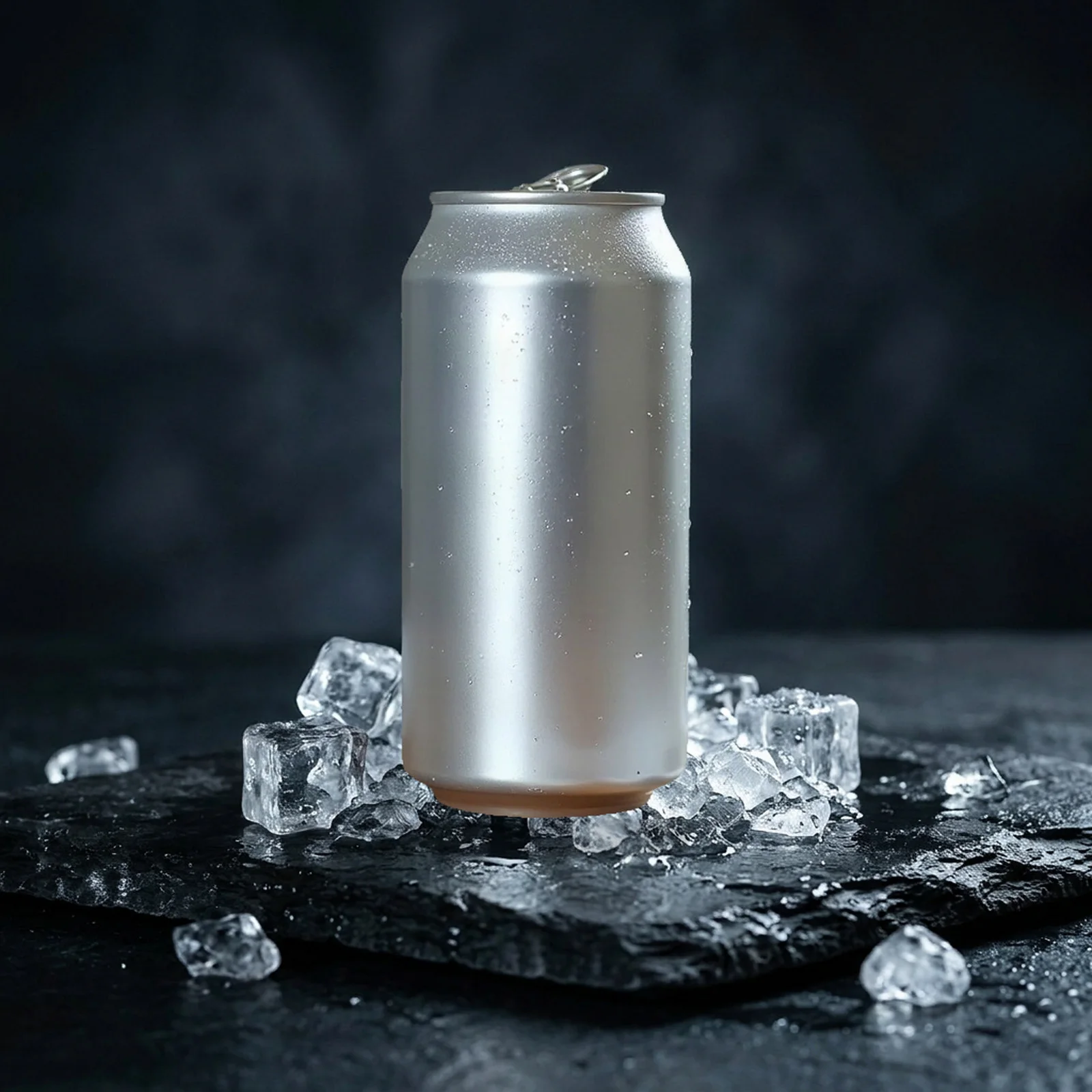
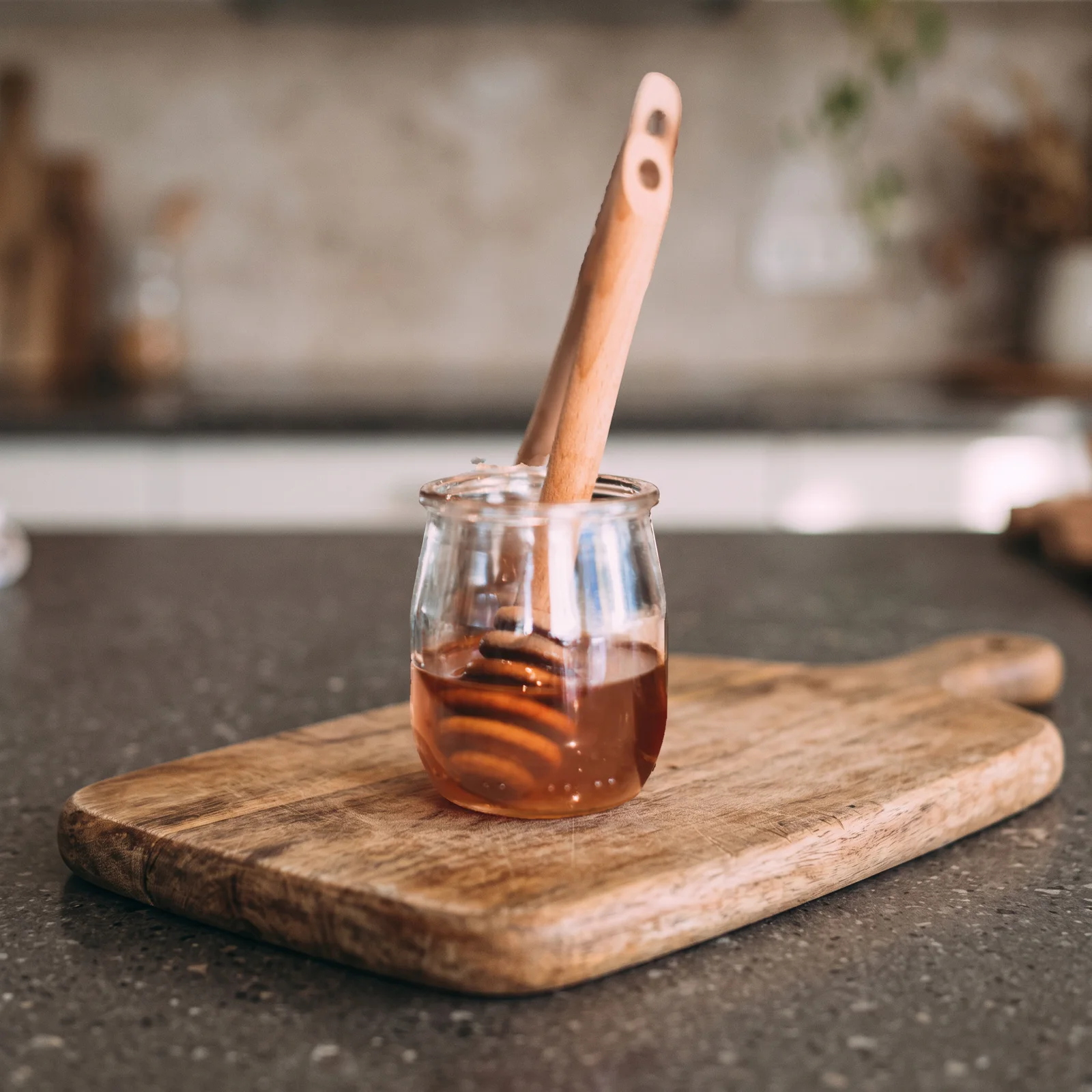
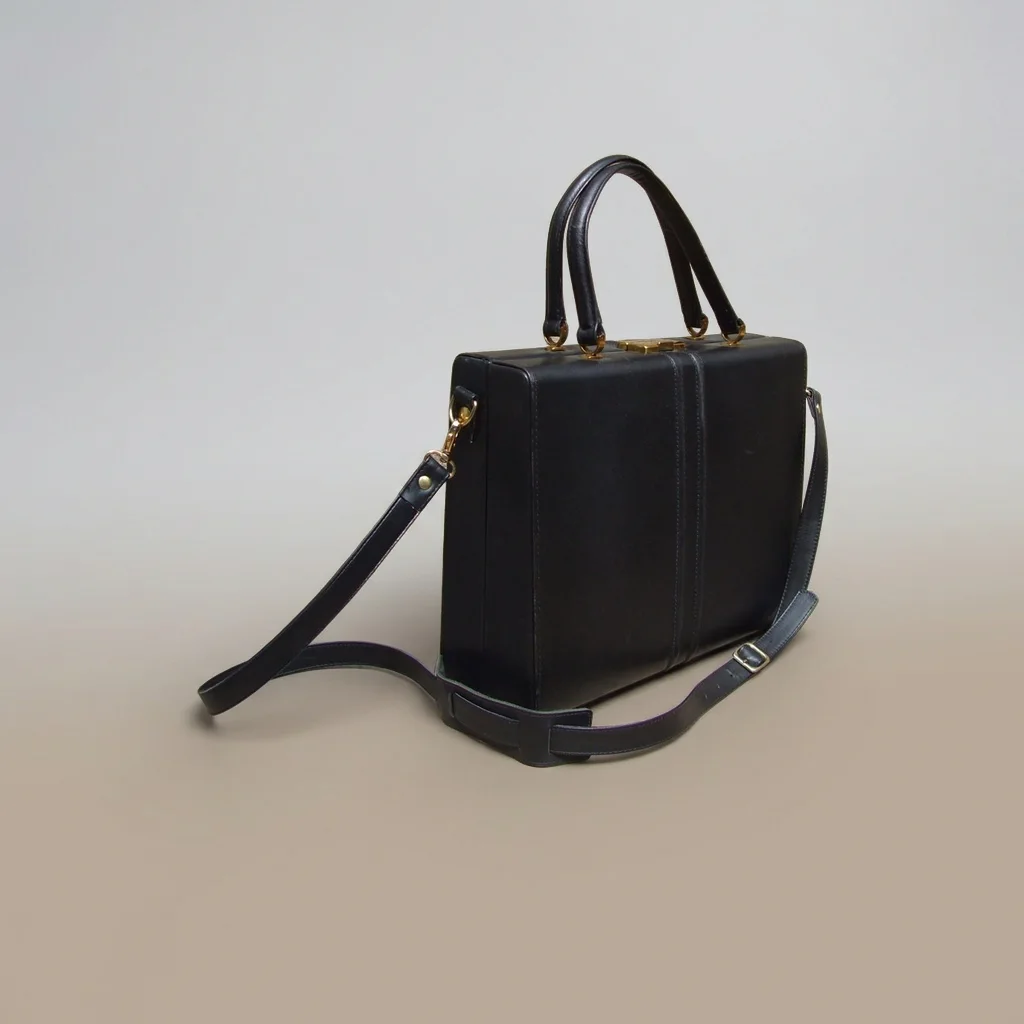
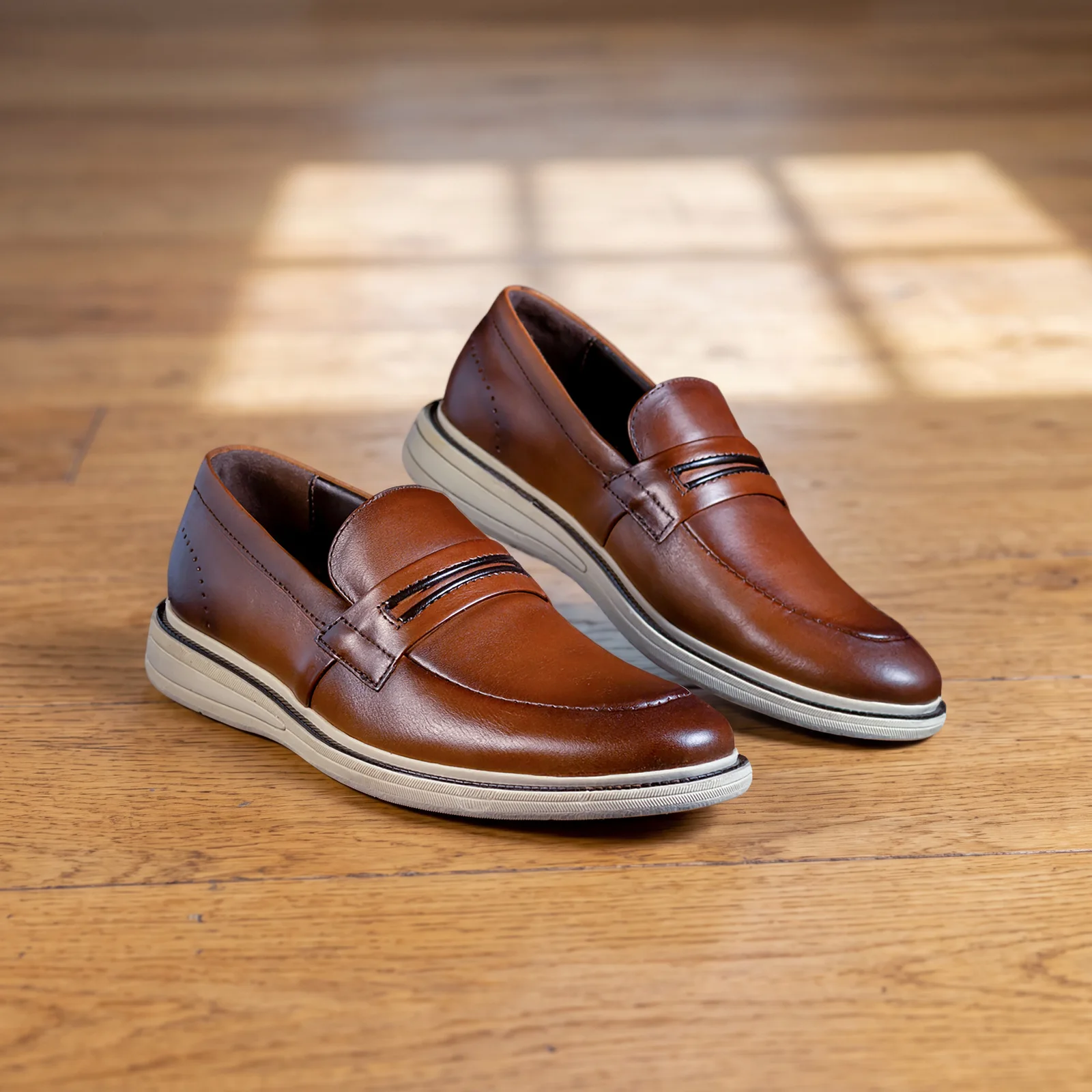
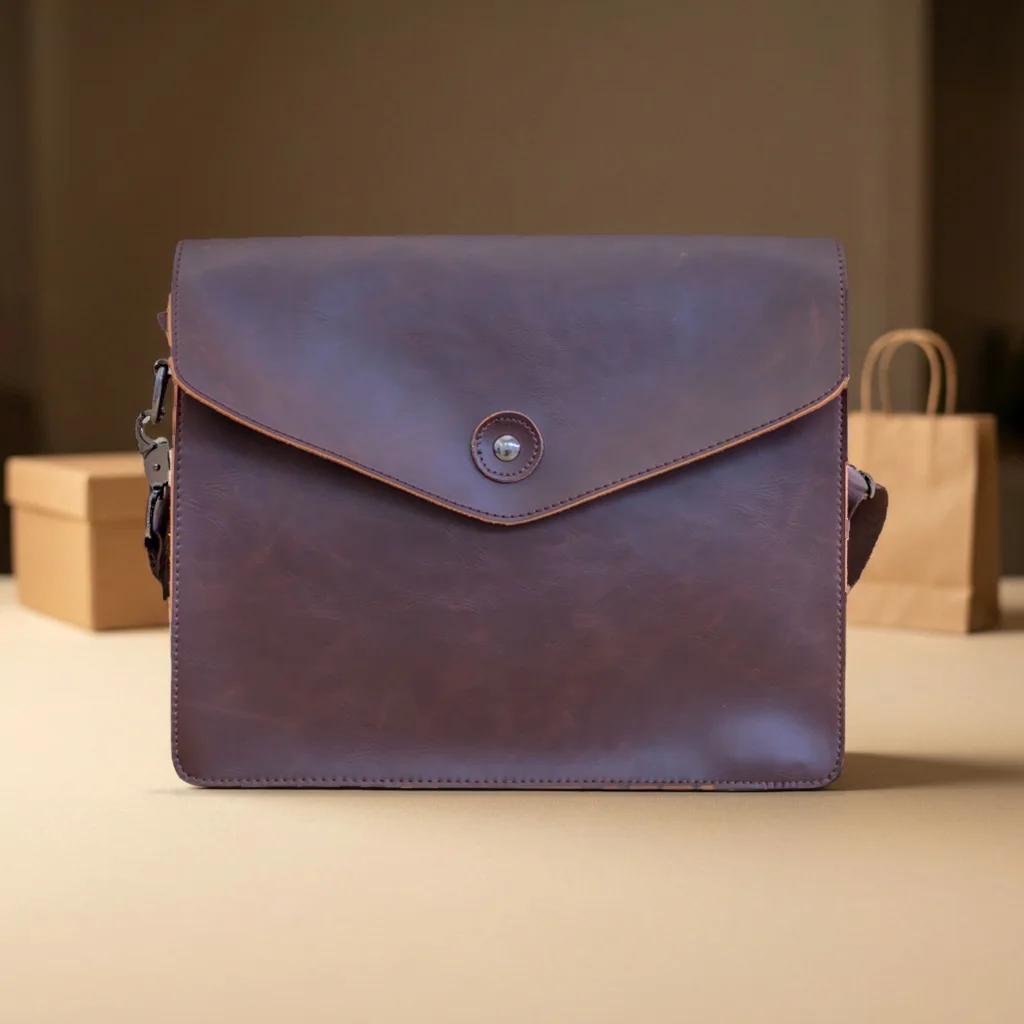
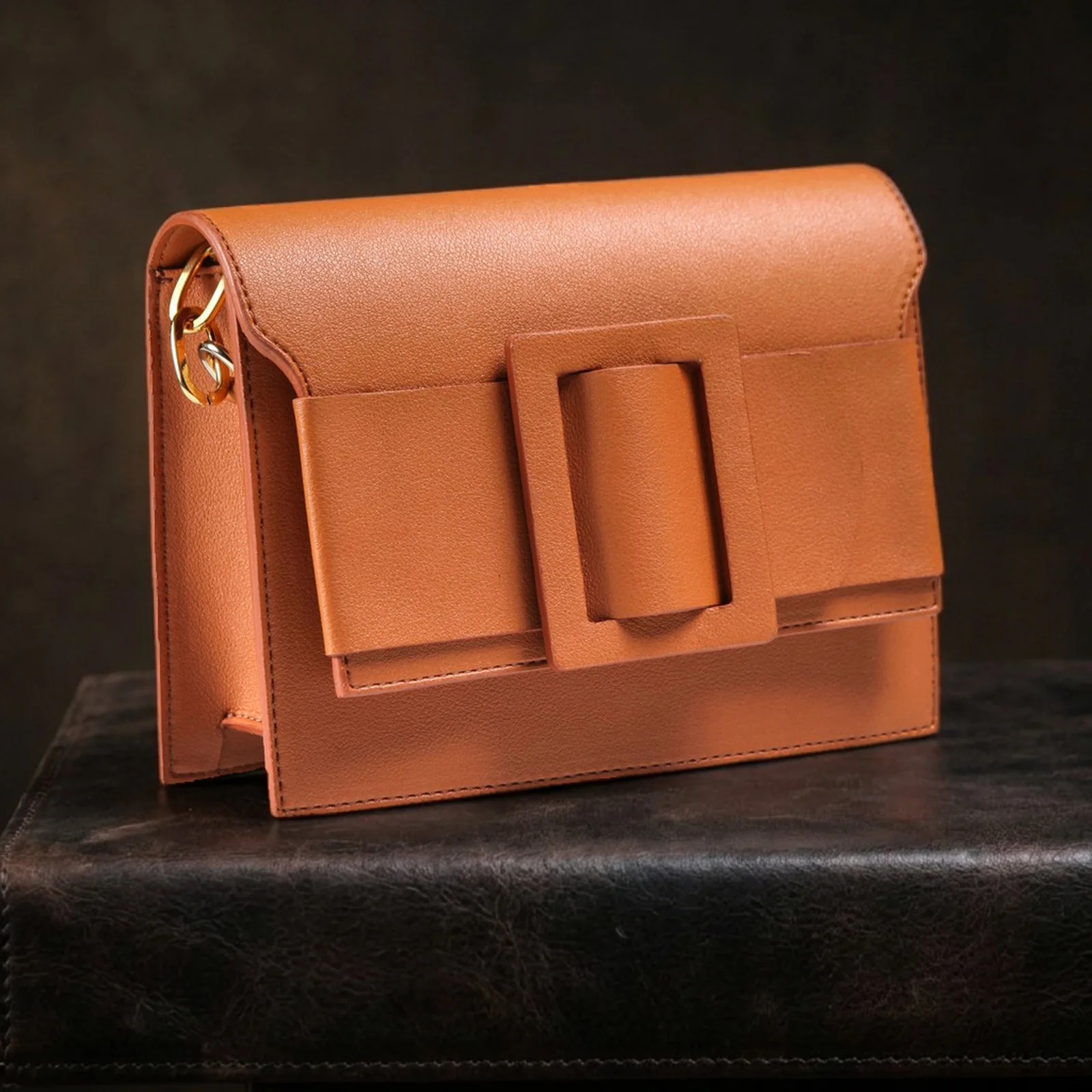
AI product photography for Amazon, Shopify, Etsy and TikTok Shop
Each marketplace has its own image rules. Choose where the photo is going when you download, and it's sized for that store.
Amazon
> 1000
Larger than 1000 px on each side to enable zoom
Pure white (RGB 255), product fills 85% of the frame
- Minimum:
- 500 px on the longest side
- Maximum:
- 10,000 px on the longest side
- File size:
- Not published
- Shape:
- No required shape; keep the set consistent
- Photos per listing:
- At least 1; 6+ recommended; maximum not published
- Formats:
- JPEG (preferred) / TIFF / PNG / non-animated GIF
Amazon seller guide to product photos · Checked October 2026
Shopify
2048 × 2048
2048 × 2048 px displays best
- Minimum:
- Not published
- Maximum:
- 5000 × 5000 px or 25 MP
- File size:
- Less than 20 MB
- Shape:
- Use a consistent aspect ratio for main images
- Photos per listing:
- Up to 250 media per product
- Formats:
- PNG / JPEG / TIFF / BMP / GIF / SVG / HEIC / WebP
Shopify Help Center · Checked October 2026
Etsy
2000 × 2000
At least 2000 px wide and tall; first photo at least 635 px
- Minimum:
- 635 px wide and tall for the first photo
- Maximum:
- Not published
- File size:
- Files over 1 MB may not finish uploading
- Shape:
- Landscape or square first photo
- Photos per listing:
- Up to 20
- Formats:
- JPG / non-animated GIF / PNG / SVG / HEIC
Etsy Help Center · Checked October 2026
TikTok Shop
600 × 600
600 × 600 px or larger
- Minimum:
- 600 px
- Maximum:
- Not published
- File size:
- Not published
- Shape:
- Square
- Photos per listing:
- Up to 9
- Formats:
- Not published
TikTok Shop Seller University · Checked October 2026
Checked against each marketplace's help pages in October 2026.
Is there free AI product photography?
AI images cost money to make, so they use credits — and every image you make is full size with no watermark. When you run out, buy a credit pack or choose a plan. Resizing, compressing and checking photos run in your browser and stay free, with no sign-up.
Best AI product photography tools compared
Most AI photo tools redraw the whole image, which can change your label or logo. Shelfcanvas keeps your product's pixels for white backgrounds and scenes, and sizes every photo for the marketplace you choose.
| Tool | Product photo workflow |
|---|---|
| Most AI photo tools | Most AI photo tools redraw the whole image, which can change your label or logo. |
| Shelfcanvas | Shelfcanvas keeps your product's pixels for white backgrounds and scenes, and sizes every photo for the marketplace you choose. |
Pay for what you make
Monthly plans or credit packs that never expire. Credits per image: white background 1 · remove background 1 · upscale 2 · T-shirt mockup 3 per scene, any number of colors · AI scene 4 · ghost mannequin 5 · AI model 6, or 7 with a scene.
See pricing →FAQ
It depends on what you sell. If your product has a label, logo or printed text, pick a tool that keeps the product's original pixels rather than redrawing it. Shelfcanvas does that for white backgrounds and scenes, and exports at Amazon, Shopify, Etsy and TikTok Shop sizes.
The bulk resizer, the Amazon image checker and the marketplace size tools are free and need no account.
Shelfcanvas starts from a photo of your real product, so the item in the image is the one you ship. You can pick a scene template or describe the setting you want; the product itself is not generated.
For white backgrounds and scenes, we cut out your product and put its original pixels back on the new background, so labels and colors stay as they are. For AI models, the garment is placed from your photo and checked for buttons, length and logos before you download.
Yes, as long as the image shows your real product accurately. Amazon's main image needs a pure white background; scenes and models go in the other image slots, and fully AI-generated people need an AI label in the file, which we add automatically. TikTok Shop allows AI-generated product images that don't change the product's size, color, shape or function. Etsy asks for photos of the actual item you sell, so start from your own product photo. Shopify has no rule against AI images.
Use a sharp photo with the label facing the camera. For white backgrounds and scenes, the label is your original pixels, so it stays as readable as your photo. If something looks off, press Not right? Send it to us under the result.
One product, in focus, with nothing covering it. Any background works. For clothing, use a flat lay, a hanger or a mannequin photo, not a photo of someone wearing it.
Amazon, Shopify, Etsy and TikTok Shop. Each has its own size and background rules, listed in the table above.
Yes. The bulk image resizer resizes, crops and compresses up to 100 photos at a time to marketplace sizes, free in your browser. White backgrounds and upscaling use AI, so you make those one photo at a time for now.
You can buy a credit pack and pay for the images you make; pack credits never expire. Plans cost less per credit if you make photos every month.
Shelfcanvas is built for marketplace sellers. It keeps your product's own pixels for white backgrounds and scenes, puts clothing on AI models from a flat lay, exports at Amazon, Shopify, Etsy and TikTok Shop sizes, and lets you pay per image with credits.
Yes. Images you make from your own photos and designs are yours to use in listings, on your store and in ads, with no watermark — and they stay yours after you stop using Shelfcanvas.