
AI jewelry photography from one phone photo
Upload a jewelry photo of a ring, necklace, earrings or bracelet. Get a pure white 2000 × 2000 px listing image, or a styled 2K scene — with every stone, clasp and link kept as you shot it.
White background 1 credit Scenes 4 credits
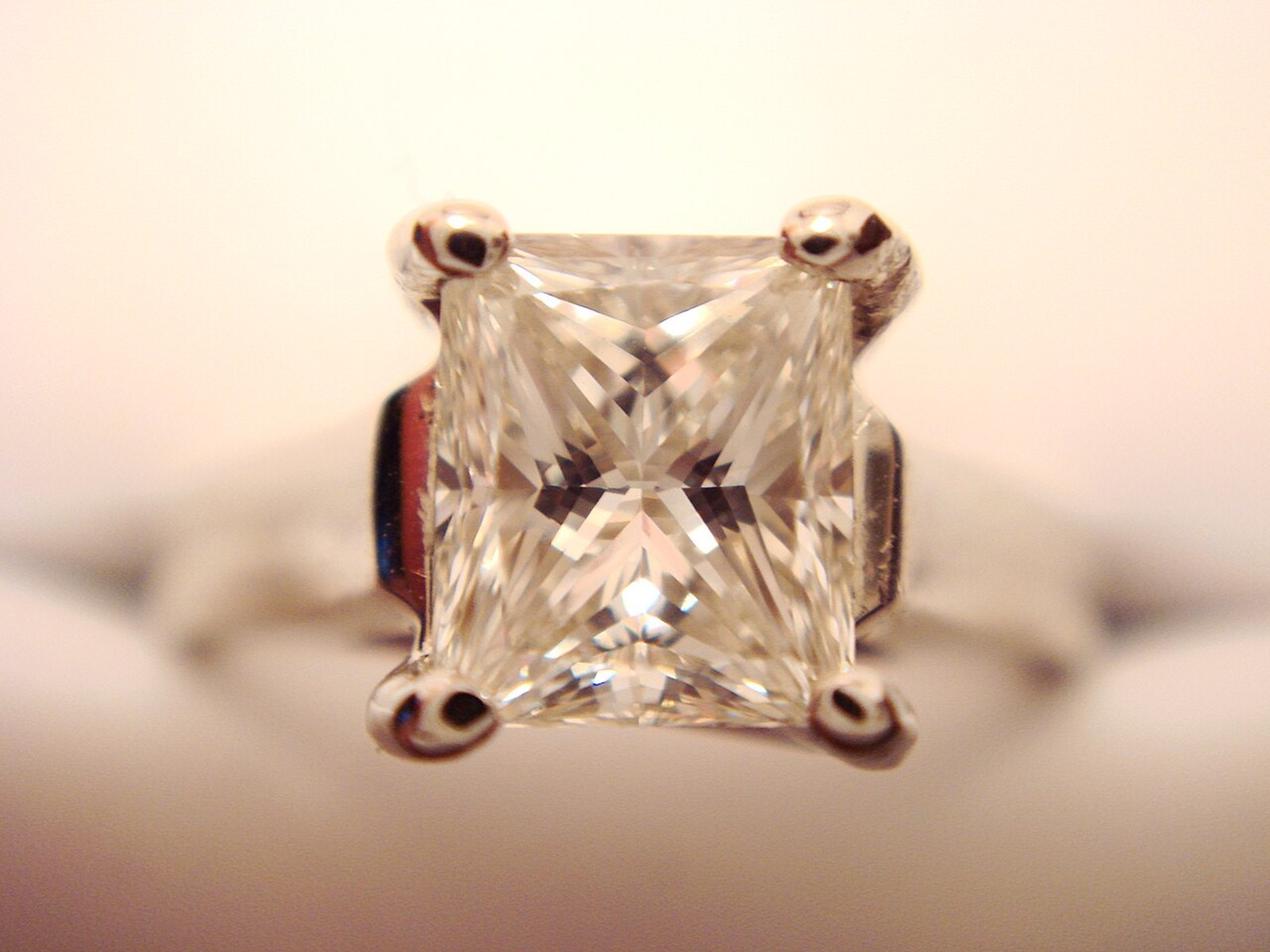
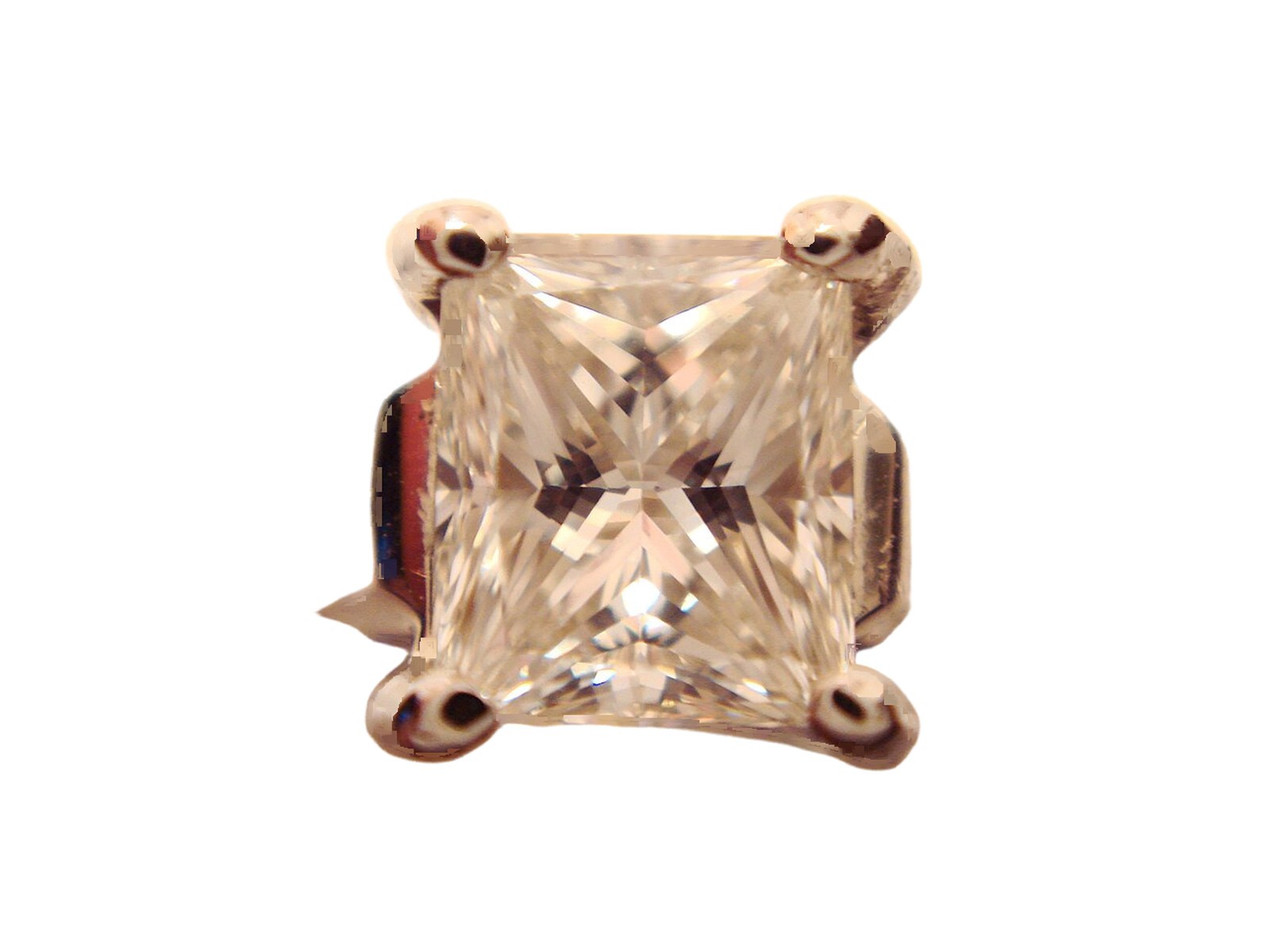
Busy background out, the setting kept.
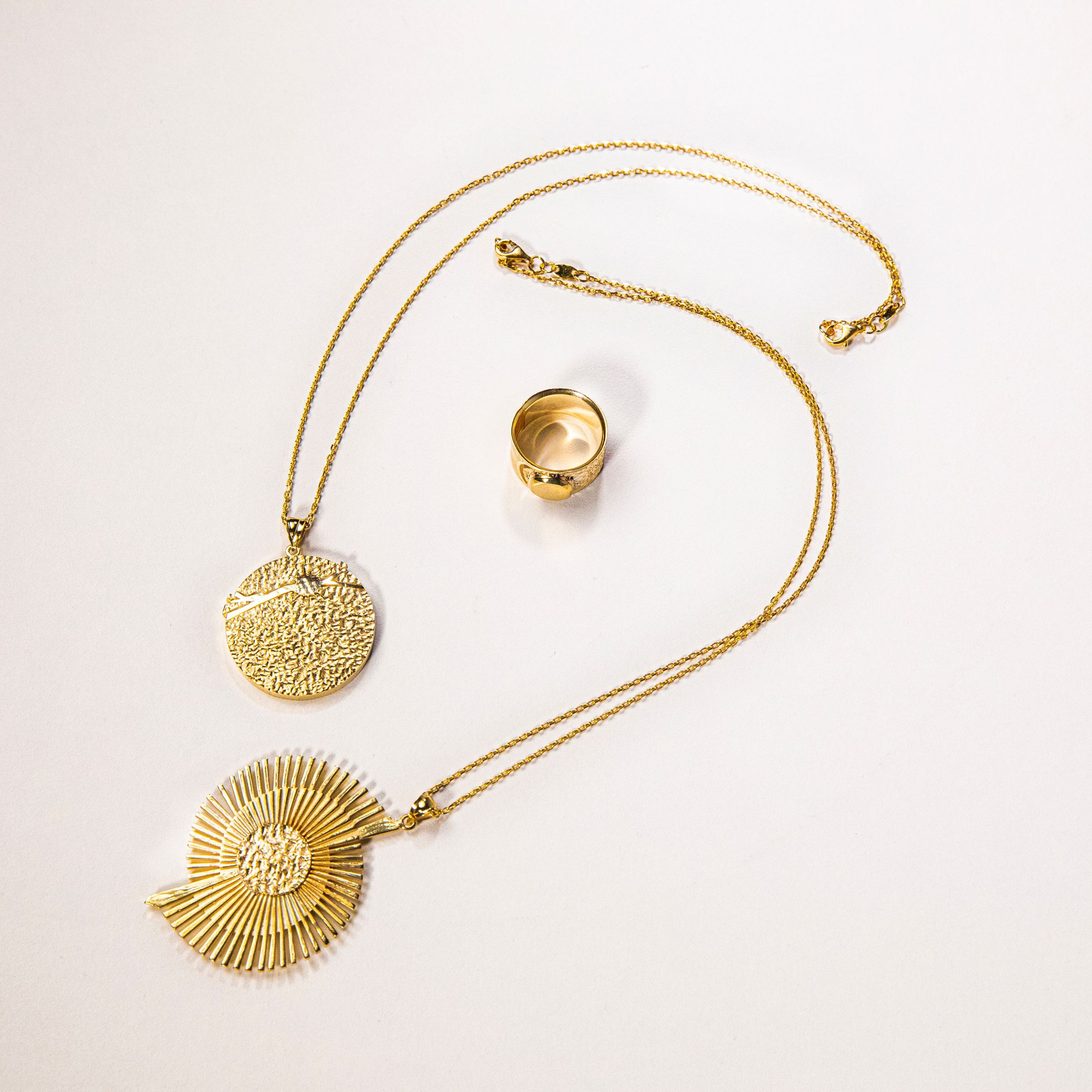
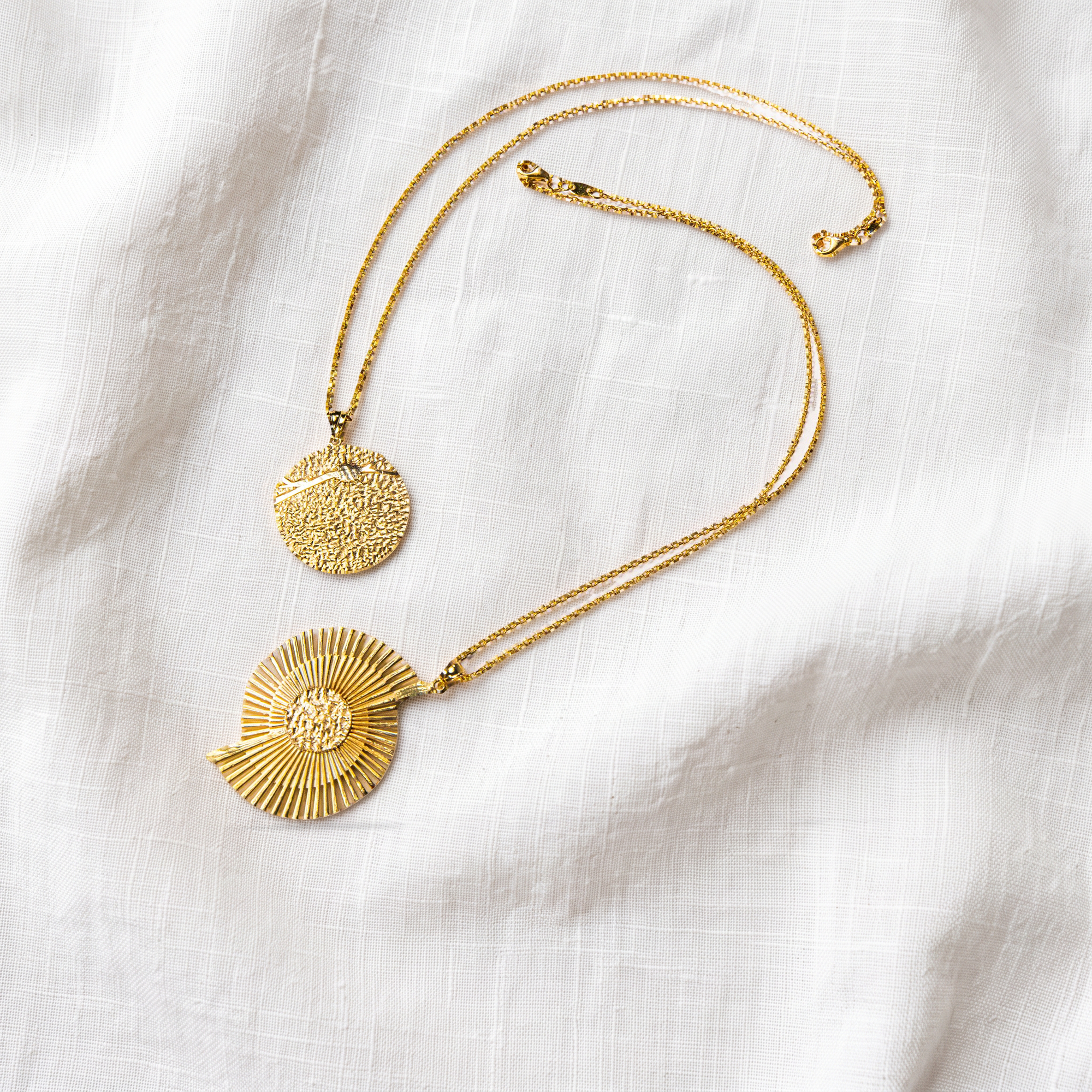
Same two chains, new linen scene.
Key facts
- Shelfcanvas, an AI jewelry photography tool for marketplace sellers, turns one phone photo into a white-background listing image or a styled scene.
- Stones, pendants, clasps and chains count as part of the piece and are never removed; busts, stands and display props are.
- Shoot several pieces in one photo and every piece is kept.
- In our jewelry test of 10 photos — necklaces, rings, earrings and bracelets — only 2 needed a second look, and no chain was broken.
- In scenes, your piece is placed back with its original pixels, so metal color and hallmarks don't drift; fine chains are never redrawn.
How to do a jewelry photoshoot with your phone
- 01
Upload a jewelry photo
One piece, a pair of earrings, or several pieces together, in focus and fully in frame. Any background works, even a bust or a busy table.
- 02
Choose White background or Scene
White background gives you a 2000 × 2000 px listing image and a transparent PNG. For a scene, pick White plaster, Beige silk, Gift box or Velvet spotlight.
- 03
Generate in Studio
Press Generate. Log in or create an account if you haven't — your photo and settings are kept. Check the result, then download or move on to marketplace sizes.
How to photograph a necklace for your listing
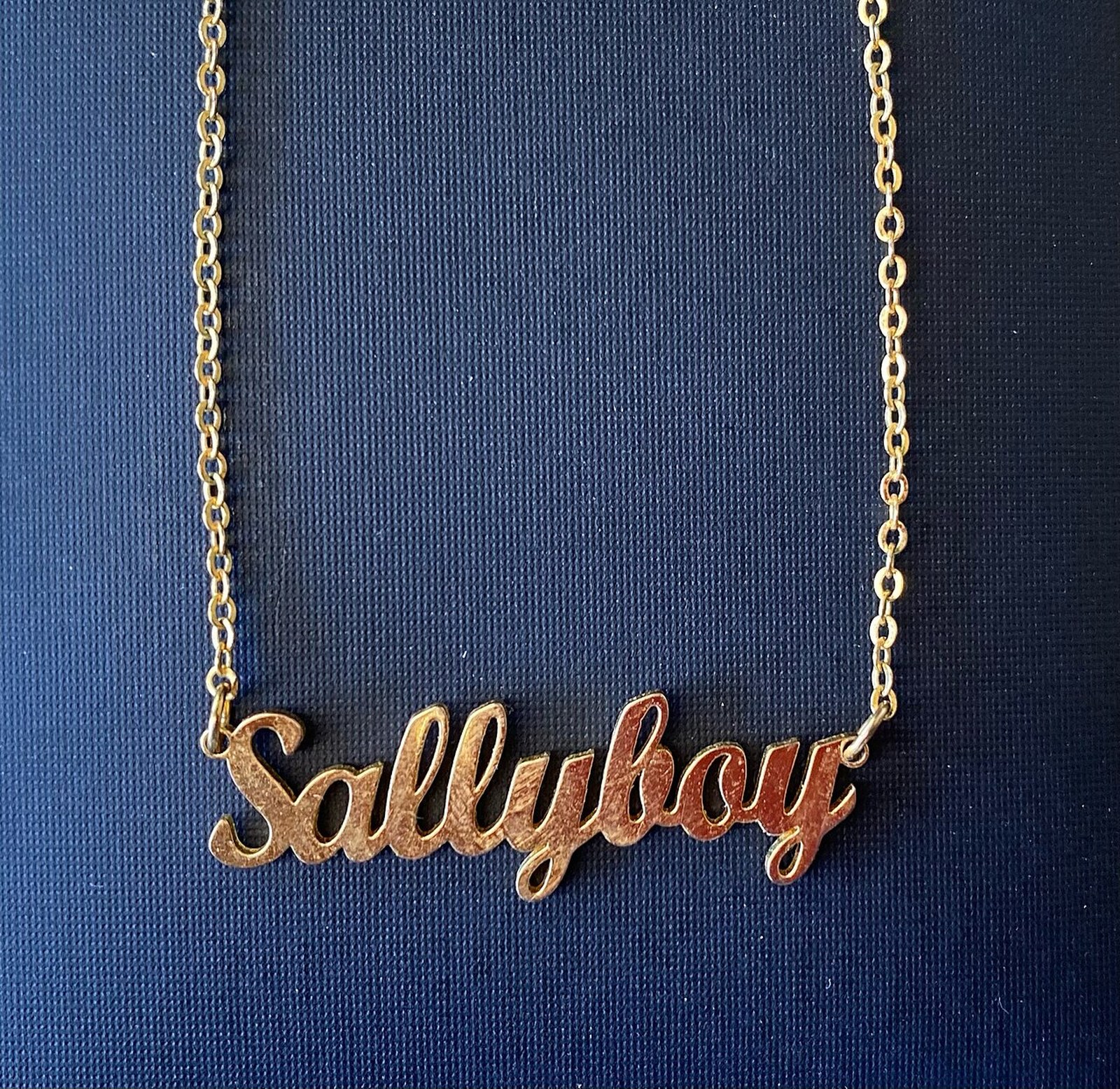
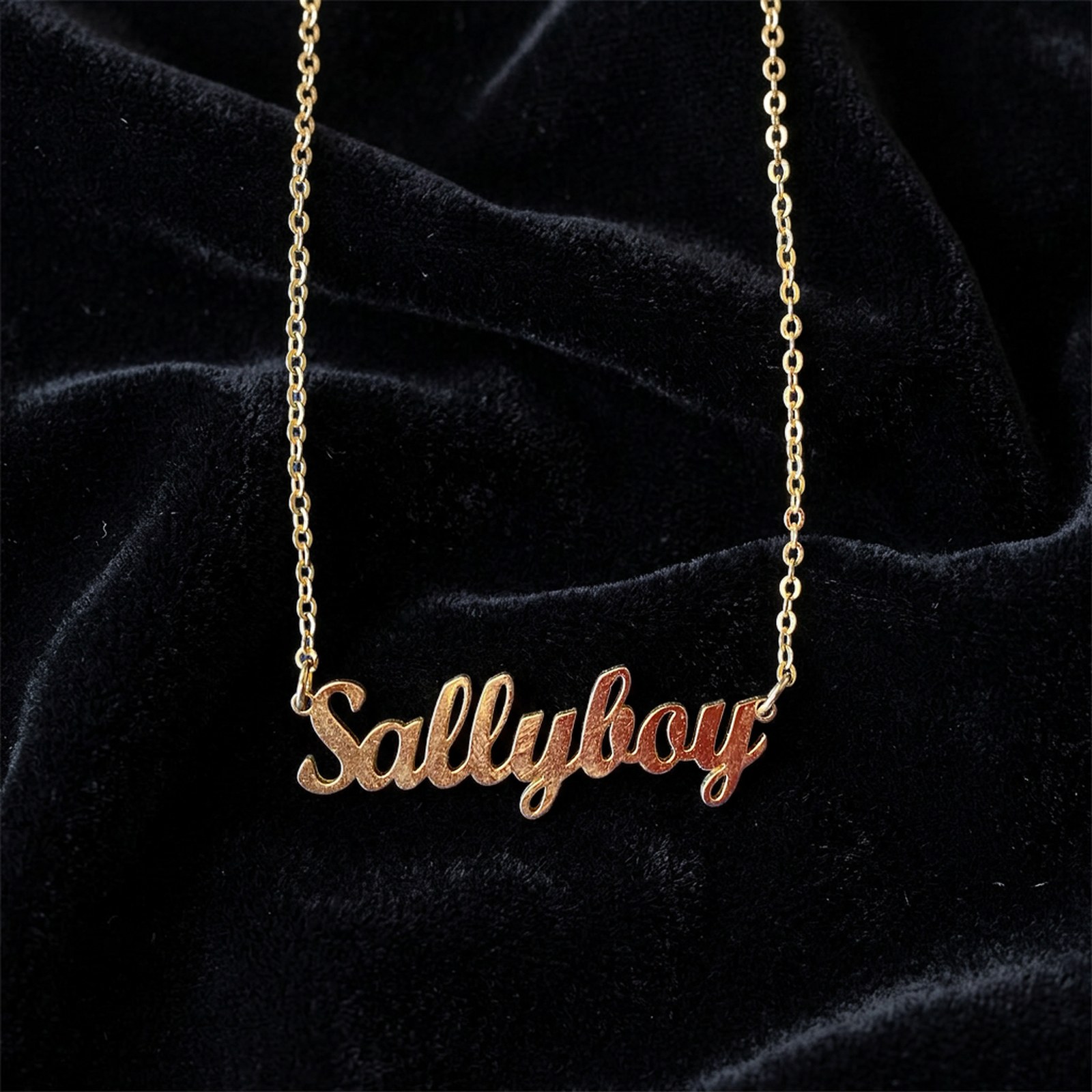
Lay the necklace flat in a soft curve with the pendant centered, or hang it on a bust — both work. Shoot the whole chain in frame, then take a close-up of the pendant and the clasp.
- On white: the bust or stand is removed and the full chain, pendant and clasp stay.
- In a scene: fine chains are never redrawn — we generate an empty scene and place your original chain back in the same position, with a soft shadow.
Ring photoshoot: three angles that answer buyers' questions
Shoot the ring front-on for the stone, at about 45° to show the band, and from above into the band for engravings or size marks. Stand it upright with a little putty or wax.
- Prongs and settings come from your photo, so the stone keeps the same number of prongs.
- The putty or stand is removed on white; for the inside of the band, use the close-up as its own image.
How to photograph earrings as a pair
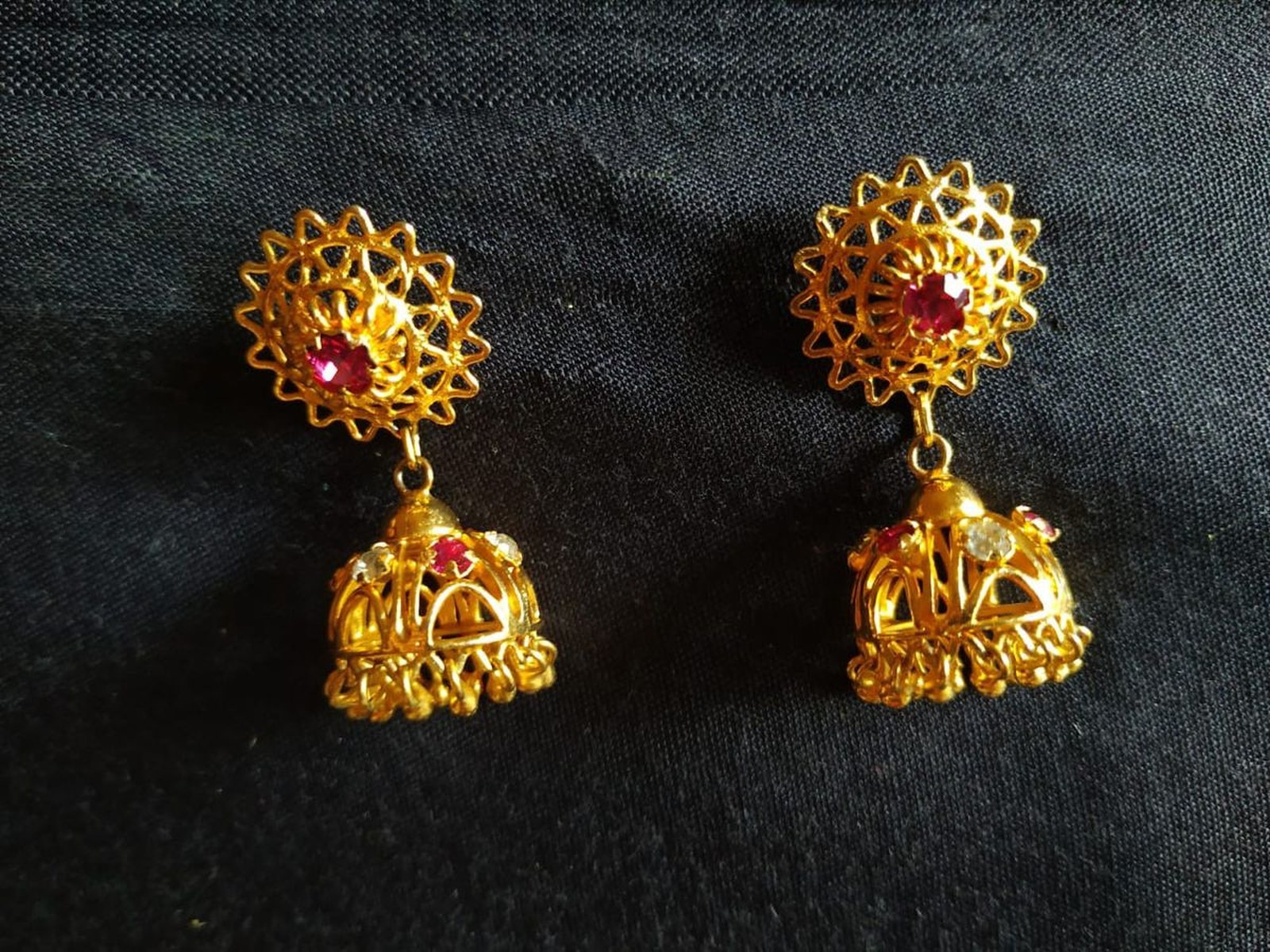
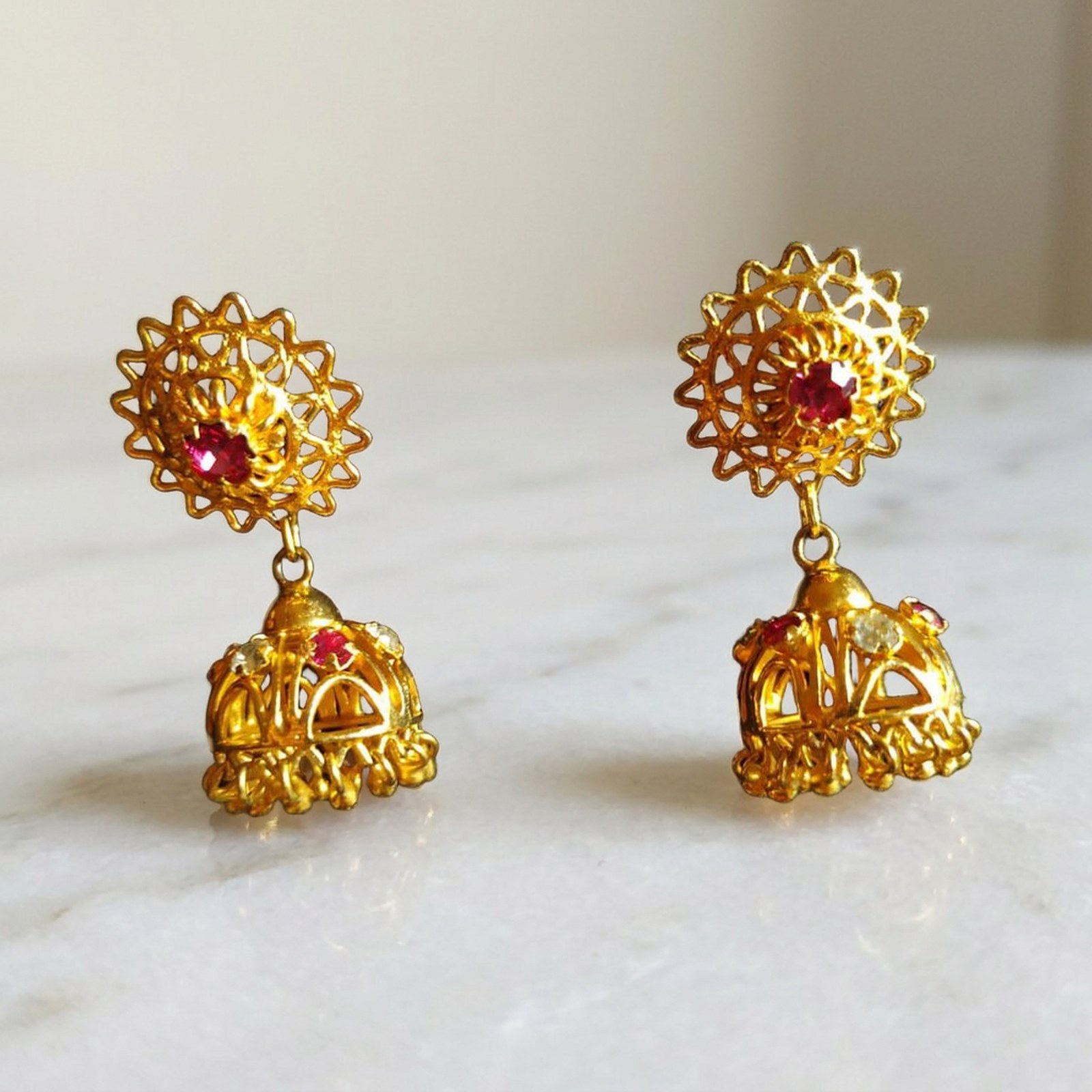
Shoot the pair together, side by side at the same height and angle, then one earring alone for the post, hook or back.
- A pair of earrings is treated as one product, so both stay in the image and are centered together.
- Drop earrings hung on a card or a line: the card is removed, the hooks stay.
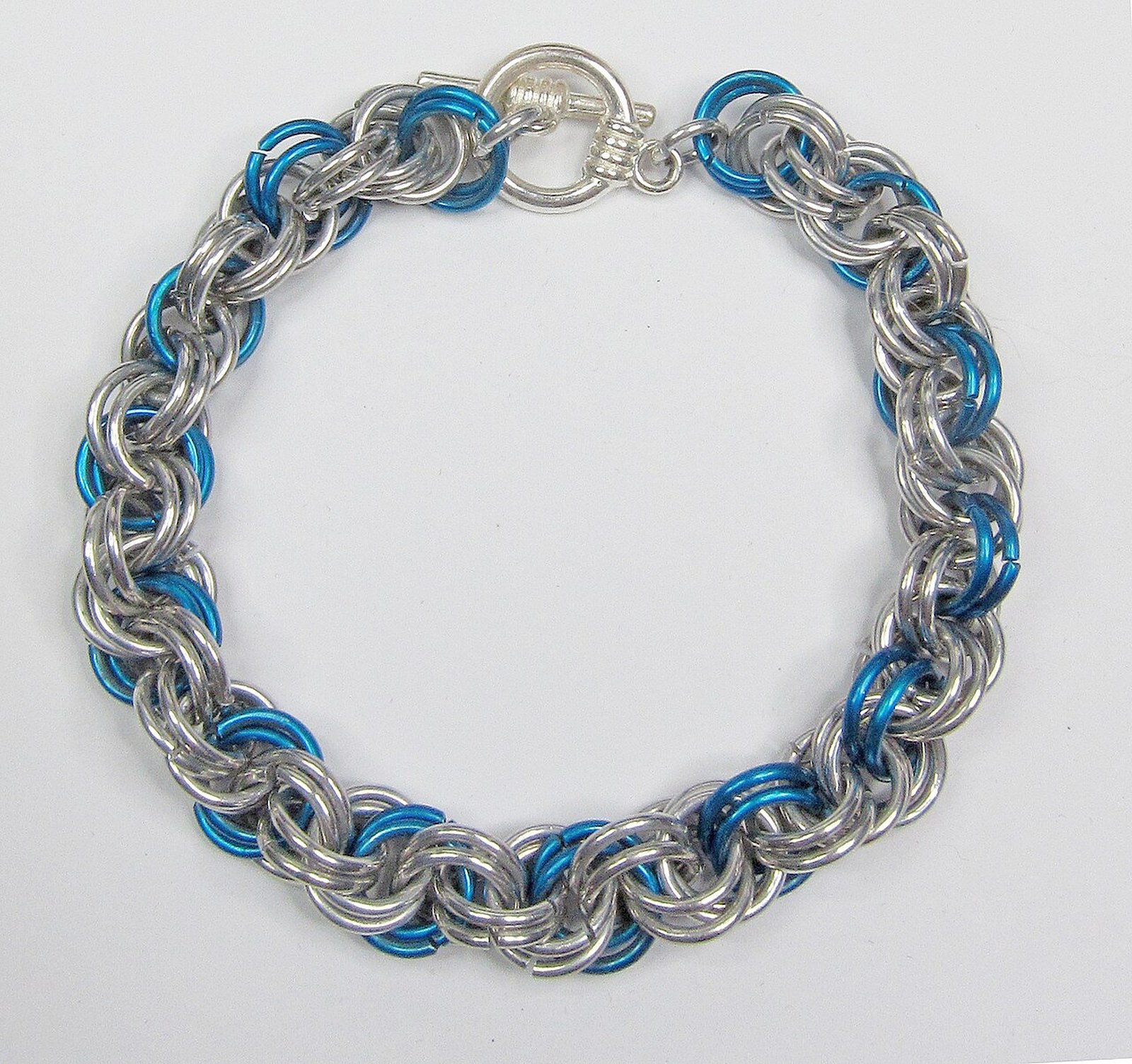
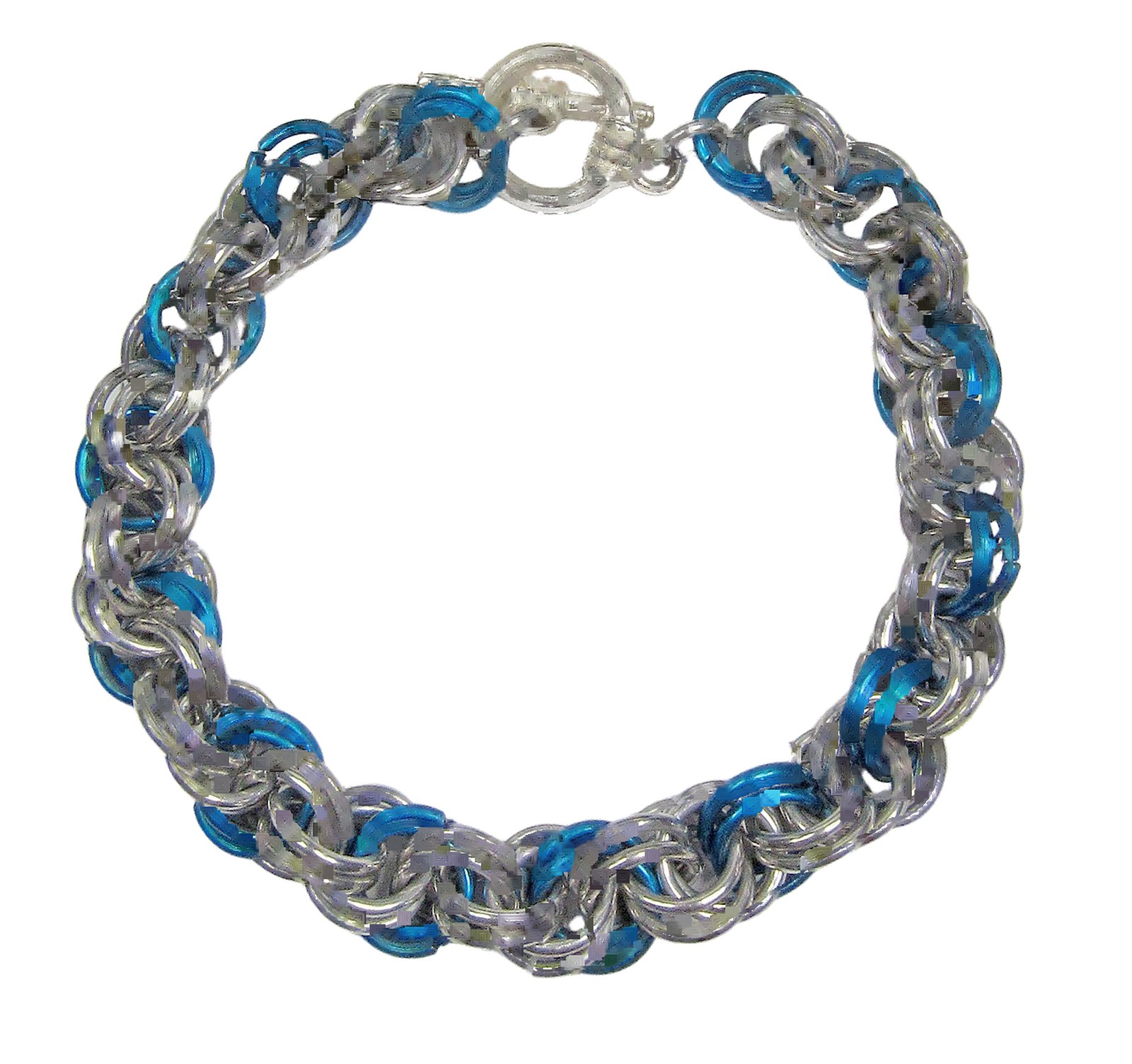
Bracelet photoshoot: flat, angled, and closed
Shoot the bracelet closed in a natural curve with the clasp lined up, plus one angled view for depth. Charms and beads should face the camera.
- For beaded bracelets, lay them on a plain, slightly darker cloth so light beads keep a clean edge, and shoot from directly above so every bead is in focus.
- Links, charms, beads and stones are kept; the display cushion or T-bar stand is removed.
Photos of jewelry being worn keep the hand, ear or neck in the image. For a clean product shot, photograph the piece on its own.
How Shelfcanvas keeps your jewelry real
Jewelry is the hardest category for AI: models add a prong, drop a link or warm silver into champagne. So we don't let the model touch the piece. For a white background, we find the piece, keep stones, pendants, clasps and chains as part of it, and remove only the bust, stand or props. For a scene, we generate the surroundings and place your original piece back with a contact shadow; fine chains go into an empty scene in their original position.
- In our tests: 10 jewelry photos on white — 2 flagged to check, 0 chains broken; a 13-photo rerun with stones, clasps and links — 0 removed by mistake. Scenes across 12 product types, including earrings, a bracelet and a fine necklace — 12 of 12 placed back, color difference 0.02–1.2 ΔE.
Jewelry photography without a light box
A light box does two jobs: a clean background and soft light. Shelfcanvas does the first one for you. The light on the piece still comes from your photo, so:
- Use one soft light — a window on an overcast day, the window at your side. A bare flash or ring light puts hot spots on metal and stones.
- Light gemstones from the side — side light brings out facets; light from straight on flattens them.
- Watch for yourself in the metal — polished silver and gold reflect the room; hold a sheet of white card opposite the window.
- Clean before you shoot — dust and fingerprints are part of the photo, and we keep the piece exactly as photographed.
- Pick a contrasting surface — a darker cloth under silver, diamonds and light beads gives the cleanest edge on white.
Jewelry photography background: white or scene?
| White background | Scene | |
|---|---|---|
| Use it for | Amazon main image, eBay, catalog grids | Etsy and Shopify galleries, ads, social posts |
| What you get | Pure white RGB 255, 2000 × 2000 px, plus a transparent PNG | A 2K styled jewelry background: White plaster, Beige silk, Gift box or Velvet spotlight |
| What changes | Background replaced; busts and stands removed | The surroundings and light; the piece is your original photo |
| Credits | 1 | 4 |
| Get started | Create an account to get started. | Plans and credit packs |
| Full tool | White background photo editor → /white-background | AI photoshoot → /ai-photoshoot |
Jewelry product photography for Amazon, Etsy, eBay and Shopify
- Amazon main image: pure white background, RGB 255, 255, 255, with the product filling 85% or more of the frame; images larger than 1000 px on each side enable zoom. sell.amazon.com/blog/product-photos
- Etsy: at least 2000 px on width and height is recommended, and the first photo should be at least 635 px; transparent areas show up black on Etsy, so upload the white JPG, not the PNG. help.etsy.com/hc/articles/115015663347
- eBay: at least 500 px on the longest side, about 1600 × 1600 px recommended; white backgrounds usually work best, and reflective jewelry can go on a dark background. No borders, text or watermarks. eBay picture policy (id=4370)
- Shopify: square images display best at 2048 × 2048 px. Shopify product media types
- TikTok Shop (US): every product image at least 600 × 600 px; the main image on pure white. TikTok Shop US image guidelines
Last checked against official marketplace guidelines on 2026-10-14. How we check
How we check
We compare each marketplace preset with the official guidelines linked in the table above. The last-checked date records that review.
- Export presets apply the selected dimensions, file format and background.
- Technical image checks measure image size, background and product fill where the marketplace specifies them.
- You can inspect the result and choose where to use it. Marketplace acceptance remains a marketplace decision.
Who uses it
Etsy and Shopify jewelry makers
listing new pieces every week without a light box or a studio.
Vintage and resale jewelry sellers
who need hallmarks and stones to show as they are.
Amazon and eBay jewelry sellers
who need white main images that match across a whole catalog.
Listing designers and agencies
turning around jewelry images for several shops.
Jewelry photography FAQ
Shelfcanvas, an AI jewelry photography tool for marketplace sellers, turns one phone photo into a pure white 2000 × 2000 px listing image or a 2K styled scene. Stones, clasps and chains count as part of the piece and are never redrawn: in our 10-photo jewelry test, only 2 needed a second look and no chain was broken.
For listing photos, Shelfcanvas does in one session what a retouching service does in a day or two: it removes the background, keeps every stone, clasp and chain from your own photo, and gives you a white 2000 × 2000 px image or a styled scene. Keep a studio for campaign shoots on models.
Create an account to get started.
Stock photos show someone else's piece, so use photos of the item you sell.
A recent phone, a window with soft daylight, a sheet of white card to bounce light, and a little putty to stand rings up. You don't need a light box for the background: Shelfcanvas replaces it with pure white or a styled scene.
Clean the piece, shoot by a window instead of with a flash, light gemstones from the side, get closer rather than zooming, and keep the whole piece in frame. Then use one background for the whole collection, so every listing looks like the same shoot.
Shelfcanvas keeps stones, prongs, engravings and metal color from your original photo by cutting your piece out and placing it back.
Yes. On a white background, chains are kept as part of the piece — none broke in our jewelry test. In scenes, fine chains are never redrawn: we generate an empty scene and place your original chain back in the same position with a soft shadow.
Yes. A pair of earrings is treated as one product, so both stay in the image and are centered together.
Yes. Every piece in the photo is kept on the white background. To show one piece on its own, photograph it alone.
Busts, stands, cards and display props are removed. When we're not sure whether something is part of the piece, we keep it and mark the image to check rather than lose part of the piece.
Clean your piece and shoot by soft window light first for clear reflections and less dust. Shelfcanvas keeps the piece exactly as photographed, including reflections and dust, so the gold, silver and stone colors you shot are the colors buyers see.
Simple surfaces that don't compete with the piece: plaster, silk, linen, velvet or a gift box. Avoid props that could look included in the order. Shelfcanvas jewelry scenes include White plaster, Beige silk, Gift box and Velvet spotlight.
Not with AI yet. Photos of jewelry being worn keep the hand, ear or neck in the image, so for listing shots photograph the piece on its own, and list the exact size in your description.
The main image needs a pure white background, RGB 255, 255, 255, with the piece filling at least 85% of the frame. Choose White background and Shelfcanvas exports exactly that at 2000 × 2000 px; use scenes for the other image slots.
Etsy recommends at least 2000 px on width and height and shows transparent areas as black, so upload a white JPG or a scene, not a transparent PNG. A styled scene as the first photo and a white shot for detail is a common setup for handmade jewelry.
Yes. eBay says white backgrounds usually work best but reflective jewelry can go on a dark background. On Shelfcanvas, pick the Velvet spotlight scene for a dark look, or White background for a plain white image.
Press Not right? Send it to us under the result and tell us what's off. Our team fixes it for free and adds the fixed version to your creations — we usually reply within 48 hours.
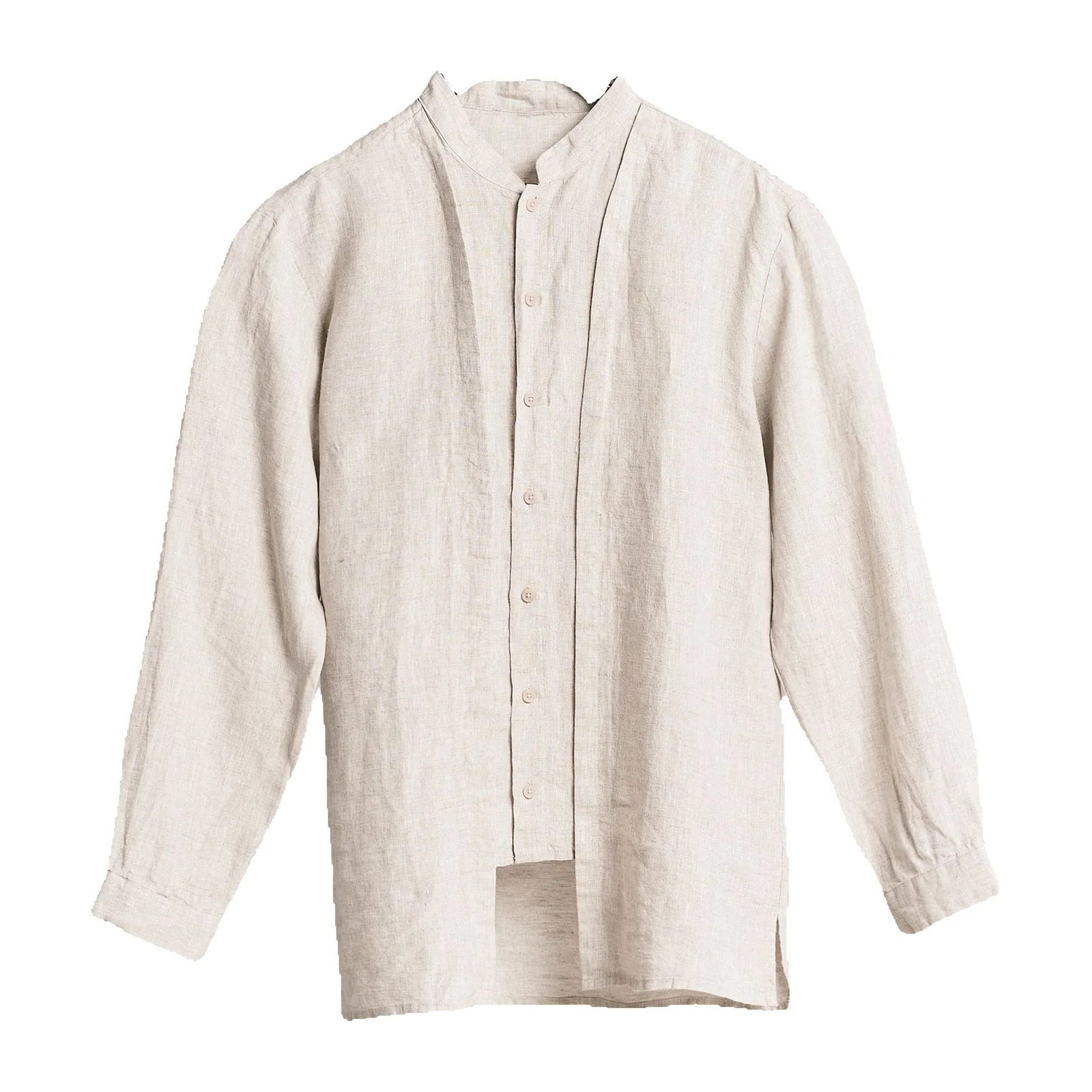
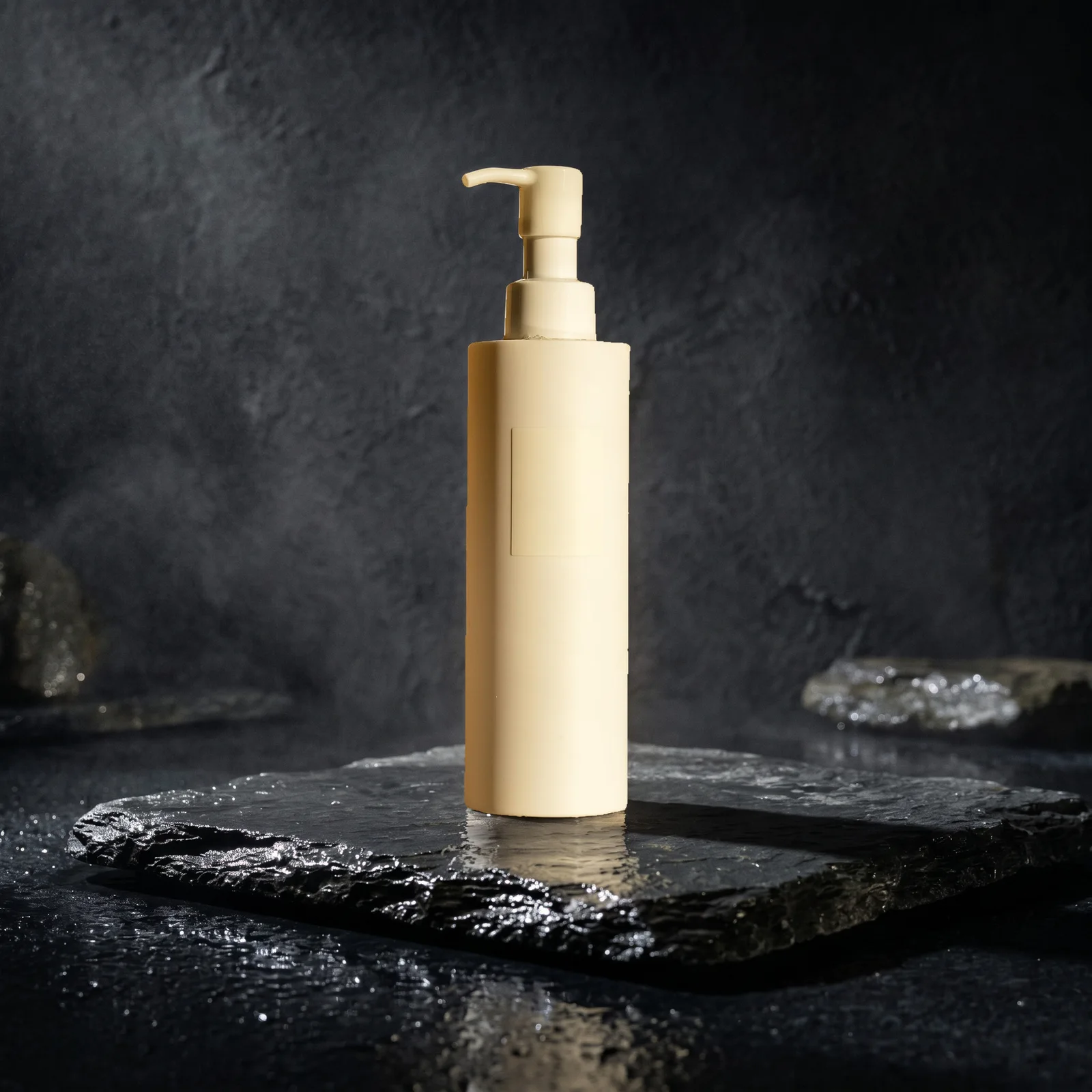
Photograph your next piece with your phone
White background 1 credit Scenes 4 credits
Upload a jewelry photo